


Managing a restaurant is a complex symphony of moving parts, and at its heart is the schedule. From coordinating front-of-house and back-of-house staff to managing reservations and special events, having a reliable and robust calendar system is non-negotiable. While a basic personal calendar like Google Calendar or Apple Calendar might work for personal use, restaurants require a specialized solution. The best calendar app for a restaurant is more than just a tool to note down dates; it’s a dynamic workforce management platform designed to streamline scheduling, manage labor costs, and prevent scheduling conflicts.
These specialized mobile apps are designed to handle the unique demands of the hospitality industry, offering features far beyond what standard other calendar apps provide. They act as shared calendars for the entire team, simplifying communication and ensuring everyone is up to date on their shifts and responsibilities. In this guide, we provide a comprehensive overview of the top options to help you find the best calendar app for your restaurant’s unique needs.
Lower your delivery costs by 23%
How we reduce costs:
- No delivery vehicle expenses
- Optimized local routes
- Pay-per-delivery model
- Average 23% delivery cost reduction
A Side-by-Side Look at the Best Calendar Apps for Restaurants
App | Best For | Starting Price (per month) | Key Strength |
|---|---|---|---|
7shifts | Multi-location restaurants | Free / $39.99/location | Labor forecasting |
Homebase | Small single-location | Free | All-in-one HR tools |
Sling | Budget-friendly scheduling | Free | Simplicity and tasks |
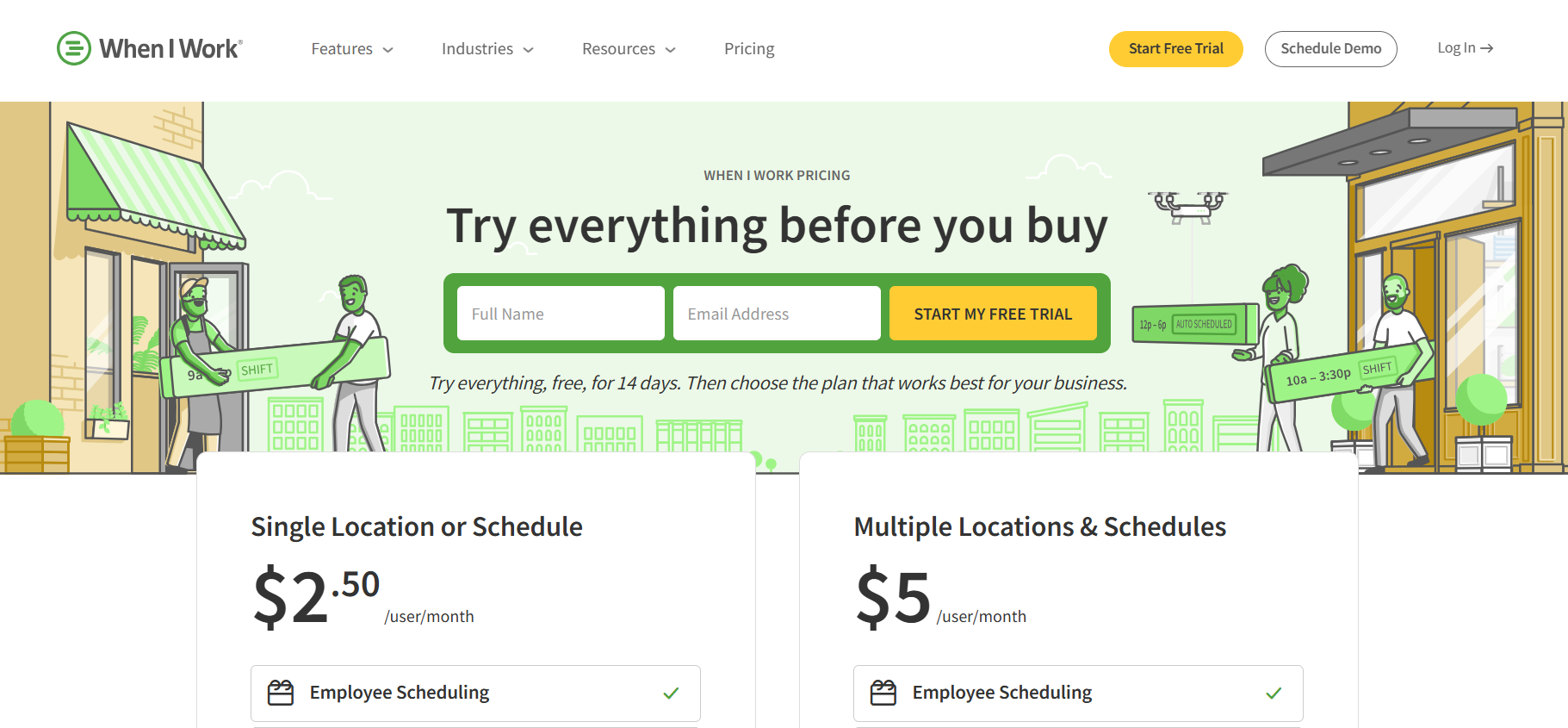
When I Work | Flexible shift swapping | $2.50/user | Mobile-first interface |
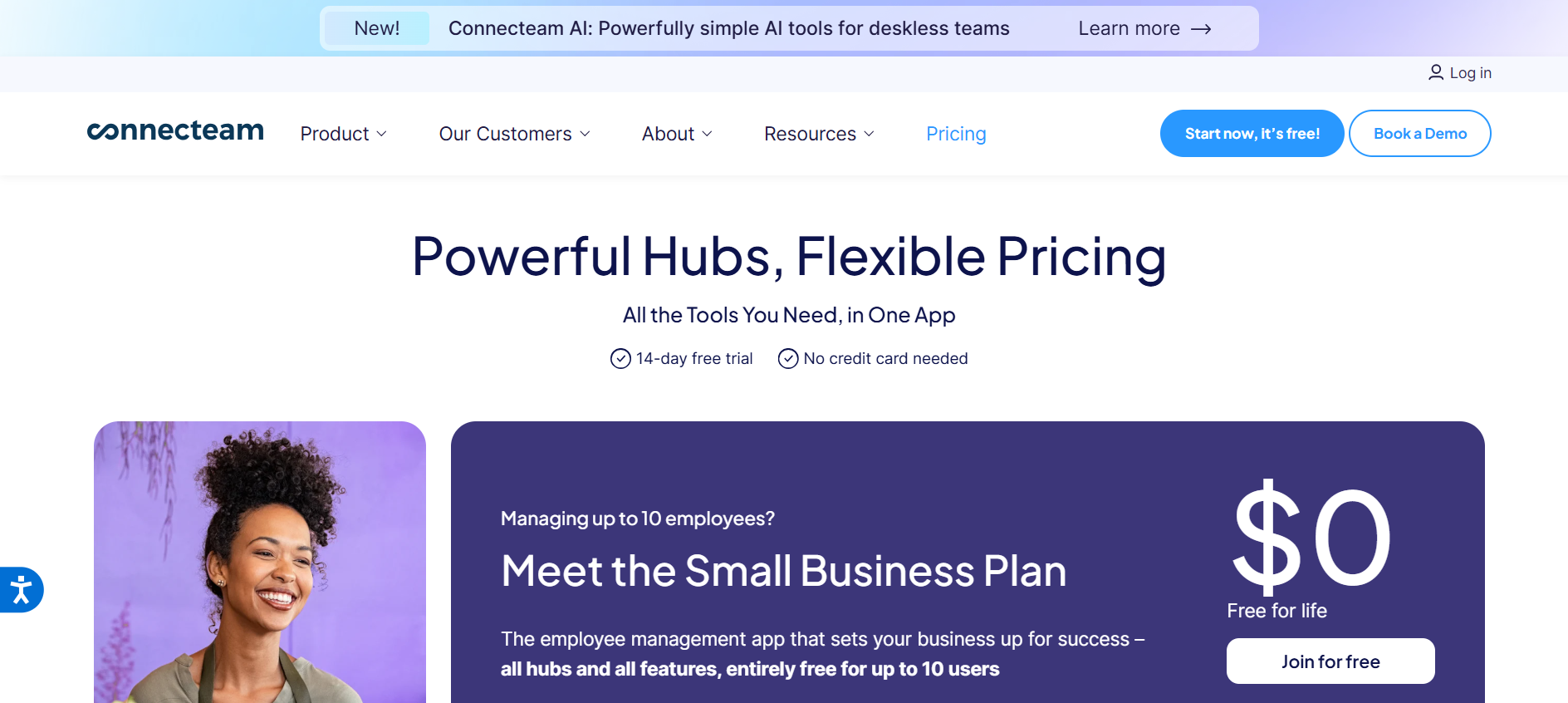
Connecteam | Mobile workforce management | Free / $29 | Employee engagement tools |
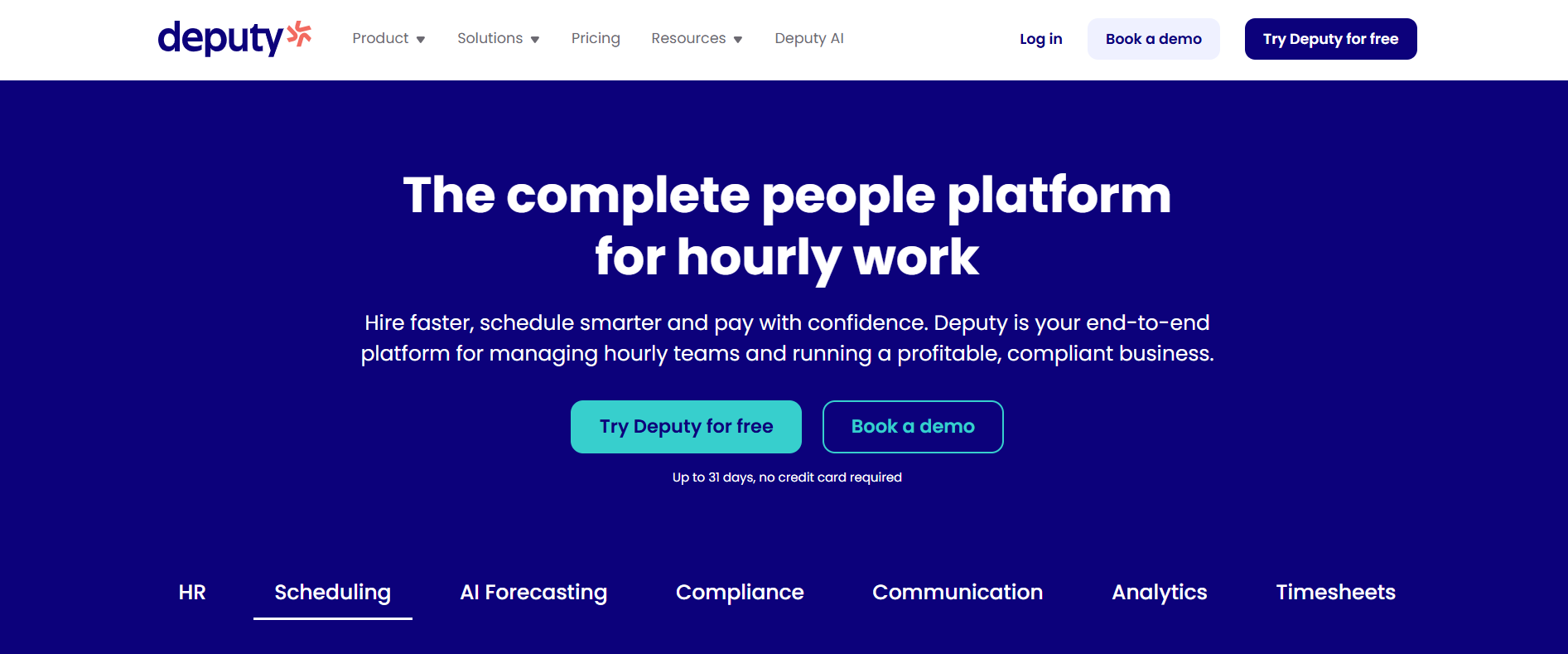
Deputy | Large teams with compliance needs | $3.50/user | Compliance and time tracking |
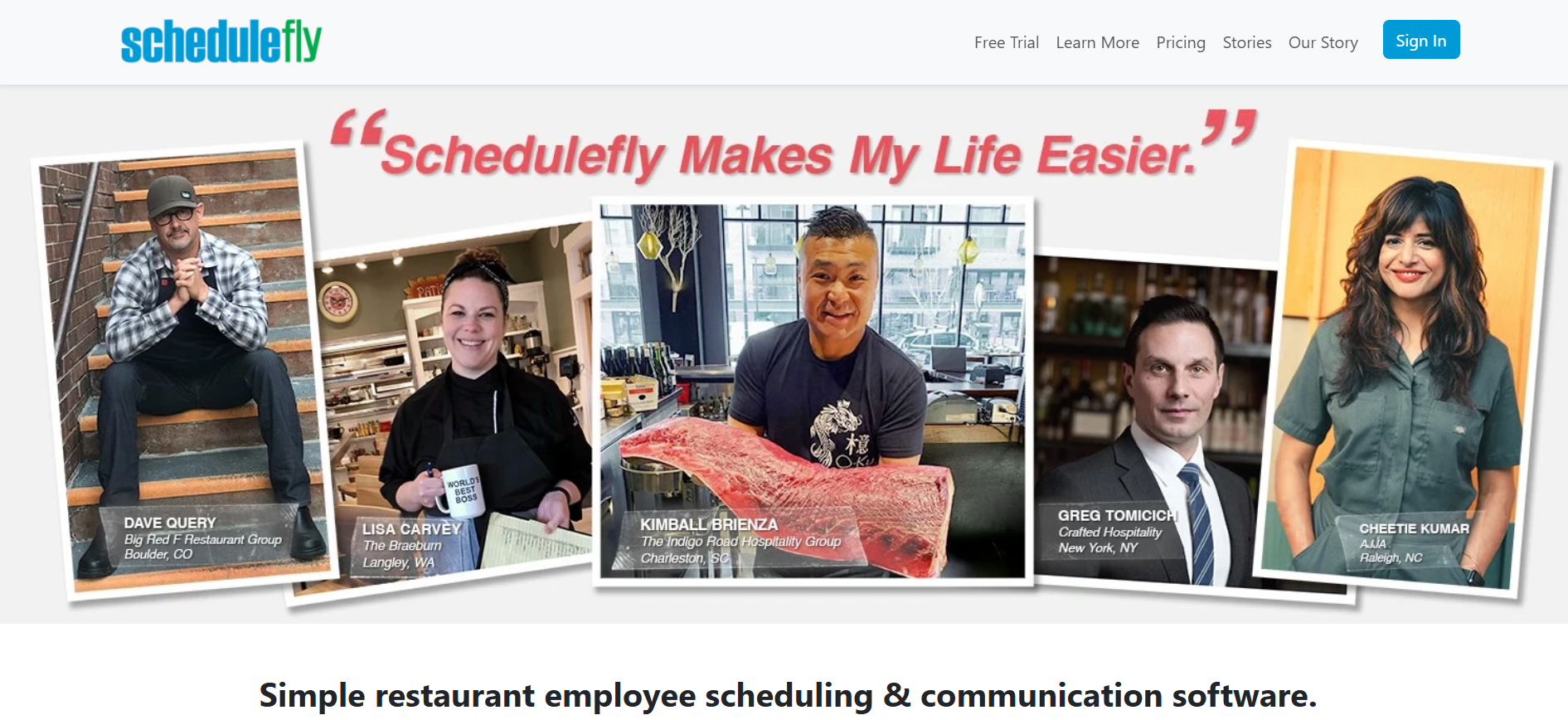
Schedulefly | Independent restaurants | $30/location | Restaurant-focused simplicity |
HotSchedules | Enterprise-level chains | $49/location | Robust analytics |
OpenSimSim | Small flexible teams | Free / $12.99/location | Cost-effective flexibility |
ZoomShift | Simple shift planning | $2/user | Intuitive design |
Humanity | Customizable scheduling | $3/user | Scalable for growth |
Shiftboard | Complex shift patterns | Custom pricing | Advanced customization |
12 Best Calendar Apps for Restaurants
1. 7shifts
Best for Multi-Location Restaurants
Pros | Cons |
|---|---|
✔️ Restaurant-specific tools like auto-scheduling and tip pooling streamline operations. | ❌ Higher-tier plans are costly for small budgets. |
✔️ Seamless team communication reduces no-shows and improves reliability. | ❌ The free version lacks advanced forecasting features. |
✔️ Strong POS integration enables real-time labor cost tracking. | ❌ Minor UI glitches reported for multi-location management. |
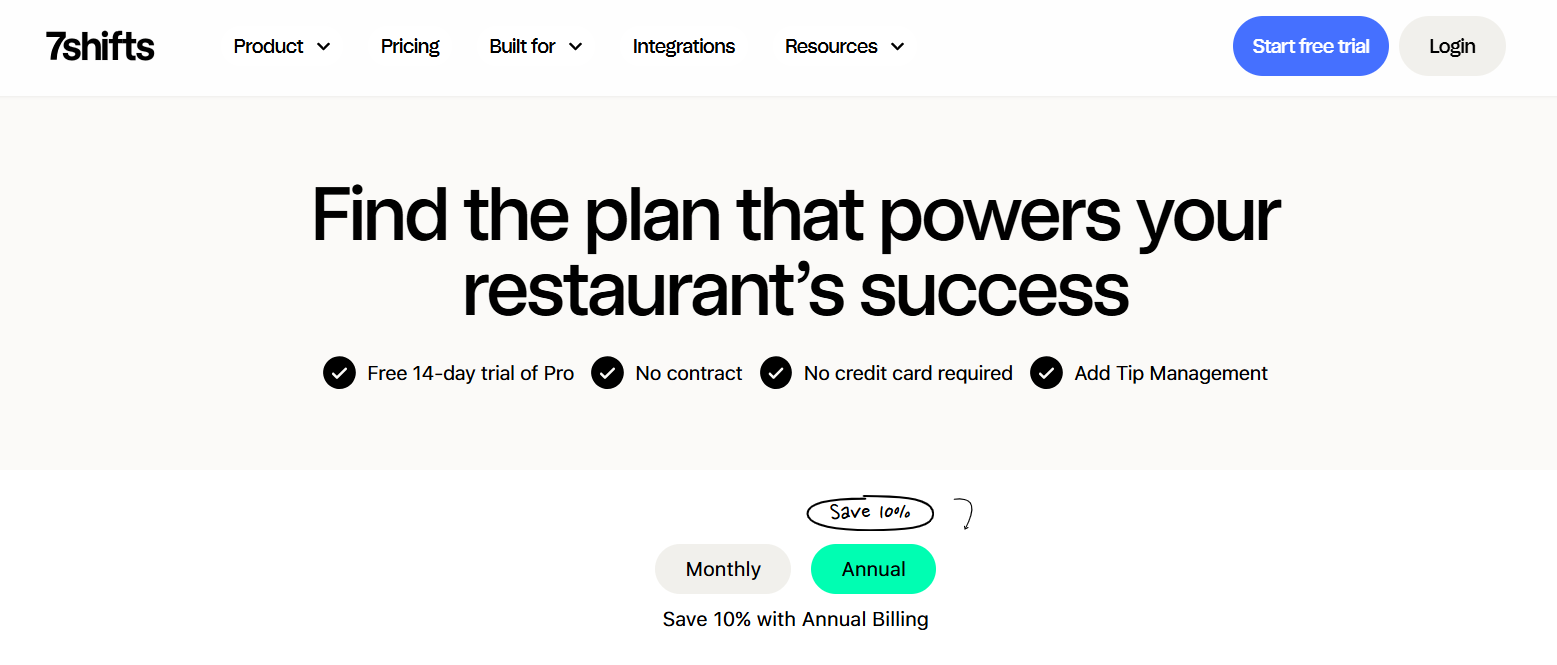
Tailored specifically for the restaurant industry, 7shifts is a powerhouse for managing complex schedules across multiple calendars and locations. This great calendar app excels at labor forecasting, using sales and even weather data to help managers create cost-effective schedules. Its ability to integrate deeply with POS systems makes it more than just a simple calendar app; it’s a comprehensive tool for optimizing every aspect of workforce management, from scheduling shifts to managing tips.
Why We Chose 7shifts
We chose 7shifts because its feature set is explicitly designed to solve the biggest challenges in restaurant management. Unlike generic other calendar services, it provides tools for tip pooling, labor compliance, and performance reporting that are critical for restaurant owners. The platform’s focus on communication and employee engagement helps reduce turnover, making it the best calendar for growing and established restaurant chains looking to streamline scheduling.
Key Features
Auto-scheduling using sales and weather data for staffing optimization.
Shift swapping and open shift bidding for employee flexibility.
Geofenced time tracking to prevent buddy punching.
Integrated tip management for equitable payout distribution.
Detailed labor cost and sales alignment reports.
Pricing Details
Comp (Free): Basic scheduling for up to 20 employees; limited reporting.
Essentials: $39.99/location/month (when month billed annually) – Includes time tracking and core features.
Pro: $79.99/location/month (annual) – Adds labor forecasting and advanced reports.
Premium: $134.99/location/month (annual) – Offers custom API access and onboarding tools.
2. Homebase
Best for Small Single-Location Restaurants
Pros | Cons |
|---|---|
✔️ A robust free plan covers core scheduling and time tracking needs. | ❌ Advanced features like PTO tracking require paid plans. |
✔️ The intuitive mobile app is accessible for all staff members. | ❌ Customer support response times can be slow during peak periods. |
✔️ Built-in compliance and hiring tools simplify HR tasks. | ❌ Less suited for large, multi-location chains compared to competitors. |
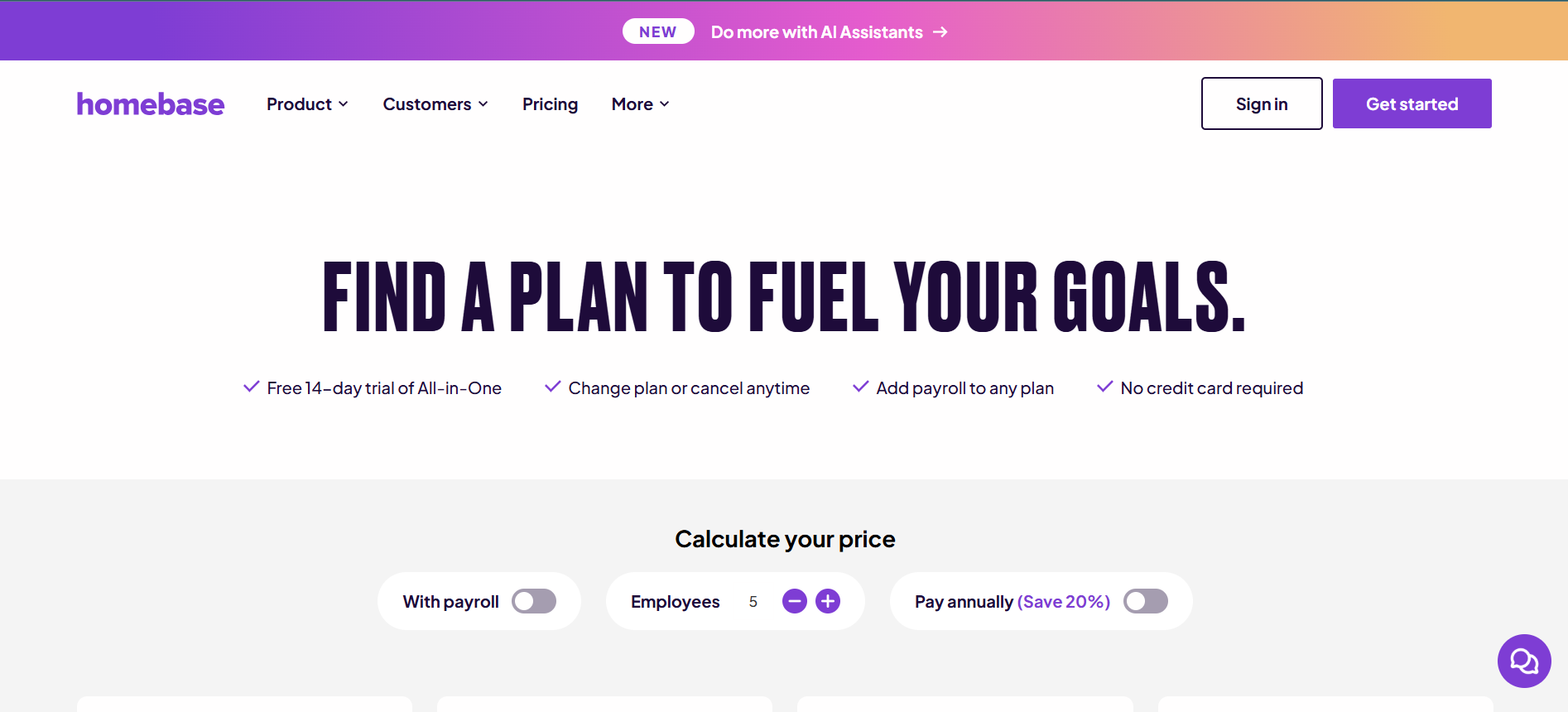
Homebase is an excellent choice for small, independent restaurants seeking a powerful yet affordable solution. Its free calendar app tier provides more than enough calendar functionality for a single location, including scheduling, time clocks, and team communication. For many small business owners, Homebase serves as an all-in-one HR platform, helping them manage everything from hiring to payroll without breaking the bank. It’s one of the best free calendar app options available for the restaurant industry.
Why We Chose Homebase
Homebase stands out for its incredible value. The free version is one of the most generous on the market, making it the perfect starting point for restaurants on a tight budget. It successfully combines scheduling with essential HR tools, allowing owners to manage personal and work calendars for their staff, track hours, and maintain compliance, all from one calendar platform.
Key Features
Drag-and-drop scheduling with availability-based auto-fill.
GPS-verified time clock with break and overtime reminders.
Labor budgeting tools linked directly to sales data.
Integrated team messaging for shift updates and announcements.
A hiring module with connections to major job boards.
Pricing Details
Basic (Free): Scheduling and time tracking for 1 location with up to 10 employees.
Essentials: $24/location/month (annual) – Advanced scheduling and communication.
Plus: $56/location/month (annual) – Adds hiring and PTO tracking.
All-in-One: $96/location/month (annual) – Full HR and compliance tools.
3. Sling
Best for Budget-Friendly Scheduling
Pros | Cons |
|---|---|
✔️ A feature-rich free plan supports up to 30 users. | ❌ Limited POS integration compared to more specialized apps. |
✔️ Integrated task management helps clarify daily responsibilities. | ❌ Reporting in lower-tier plans is basic and lacks depth. |
✔️ Real-time messaging reduces shift miscommunication effectively. | ❌ May face scalability issues for very large or complex teams. |
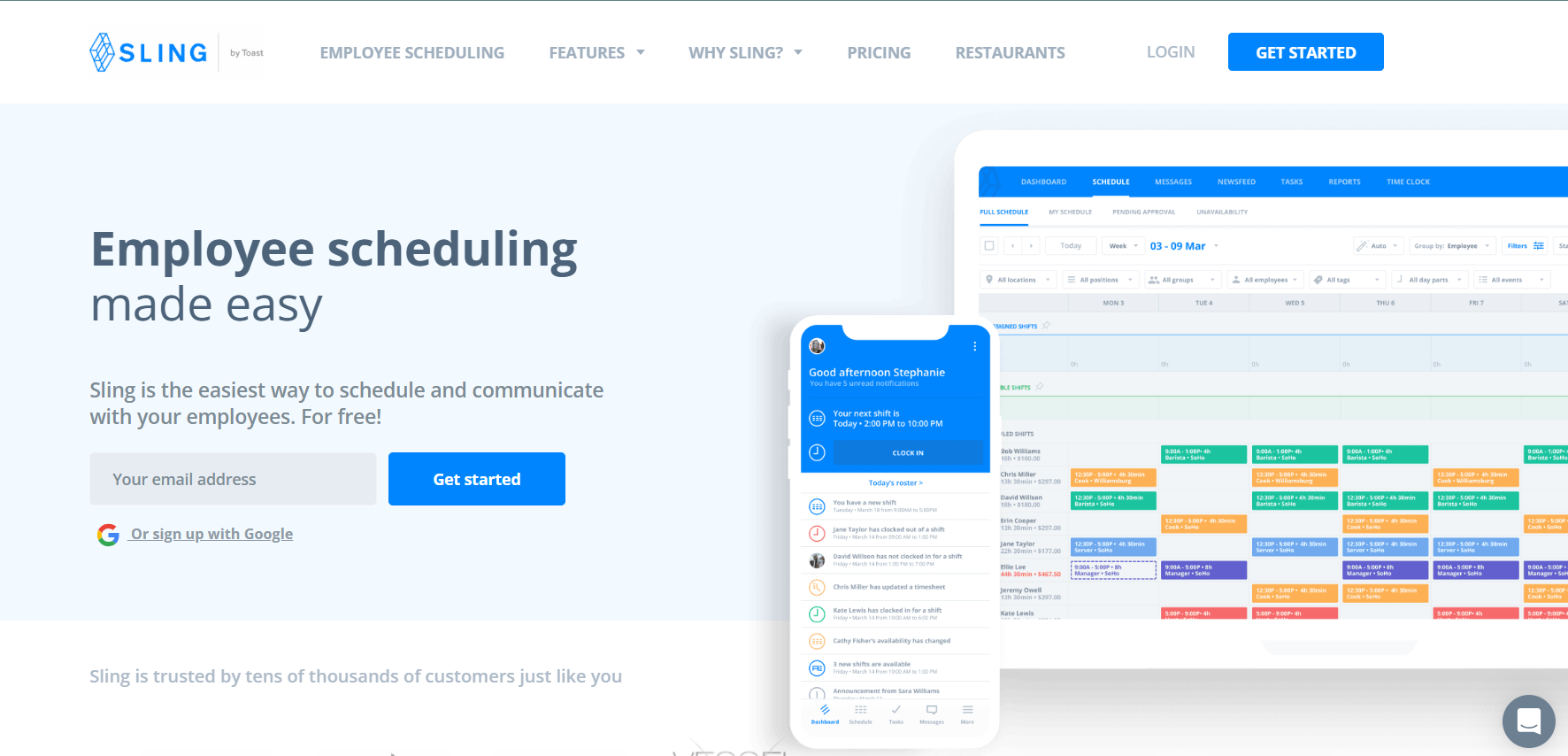
Owned by Toast, Sling is a simple calendar app that prioritizes ease of use and affordability. Its standout feature is the integration of task management within the schedule, allowing managers to assign specific duties for each shift. This is invaluable for maintaining consistency in service. The generous free calendar app plan and low-cost premium plans make it an attractive option for restaurants looking for a reliable scheduling tool without a hefty price tag.
Why We Chose Sling
Sling is the best calendar app for restaurants that need more than just scheduling but aren’t ready for a full-blown HR suite. By combining scheduling with task management and communication, it helps ensure that shifts run smoothly and every team member knows their responsibilities. Its straightforward interface makes it easy to edit events and manage upcoming events without a steep learning curve.
Key Features
Template-based shift creation for building recurring events and schedules quickly.
An available shifts board for easy shift swapping and coverage.
Labor cost tracking with overtime alerts.
Mobile time clock with geofencing capabilities.
Group messaging and task assignments within the app.
Pricing Details
Free: Unlimited schedules for up to 30 users with core features.
Premium: $1.70/user/month (annual) – Adds time tracking and labor tools.
Business: $3.40/user/month (annual) – Unlocks advanced reports, PTO, and kiosk mode.
4. When I Work
Best for Flexible Shift Swapping
Pros | Cons |
|---|---|
✔️ Affordable per-user pricing is scalable for growing teams. | ❌ The user interface feels somewhat dated compared to modern competitors. |
✔️ Shift eligibility rules ensure skilled staff are always on duty. | ❌ Some key features are locked behind more expensive tiers. |
✔️ The mobile app effectively reduces no-shows with smart notifications. | ❌ Limited HR tools beyond scheduling and time tracking. |
When I Work is a mobile-first calendar app designed for dynamic workplaces like restaurants, where flexibility is key. Its strength lies in employee-driven scheduling, with powerful tools for shift swapping and open shift bidding. This empowers staff to manage their own personal schedules while ensuring the restaurant is always adequately staffed. It’s an excellent tool for improving employee morale and reducing the administrative burden on managers.
Why We Chose When I Work
We selected When I Work for its exceptional mobile experience and flexible scheduling options. It makes it incredibly easy for employees to trade shifts and pick up extra hours, which is a huge benefit in the fast-paced restaurant environment. The app’s focus on communication and event reminders helps keep the entire team in sync, making it a top choice for fostering a collaborative work culture.
Key Features
Multi-week drag-and-drop scheduling with templates.
OpenShifts feature with auto-approval for seamless shift swaps.
Real-time labor cost alerts and forecasting.
GPS-enabled time clock with break management.
In-app messaging and availability polling.
Pricing Details
Essentials: $2.50/user/month – Basic scheduling and messaging.
Pro: $5/user/month – Advanced scheduling rules and reporting.
Premium: $8/user/month – API access, SSO, and webhooks.
5. Connecteam
Best for Mobile Workforce Management
Pros | Cons |
|---|---|
✔️ The free plan for small teams is robust and highly functional. | ❌ Less restaurant-specific in its feature set than 7shifts. |
✔️ Employee engagement tools like surveys help boost retention. | ❌ Advanced analytics and reporting require higher-tier plans. |
✔️ Customizable forms are useful for restaurant-specific checklists and reports. | ❌ The initial setup can be complex for beginners. |
Connecteam is a comprehensive workforce management app that extends beyond simple scheduling. It’s designed for businesses with a mobile-first workforce, making it perfect for restaurants where staff are always on the move. In addition to being a reliable calendar app, it offers tools for internal communication, training, and task management, making it a versatile platform for engaging and managing your team.
Why We Chose Connecteam
Connecteam was chosen for its all-in-one approach to team management. It’s not just for scheduling meetings or shifts; it’s for building a connected and engaged workforce. The ability to create custom forms and quizzes for training, conduct employee surveys, and manage daily checklists in the same app that handles scheduling makes it a uniquely powerful tool for modern restaurants.
Key Features
Shift scheduling with built-in availability checks.
Time clock with GPS location stamps and task tracking.
Labor cost reports that can be tied to budgets.
In-app chat, updates, and employee surveys.
Custom forms for compliance, training, and operational checklists.
Pricing Details
Free: For up to 10 users; includes basic scheduling and communication.
Basic: $29/month (for the first 30 users) – Adds time tracking and forms.
Advanced: $49/month – Unlocks advanced reporting and more features.
Expert: $99/month – Full features and custom workflows.
6. Deputy
Best for Large Teams with Compliance Needs
Pros | Cons |
|---|---|
✔️ Strong compliance tools for managing labor laws and break requirements. | ❌ Higher starting price point compared to some competitors. |
✔️ AI-driven auto-scheduling saves managers significant time. | ❌ The setup can be overly complex for small, simple teams. |
✔️ Highly scalable for multi-location and enterprise-level setups. | ❌ The free trial has limited feature access. |
Deputy is a robust calendar app designed for larger businesses where compliance and efficiency are paramount. Its AI-powered scheduling engine can build fair and optimized schedules in minutes, taking into account everything from staff availability to local labor laws. For large restaurants or chains operating in regions with strict regulations, Deputy is one of the best shared calendar apps for staying compliant and controlling labor costs.
Why We Chose Deputy
Deputy’s strength in compliance is why it made our list. It automates adherence to fair workweek laws, break entitlements, and overtime rules, which is a massive relief for managers. Its powerful AI and scalability make it the ideal choice for large, complex operations that need to manage hundreds of employees across multiple platforms while minimizing legal risks.
Key Features
Auto-scheduling with demand forecasting based on sales data.
Shift swapping with built-in compliance checks.
Time clock with photo verification and facial recognition.
Advanced labor analytics for deep cost control.
Team newsfeed and task assignment features.
Pricing Details
Scheduling: $3.50/user/month – Core scheduling features.
Time & Attendance: $3.50/user/month – Time clock and attendance features.
Premium: $6/user/month – The full, integrated suite.
7. Schedulefly
Best for Independent Restaurants
Pros | Cons |
|---|---|
✔️ Simple, flat-rate pricing with no hidden per-user fees. | ❌ Limited integration with external calendars and other apps. |
✔️ The user experience is tailored specifically to hospitality workflows. | ❌ No free plan available for testing the platform. |
✔️ Strong mobile access for staff to view schedules and communicate. | ❌ Analytics for labor cost tracking are basic. |
Schedulefly is designed with one goal in mind: to provide a dead-simple scheduling solution for independent restaurants. It forgoes the complex advanced features of larger platforms in favor of a clean, intuitive interface that anyone can use. Its flat-rate pricing is refreshing for small business owners who want predictability in their expenses. This is a great calendar app for managers who just want scheduling to be easy.
Why We Chose Schedulefly
We chose Schedulefly for its commitment to simplicity. It understands that many restaurant owners don’t need a tool loaded with bells and whistles; they need a reliable way to create and share a schedule. Its focus on the core needs of independent restaurants and straightforward pricing model makes it a standout choice for those who value ease of use above all else.
Key Features
Simple shift scheduling with swap requests and approvals.
Time-off management with automated notifications.
Mobile time clock for basic employee time tracking.
Team messaging and document/file sharing hub.
Basic labor cost percentage reports.
Pricing Details
Standard: $30/location/month (up to 19 employees).
Plus: $40/location/month (20-39 employees).
Pro: $50/location/month (40+ employees).
8. HotSchedules
Best for Enterprise-Level Chains
Pros | Cons |
|---|---|
✔️ Advanced reporting and analytics for multi-location management. | ❌ Expensive for small to medium-sized restaurants. |
✔️ Strong POS and sales system integration for accurate labor alignment. | ❌ The platform has a steep learning curve for new users. |
✔️ Highly scalable to support high-volume, enterprise-level restaurants. | ❌ Customer support response times can be inconsistent. |
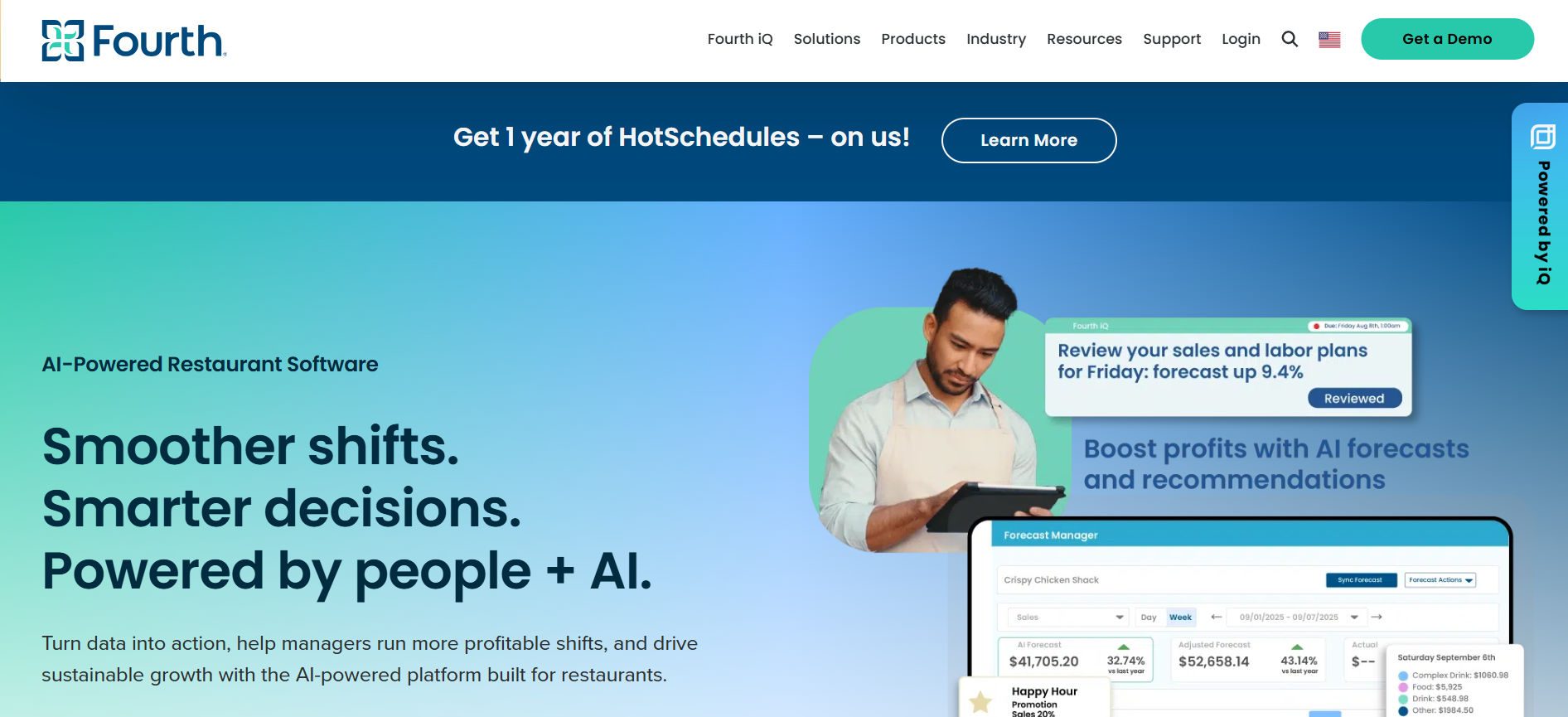
HotSchedules is an industry veteran and the go-to choice for many of the world’s largest restaurant chains. This platform offers deep, enterprise-grade analytics, allowing corporate teams to view multiple calendars and performance metrics across their entire portfolio. Its powerful forecasting tools help optimize staffing levels to align perfectly with sales data, making it an essential tool for maximizing profitability at scale.
Why We Chose HotSchedules
HotSchedules was selected because it is the undisputed leader for enterprise-level restaurant management. Its ability to provide granular control and high-level insights across dozens or even hundreds of locations is unmatched. For large chains, the investment is justified by the significant savings in labor costs and gains in operational efficiency.
Key Features
Demand-based scheduling powered by AI and sales insights.
Shift trading with manager oversight and approval workflows.
Time and attendance tracking with built-in labor compliance tools.
Detailed sales and labor analytics dashboards.
A centralized team communication hub.
Pricing Details
Standard: Starts at $49/location/month for basic scheduling.
Advanced: Starts at $99/location/month for full analytics and features.
Custom enterprise pricing is available.
9. OpenSimSim
Best for Small Flexible Teams
Pros | Cons |
|---|---|
✔️ A solid free plan for basic scheduling for up to 10 users. | ❌ Limited integration options for payroll and other services. |
✔️ Very easy for staff to swap shifts and manage their availability. | ❌ Reporting features are basic compared to more robust rivals. |
✔️ Affordable paid tiers provide a clear path for growth. | ❌ Less suited for complex operations with strict rules. |
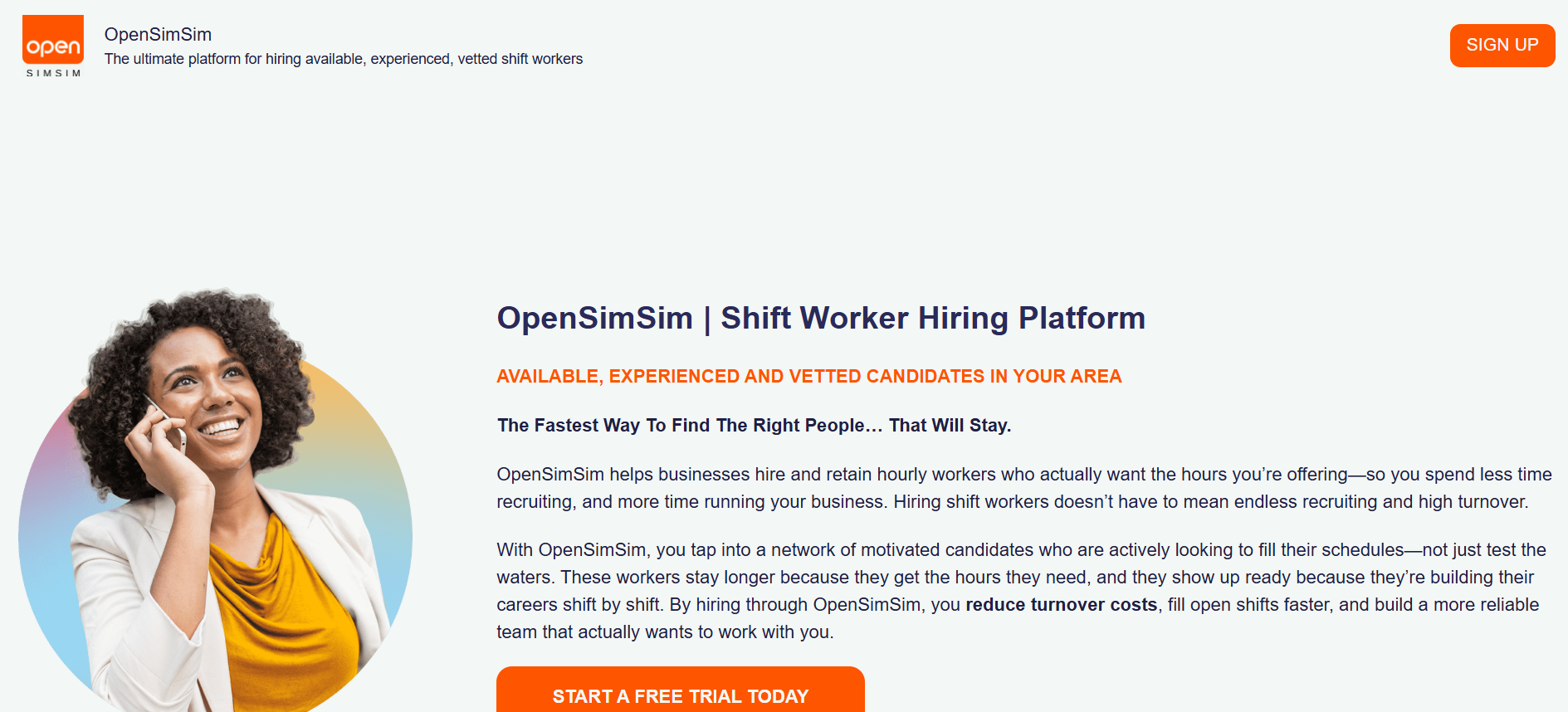
OpenSimSim is another excellent free calendar app designed for small teams that need a simple and flexible scheduling solution. It makes it incredibly easy for employees to manage their own schedules by bidding on open shifts and swapping with coworkers. The interface is clean and straightforward, focusing on core scheduling and communication without overwhelming users with unnecessary features.
Why We Chose OpenSimSim
OpenSimSim is the best calendar app is for small teams that prioritize flexibility and employee autonomy. Its cost-effective pricing and easy-to-use platform provide a low-risk entry point for restaurants looking to digitize their scheduling process. It’s a perfect step up from using spreadsheets or Google Docs for scheduling.
Key Features
Shift scheduling with employee availability management.
Open shifts for employee bidding and self-scheduling.
Time clock with geolocation to ensure staff are on-site.
Basic labor cost tracking and reporting.
Team messaging and real-time alerts.
Pricing Details
Free: Basic scheduling for up to 10 users.
Premium: $12.99/location/month – Unlocks time tracking and reporting.
Enterprise: Custom pricing available.
10. ZoomShift
Best for Simple Shift Planning
Pros | Cons |
|---|---|
✔️ Extremely user-friendly drag-and-drop scheduling interface. | ❌ Lacks advanced analytics and forecasting capabilities. |
✔️ Affordable and transparent per-user pricing model. | ❌ Fewer integration options than top-tier competitors. |
✔️ A strong mobile app provides excellent access for all staff members. | ❌ No free plan is available for long-term use. |
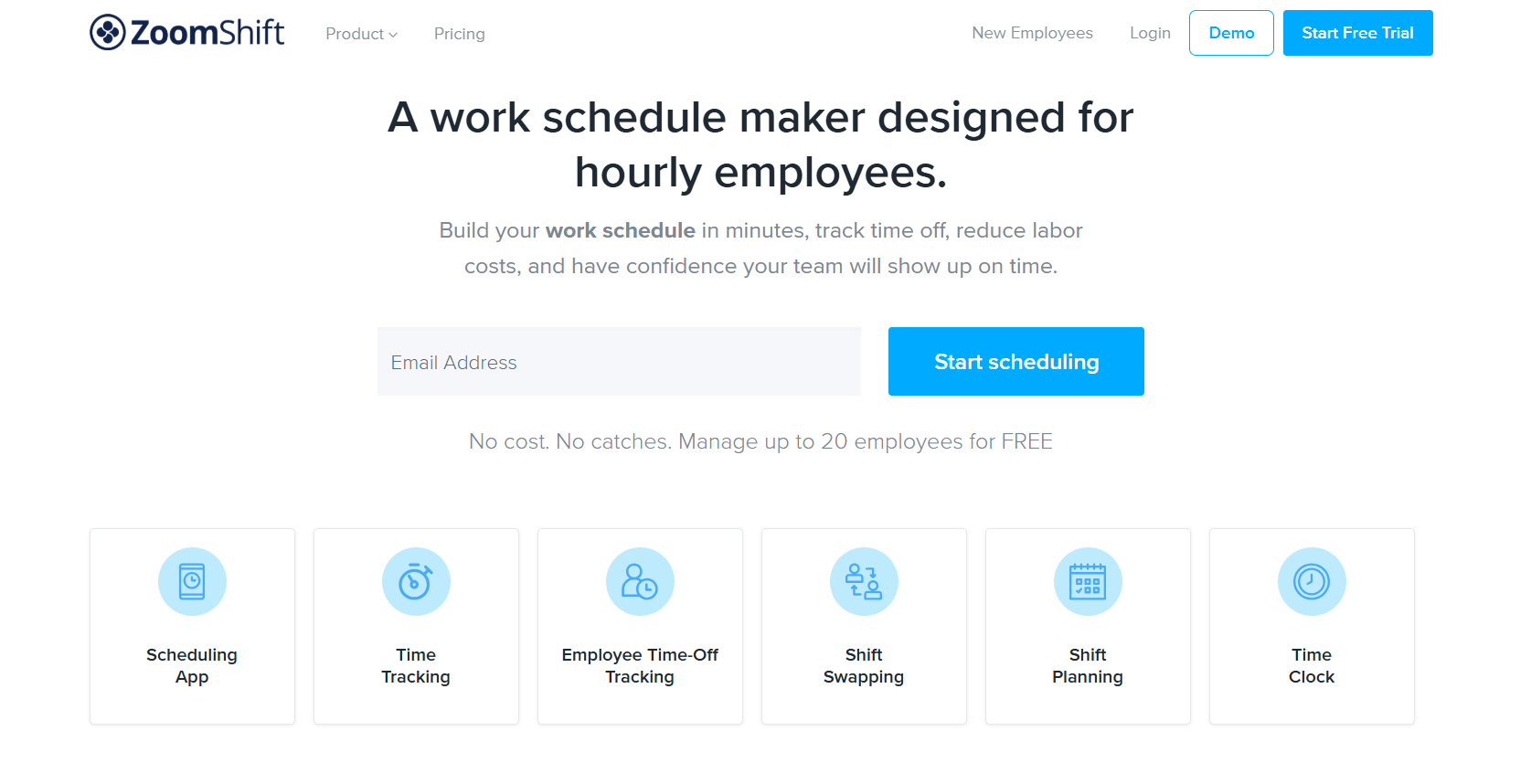
ZoomShift focuses on making the process of shift planning as fast and easy as possible. Its drag-and-drop interface and schedule templates allow managers to build out a week’s schedule in minutes. The app is praised for its simplicity and clean design, making it a great option for owners who want a no-fuss, reliable scheduling tool that their team can adopt quickly.
Why We Chose ZoomShift
We chose ZoomShift for its exceptional ease of use. It strips away the complexity found in other platforms to deliver a streamlined scheduling experience. For managers who are tired of spending hours on scheduling, ZoomShift is a breath of fresh air. Its affordability and strong mobile functionality make it a top contender for small to medium-sized restaurants.
Key Features
Shift templates for quick and easy schedule planning.
Swap and drop shift options for employee flexibility.
Time tracking with labor cost and overtime alerts.
Team communication and messaging within the app.
Basic compliance reporting for breaks and hours.
Pricing Details
Starter: $2/user/month – Basic scheduling and communication.
Premium: $4/user/month – Adds time tracking and advanced reports.
Enterprise: Custom pricing available.
11. Humanity
Best for Customizable Scheduling
Pros | Cons |
|---|---|
✔️ Highly flexible scheduling rules for varied and complex shift patterns. | ❌ Higher minimum monthly cost compared to other per-user plans. |
✔️ Strong forecasting tools to predict staffing needs and control labor costs. | ❌ The initial setup process can be time-intensive. |
✔️ Scalable platform that can grow with your business. | ❌ Fewer restaurant-specific features than dedicated solutions like 7shifts. |
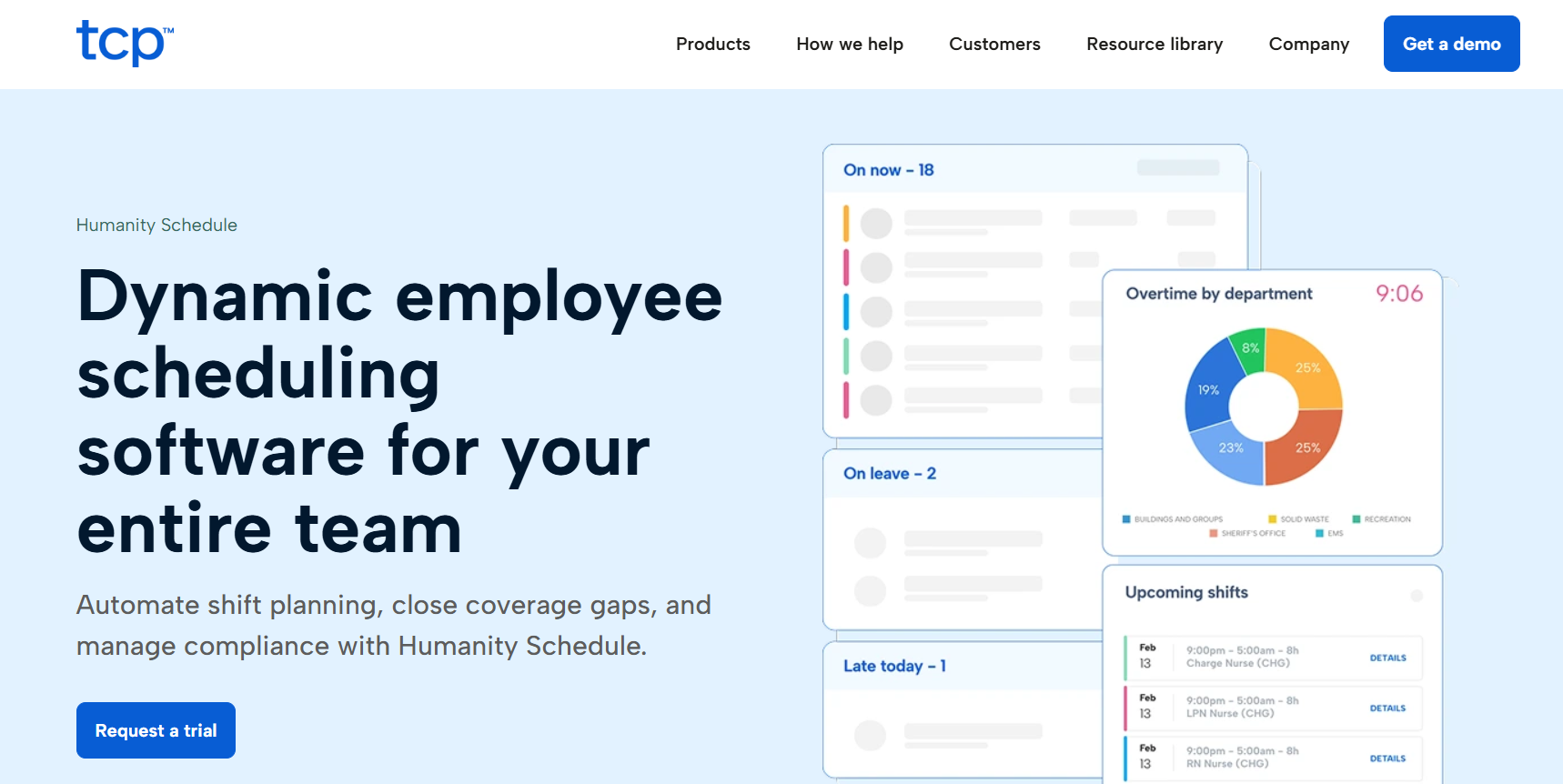
Humanity is a highly customizable scheduling platform suitable for growing restaurants with unique or complex needs. It allows managers to set up detailed rules and automations to handle everything from skill-based scheduling to compliance with local labor laws. While not exclusively for restaurants, its powerful feature set and forecasting abilities make it a strong option for operations that require advanced customization options.
Why We Chose Humanity
Humanity was chosen for its unparalleled flexibility. It’s a platform that can be tailored to fit almost any scheduling scenario, which is ideal for restaurants with diverse roles, multiple locations, or specific compliance requirements. Its ability to scale from a small business to a large enterprise makes it a solid long-term investment.
Key Features
Custom shift rules, templates, and scheduling automation.
Time clock with compliance tracking and payroll exporting.
Labor forecasting with integration for sales data.
Mobile app for shift swapping and team communication.
Customizable reporting and analytics dashboards.
Pricing Details
Starter: $3/user/month (with an $80/month minimum) – Core features.
Classic: $5/user/month – Adds advanced tools and integrations.
Enterprise: Custom pricing available.
12. Shiftboard
Best for Complex Shift Patterns
Pros | Cons |
|---|---|
✔️ Highly customizable for unique and complex scheduling needs. | ❌ No transparent pricing is available online; requires a custom quote. |
✔️ Strong compliance and reporting tools for regulated industries. | ❌ The platform has a steep learning curve for initial setup. |
✔️ Scalable for enterprise-level operations with thousands of users. | ❌ Less intuitive for small teams with simple scheduling needs. |
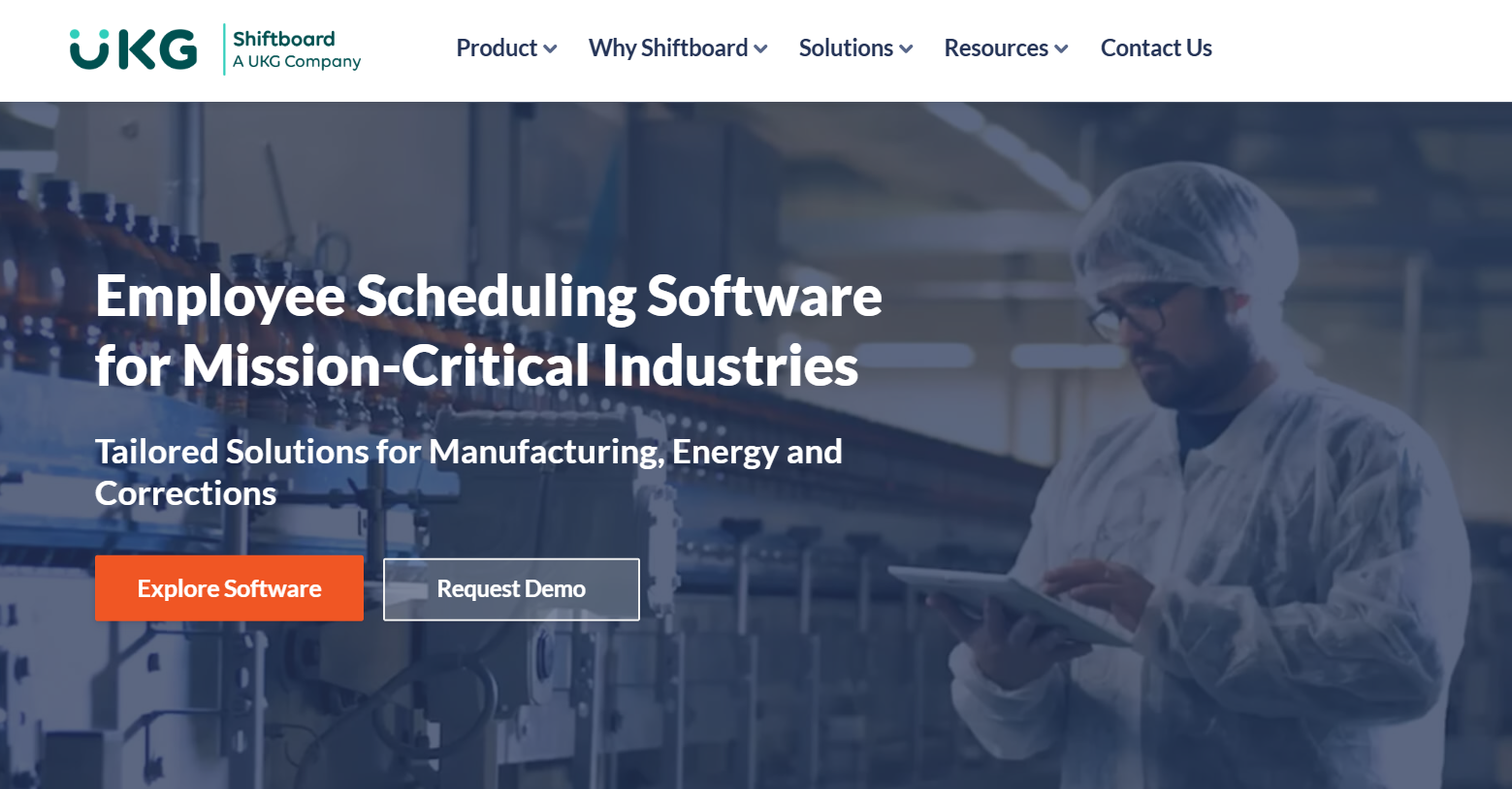
Shiftboard is an enterprise-grade scheduling platform designed for industries with complex and mission-critical staffing needs. For large restaurant groups, catering companies, or event venues that juggle intricate shift patterns and diverse worker qualifications, Shiftboard provides the tools to manage it all. Its rule-based engine ensures the right person with the right skills is always scheduled.
Why We Chose Shiftboard
Shiftboard is the solution for scheduling challenges that other apps can’t handle. Its ability to manage complex union rules, employee qualifications, and multi-faceted shift patterns is second to none. For large-scale operations where a scheduling mistake can have significant consequences, Shiftboard provides the power and control needed to operate smoothly.
Key Features
Advanced, rule-based shift scheduling engine.
Time and attendance tracking with detailed audit trails.
Labor forecasting for cost control and budget alignment.
Mobile app for shift management and team communication.
Custom reports for compliance and operational insights.
Pricing Details
Custom Pricing: You must contact their sales team for a quote. Reviews suggest pricing starts around $3/user/month, but this varies.
Our Criteria: How We Chose the Top Calendar App for Restaurants
To identify the best calendar app for restaurants, we evaluated each platform based on criteria crucial to the hospitality industry. We looked for restaurant-specific functionality, such as POS integration, tip management, and labor compliance tools. We prioritized platforms with high user ratings (4.3+ stars on G2 and Capterra) and a proven track record. Finally, we verified 2025 pricing and excluded general-purpose tools like Outlook Calendar or basic Apple apps that lack the necessary focus for restaurant operations. Our goal was to provide a list of specialized tools that genuinely address the day-to-day challenges of running a restaurant.
What is a Calendar App for Restaurants?
A calendar app for restaurants is a specialized software platform designed to manage employee schedules, time tracking, and communication. Unlike a simple personal calendar, it functions as a centralized hub for all work calendars, allowing managers to create and distribute schedules, approve time-off requests, and monitor labor costs in real-time. These apps often include features to handle shift swaps, manage tasks, and ensure compliance with labor laws, which are functionalities not found in standard calendar services. They are essential for efficient time management and operations.
How Much Does a Calendar App for Restaurants Cost?
The cost of a calendar app for restaurants varies widely. Several providers, like Homebase and Sling, offer a robust free version for small teams, making it possible to get started with no investment. Most platforms use a subscription model, either charging per user per month (ranging from $2 to $8 per user) or per location per month (ranging from $30 to over $100 per location). Premium plans unlock advanced features like labor forecasting, advanced reporting, and deeper integrations.
Which Calendar App is Best for Restaurants For You?
The best calendar app is the one that fits your restaurant’s specific size, budget, and operational needs.
For multi-location chains, 7shifts is the top choice due to its powerful labor forecasting and restaurant-specific tools.
For small, single-location restaurants, Homebase offers unbeatable value with its comprehensive free calendar app.
For those on a tight budget, Sling provides an excellent, simple solution with integrated task management.
For restaurants needing maximum flexibility, When I Work excels with its mobile-first, employee-friendly shift swapping features.
We recommend taking advantage of the free trials offered by these platforms to see which interface and feature set best matches your workflow before making a final decision.
Frequently Asked Questions (FAQs)
Can a basic calendar like Apple Calendar be used for restaurant scheduling?
While Apple Calendar is great for personal use, it lacks the essential restaurant-specific features needed for effective staff scheduling, such as shift swapping, time tracking, labor cost management, and POS integration.
How do specialized calendar apps handle recurring calendar events like weekly staff meetings?
Specialized calendar apps allow managers to create recurring events and shifts using templates, making it easy to schedule regular meetings or build out weekly schedules without starting from scratch each time.
What makes a scheduling platform one of the best shared calendar apps for the hospitality industry?
The best shared calendar apps for restaurants offer real-time updates, integrated team communication, easy shift swapping for employees, and mobile access for the entire team, ensuring everyone is working from the same, most current schedule.
Is there a best free calendar app that is suitable for a small restaurant?
Yes, apps like Homebase and Sling offer powerful free versions that are perfect for small restaurants, providing core scheduling, time tracking, and communication features for a limited number of employees without any cost.
How do these apps help manage both events and tasks for restaurant staff?
These apps manage events by scheduling shifts and meetings, while many, like Sling, also include integrated task management, allowing managers to assign specific duties (e.g., “restock napkins,” “clean fryers”) to individual shifts to ensure all responsibilities are covered.
Are these restaurant scheduling apps accessible for all team members, including both Apple users and staff with Android/iOS devices?
Yes, all the top restaurant scheduling apps are designed to be cross-platform and offer dedicated mobile apps for both Apple (iOS) and Android devices, ensuring all staff can access their schedules, communicate, and swap shifts regardless of their personal phone.
Conclusion
Choosing the right calendar app can revolutionize how you manage your restaurant. By moving beyond paper schedules or the generic digital calendars that many business users start with, you can unlock incredible efficiency. While it’s common to use Google Calendar or other google apps for scheduling, these tools are ultimately designed for your personal life. What Google Calendar offers or the basic functions of other Apple apps are great for tracking personal events, but they lack the dedicated features a restaurant needs.
A specialized app is different. Many can sync with Google Calendar, allowing staff to use their Google account to sync events and see everything in one place. However, they offer powerful premium features far beyond simply adding event details or finding interesting calendars.
With tools like smart scheduling and advanced calendar sharing, you can save countless administrative hours, reduce labor costs, and prevent scheduling conflicts. These platforms empower your team with modern, mobile-first tools on all their Apple devices and a functional desktop version for managers. They are built to manage a dynamic workforce, not just schedule appointments or link to a Google Meet. Whether you run a small independent cafe or a sprawling enterprise chain, there is a reliable calendar app on this list that can help you streamline scheduling and focus on what truly matters: delivering an exceptional experience to your guests.