



In today’s fast-paced digital landscape, small businesses are constantly seeking innovative solutions to enhance their operations and improve customer satisfaction. ChatGPT plugins provide a versatile approach to achieving these goals by automating routine tasks, streamlining data analysis, and bolstering marketing efforts. By integrating these tools into their workflows, businesses can optimize their processes, deliver personalized responses, and engage effectively with their target audience. Discover how prompts from ChatGPT for initiating a small business can fuel your venture’s innovation, driving efficiency and customer engagement.
This article delves into the best ChatGPT plugins for small businesses, offering insights into their features, installation process, and the tangible benefits they can provide. Whether it’s enhancing social media posts, improving online visibility, or automating customer interactions, these plugins can significantly impact business efficiency and overall performance.
Save 80% of delivery management time
We handle everything:
- Dedicated operations manager
- Real-time tracking dashboard
- Automated customer notifications
- Urgent issue resolution
What are ChatGPT plugins?
ChatGPT plugins are specialized tools that expand the core capabilities of ChatGPT by enabling seamless integration with various platforms, making them essential for improving business operations. Available in the ChatGPT plugin store, these plugins allow users to automate routine tasks, perform data analysis, and enhance customer interactions with minimal effort. By leveraging the best ChatGPT plugins, small businesses can boost efficiency, streamline workflows, and drive personalized interactions through natural language processing.
From SEO plugins that improve online visibility to marketing automation tools that optimize marketing efforts, ChatGPT plugins cater to diverse business needs. Whether it’s creating social media posts, improving customer satisfaction, or automating workflow tasks like managing Google Sheets, these tools offer a competitive edge by simplifying complex queries and allowing businesses to make data-driven decisions in real tim
Benefits of Using ChatGPT Plugins
Enabling ChatGPT plugins provides businesses with powerful solutions to automate repetitive tasks and increase efficiency. By integrating plugins like Zapier for workflow automation or the Wolfram plugin for advanced data analysis, businesses can optimize their operations and make smarter decisions based on real-time data. With plugins enabled, users can automate tasks such as marketing strategies, sales processes, or even customer service, allowing them to focus on higher-level business operations.
The best ChatGPT plugins also enhance customer experience by offering personalized responses and improving customer satisfaction through faster service and more accurate communication. Plugins like SEO Assistant ensure that content is optimized for search engines, improving online visibility and helping businesses attract qualified traffic. For small businesses, leveraging the best ChatGPT plugins offers a significant boost to productivity, service quality, and overall business efficiency.
How to Find, Install, and Enable the Best ChatGPT Plugins for Your Business
To take full advantage of ChatGPT plugins, it’s essential to know how to discover, install, and activate them effectively. Here’s a clear guide to help you integrate the best ChatGPT plugins into your operations.
Step 1: Confirm Your ChatGPT Plus Subscription
Before you can access the ChatGPT Plugin Store, ensure that you have a ChatGPT Plus subscription. This is a prerequisite for using plugins and enhances your overall experience.
Step 2: Access the ChatGPT Plugin Store
After confirming your subscription, navigate to the Plugin Store.
Browse through categories such as SEO Plugins, Marketing Automation, and Customer Service to identify plugins that meet your specific needs.
Utilize the search feature to quickly find the plugins you’re interested in.
Step 3: Install the Selected Plugin
Click on the desired plugin to view its details.
Hit the Install button to add it to your account.
Follow any on-screen prompts that may appear during the installation process.
Step 4: Enable the Installed Plugin
Go to the home screen and click on your account name in the bottom left corner.
Navigate to Settings & Beta, then find the Beta features tab.
Ensure that the Plugins option is toggled on.
Start a new chat and select ChatGPT-4 or ChatGPT-3.5 in the top left corner.
Click on Plugins, then select No plugins installed to access your installed plugins.
Click on the Plugin store if needed to explore further options.
Step 5: Begin Using Your Plugin
Once installed, return to ChatGPT, where the plugin will be listed under ChatGPT Plugins.
Start typing your queries or commands, and the plugin will enhance your interactions.
15 Best ChatGPT Plugins for Small Businesses
Unlock the full potential of ChatGPT with these indispensable plugins crafted specifically for small businesses. To streamline your search, we’ve thoughtfully categorized them, making it easy for you to find the tools that perfectly align with your operational needs and goals:
ChatGPT Plugins for Productivity and Automation
ChatGPT Plugins for Content Creation and Optimization
ChatGPT Plugins for Product Development
ChatGPT Plugins for Research and Data Collection
ChatGPT Plugins for Web Development
ChatGPT Plugins for Visualization and Presentation
ChatGPT Plugins for Digital Marketing
ChatGPT Plugins for E-commerce and Customer Service
ChatGPT Plugins for Domain Management
Best ChatGPT Plugins for Productivity and Automation
ChatGPT plugins can streamline operations by automating repetitive tasks, allowing businesses to focus on higher-value activities. Below are top plugins in this category:
Zapier: Automates workflows across multiple platforms, reducing manual tasks.
KalendarAI: Generates personalized messages for lead management and communication.
1. Zapier
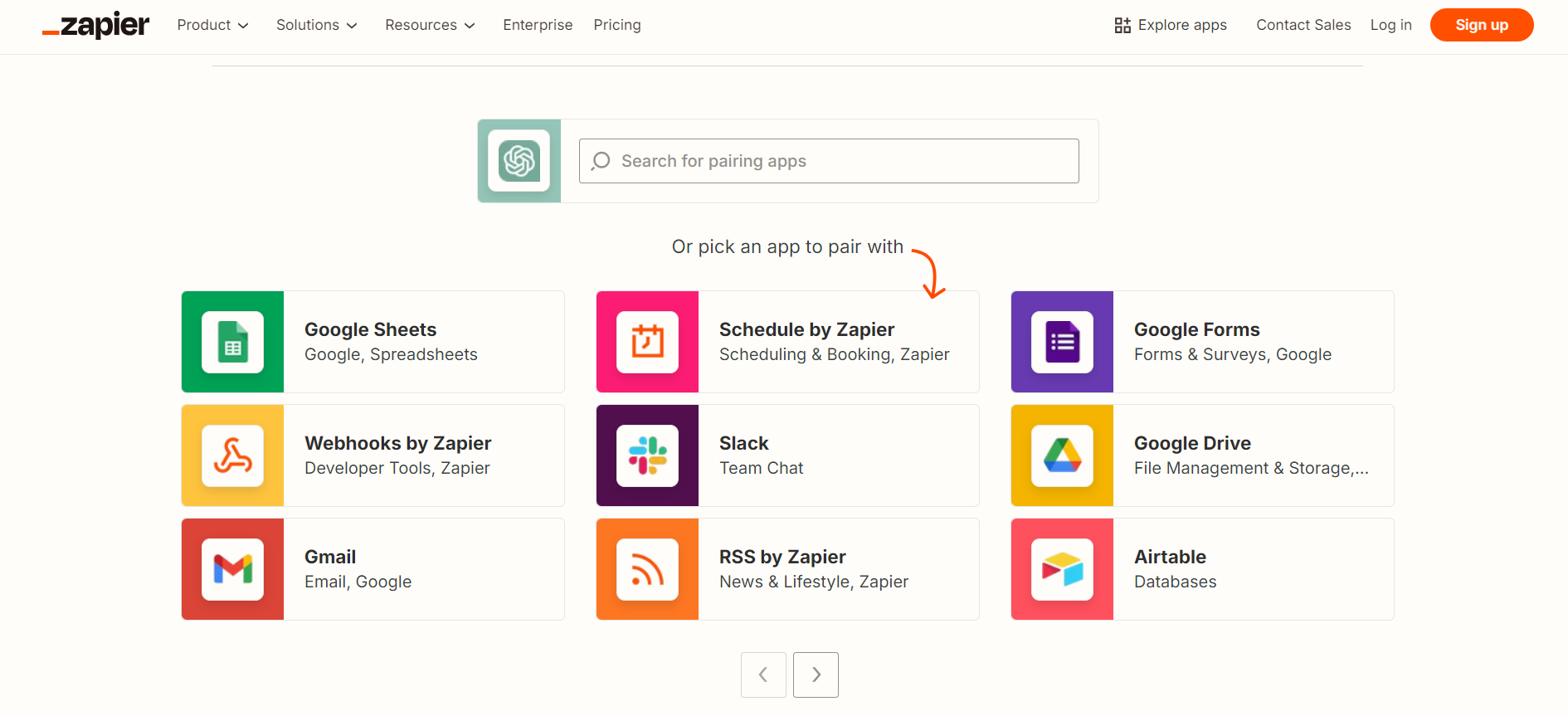
Zapier is a powerful plugin that connects ChatGPT to over 5,000 apps, making it possible to automate workflows effortlessly. Whether managing emails, updating CRM entries, or coordinating tasks across tools like Google Sheets or Slack, Zapier ensures a seamless integration that minimizes manual input. This allows businesses to automate routine tasks such as lead entry, order tracking, or even social media scheduling, enhancing operational efficiency.
By automating repetitive tasks, Zapier helps businesses save time and resources. It streamlines workflows by removing manual steps, allowing teams to focus on strategic goals and customer interactions. The plugin’s user-friendly interface makes it accessible to businesses of all sizes, providing them with the tools to improve business operations and enhance productivity.
2. KalendarAI
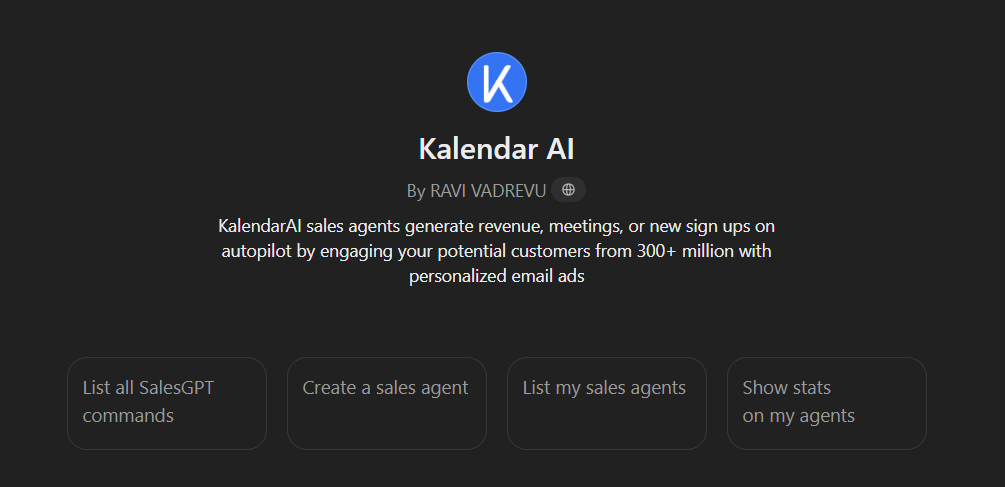
KalendarAI offers an automated solution for lead management by generating personalized messages to engage potential customers. This plugin is especially useful for businesses looking to enhance communication strategies and drive conversions through tailored outreach. KalendarAI integrates with ChatGPT to send targeted messages, ensuring that leads receive relevant and consistent follow-ups.
Businesses can leverage KalendarAI to optimize their sales process, improve customer relationships, and increase conversion rates. By automating communication, the plugin helps reduce the time spent on lead nurturing, allowing teams to focus on more strategic customer interactions while still maintaining a high level of service quality.
Best ChatGPT Plugins for Content Creation and Optimization
Content-focused plugins help businesses produce high-quality content while optimizing it for search engines and online visibility. Here are the top plugins for this purpose:
Prompt Perfect: Refines prompts for more precise and effective responses.
SEO Assistant: Provides keyword suggestions and optimization tips for better search engine rankings.
3. Prompt Perfect

Prompt Perfect improves the quality of interactions with ChatGPT by helping users craft better prompts. This plugin is invaluable for content creators, marketers, and businesses seeking clearer and more targeted responses. By fine-tuning user inputs, Prompt Perfect ensures that ChatGPT generates more accurate and useful results, making it ideal for tasks like content generation, idea brainstorming, and customer interactions.
The ability to refine queries leads to higher-quality content that is more aligned with the user’s goals, whether that’s writing a blog post or generating marketing copy. By enhancing how queries are structured, businesses can achieve more productive interactions, thus improving the quality of content they produce with ChatGPT.
4. SEO Assistant
SEO Assistant is designed to help businesses improve their content’s performance on search engines. By offering keyword suggestions, optimizing metadata, and providing content recommendations, this plugin ensures that businesses can enhance their online visibility and attract more organic traffic. It’s a crucial tool for marketers and content creators looking to improve search rankings and drive qualified traffic to their websites.
This plugin simplifies the process of SEO optimization, making it easier for small businesses to compete in crowded markets. With real-time data and actionable insights, SEO Assistant allows users to make data-driven decisions that increase their content’s discoverability and effectiveness.
Best ChatGPT Plugins for Product Development
Product development plugins provide valuable insights and data-driven feedback to improve products and services. Below are the top tools in this category:
Kraftful: Offers insights to optimize product development based on customer feedback.
5. Kraftful
Kraftful is a powerful plugin designed specifically for product teams, offering data-driven insights and best practices to enhance product development. By analyzing customer feedback and usage patterns, Kraftful helps businesses understand customer needs, guiding product improvements and feature prioritization. This is particularly useful for startups and small businesses aiming to fine-tune their product offerings early on.
Kraftful’s ability to turn feedback into actionable insights makes it an indispensable tool for companies looking to scale effectively. It provides a clear roadmap for product development, ensuring that businesses can address customer pain points, improve user experience, and optimize their product-market fit.
Best ChatGPT Plugins for Research and Data Collection
These plugins make gathering and analyzing data easier, enabling businesses to make informed decisions based on real-time information. Below are the top tools in this category:
Yay! Forms: Easily creates surveys and forms for gathering customer feedback or conducting research.
AskYourPDF: Quickly summarizes or extracts information from PDF documents.
Link Reader: Synthesizes information from webpages and documents for summaries and insights.
6. Yay! Forms
Yay! Forms simplifies the process of gathering data by allowing users to create surveys, forms, and questionnaires with ease. This plugin is particularly useful for collecting customer feedback, conducting market research, or gauging employee satisfaction. Its intuitive design enables businesses to gather valuable data quickly, which can then be used to make informed decisions and improve business operations.
With Yay! Forms, businesses can take a data-driven approach to problem-solving and strategy development. Whether launching a new product or improving customer service, the plugin offers a seamless way to collect the insights needed to move forward confidently.
7. AskYourPDF
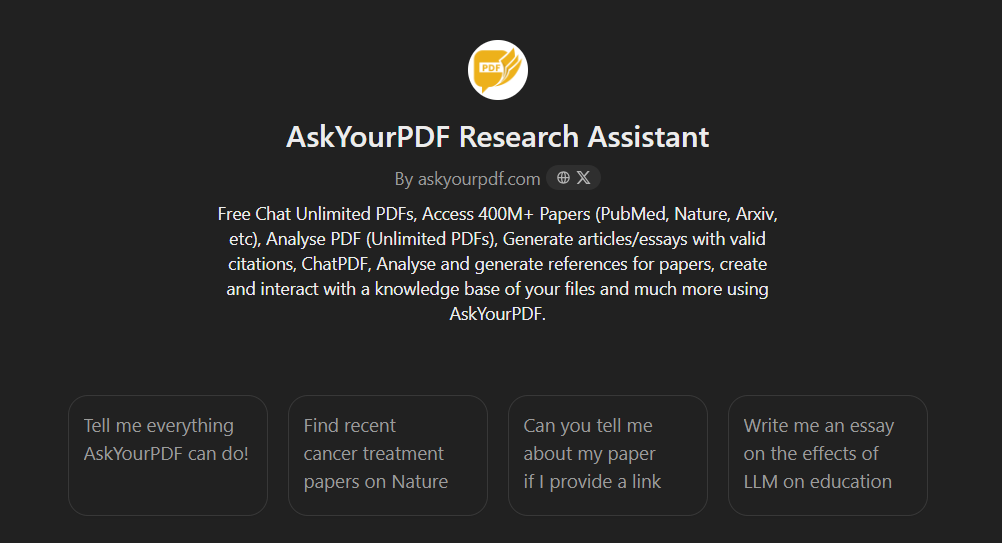
AskYourPDF is an invaluable tool for businesses that handle large amounts of data in PDF format. This plugin allows users to quickly extract specific information or get summaries from PDF documents, saving time and increasing efficiency. It’s particularly useful for teams that need to process reports, legal documents, or academic papers but want to avoid manually reading through lengthy files.
By automating data extraction, AskYourPDF streamlines information gathering, enabling businesses to make data-driven decisions faster. Its ability to pull key details from complex documents makes it an essential tool for research-heavy tasks or industries with frequent document handling.
8. Link Reader
Link Reader is a highly practical plugin that assists in summarizing information from webpages and documents. It helps businesses synthesize large amounts of data quickly, making it easier to draw actionable insights. Whether you’re conducting market research, analyzing competitors, or gathering information for a report, Link Reader enables more efficient research by providing concise summaries of the most relevant information.
This plugin is particularly useful for teams tasked with analyzing multiple sources of information and drawing meaningful conclusions. By providing quick overviews, Link Reader saves time and enhances the research process.
Best ChatGPT Plugins for Web Development
Web development plugins simplify the process of building and maintaining an online presence without extensive coding knowledge. Below is a key tool for this purpose:
-
WebDev: Quickly generates HTML pages, making website creation more accessible for small businesses.
9. WebDev
WebDev is a highly practical plugin designed to assist users in generating HTML pages without requiring advanced coding skills. This plugin is especially useful for small businesses looking to establish an online presence quickly and efficiently. WebDev can generate simple yet functional websites based on user inputs, which can then be customized further if necessary.
For businesses on a tight budget or without access to a dedicated web development team, WebDev offers an accessible solution for building and maintaining websites. Its user-friendly interface ensures that even those with limited technical experience can develop a professional online presence.
Best ChatGPT Plugins for Visualization and Presentation
These plugins enhance presentations and data visualization, helping businesses convey complex ideas more effectively. Here are the top tools for this category:
-
Show Me: Generates real-time diagrams from text prompts, aiding brainstorming and presentations.
-
Visla: Creates short videos for social media marketing directly from ChatGPT prompts.
10. Show Me
Show Me allows businesses to turn ideas into visual diagrams instantly, making it an ideal tool for presentations, brainstorming sessions, or strategy meetings. By converting text prompts into flowcharts, mind maps, and other visual formats, Show Me helps teams communicate complex information clearly and effectively. This visualization tool can streamline decision-making and enhance collaboration, making it easier to discuss projects or strategies with clients or team members.
The ability to create real-time diagrams enhances productivity by reducing the time spent manually creating visuals. It’s an essential tool for businesses that need to present data or ideas in a way that’s easy to understand and engaging.
11. Visla
Visla transforms ChatGPT prompts into engaging short videos for social media, making it a must-have tool for marketing teams. Visual content plays a critical role in digital marketing, and Visla helps businesses tap into this trend by creating videos tailored for platforms like Instagram, TikTok, or YouTube. With just a simple prompt, Visla generates video content, which can be shared directly or customized to fit branding needs. Learn to leverage Visla alongside ChatGPT for enhancing small business marketing strategies, taking advantage of AI to produce compelling visual content efficiently.
This plugin helps businesses increase user engagement by leveraging video, one of the most effective forms of content in the digital age. It simplifies the video creation process with video creation tool, saving time while delivering high-quality marketing material.
Best ChatGPT Plugins for Digital Marketing
Digital marketing plugins help businesses optimize their marketing strategies and improve customer engagement. Here are the top tools for this category:
-
PPC – Storeya: Automates Google Ads and social media campaigns for optimized ad spend.
-
Social Search: Identifies trending topics or relevant influencers for social media marketing.
12. PPC – Storeya
PPC – Storeya is designed to automate advertising campaigns across platforms like Google Ads and social media, helping businesses optimize their ad budgets. The plugin uses AI to adjust bids, keywords, and targeting settings, ensuring that businesses get the best possible return on investment (ROI) from their paid marketing efforts. This automation saves time and reduces the complexity of managing digital ad campaigns manually.
By optimizing campaigns, PPC – Storeya helps businesses drive qualified traffic to their websites, leading to increased conversions and sales. It’s a powerful tool for small businesses that want to maximize their digital marketing impact without the need for a dedicated ad management team.
13. Social Search
Social Search is a tool that allows businesses to find trending topics, influential tweets, and popular discussions on social media. This plugin helps marketers stay ahead of trends by identifying conversations that resonate with their target audience. By leveraging these insights, businesses can craft relevant social media posts or marketing strategies that capitalize on current interests, boosting user engagement.
Social Search is particularly useful for businesses looking to strengthen their social media presence and improve their marketing strategies. By tracking trends and influencers, businesses can position themselves as industry leaders while engaging with their audience more effectively.
Best ChatGPT Plugins for E-commerce and Customer Service
These plugins improve the customer experience and streamline e-commerce operations. Here’s the top option:
-
Giftwrap: Assists in finding gift ideas and facilitating purchases, perfect for boosting holiday sales.
14. Giftwrap
Giftwrap is a helpful plugin designed for e-commerce businesses, especially those focused on gift items. It assists users in finding gift ideas based on specific criteria and even facilitates the purchasing and delivery process. This plugin is particularly valuable during peak shopping seasons like holidays, where customers are looking for unique and thoughtful gift options. Giftwrap simplifies the customer journey, making the shopping experience smoother and more enjoyable.
By enhancing customer service and streamlining the purchasing process, Giftwrap can help businesses increase sales and customer satisfaction. It ensures that shoppers can find exactly what they’re looking for, improving conversion rates and driving revenue growth.
Best ChatGPT Plugins for Domain Management
Domain management plugins help businesses secure and manage their online presence. Here’s the top tool for this category:
-
One World Domains: Simplifies the process of finding available domain names at competitive prices.
15. One World Domains
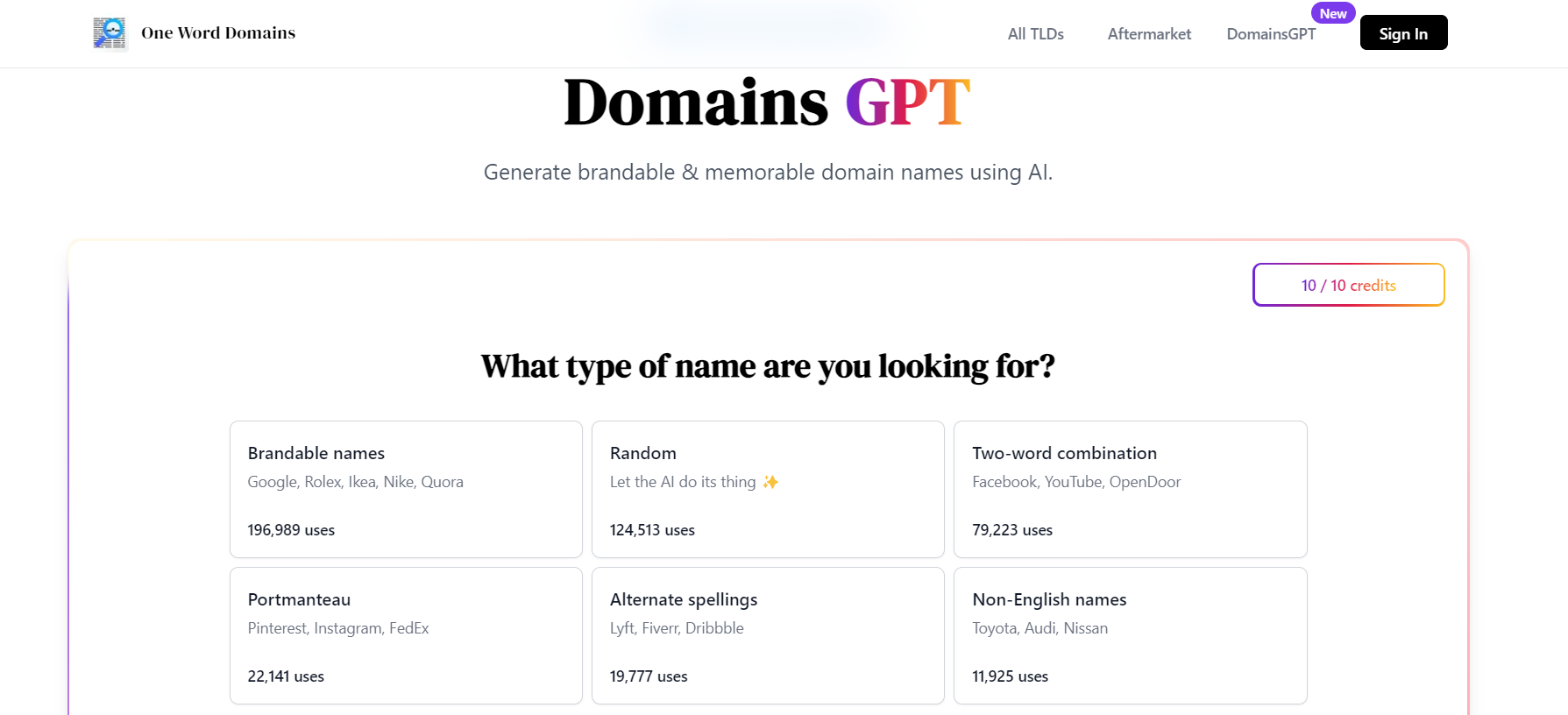
One World Domains simplifies the domain registration process, helping businesses quickly find and purchase available domain names. This plugin is particularly useful for startups or businesses undergoing a rebranding, as securing the right domain is essential for online visibility. One World Domains offers competitive pricing and a user-friendly interface that streamlines the domain selection process.
For businesses looking to establish a professional online presence, One World Domains makes it easy to secure the perfect web address, helping improve brand identity and online discoverability.
FAQs on ChatGPT Plugins for Small Businesses
What are ChatGPT plugins and how can they benefit my small business?
ChatGPT plugins are tools that extend the capabilities of ChatGPT, enabling businesses to automate tasks, enhance customer interactions, and improve overall efficiency. They can assist in areas like content creation, data analysis, and marketing.
Do I need a subscription to use ChatGPT plugins?
Yes, a ChatGPT Plus subscription is required to access and use plugins. This subscription unlocks additional features, including the ability to explore the Plugin Store.
How do I find the best plugins for my specific business needs?
The ChatGPT Plugin Store allows you to browse and search for plugins by category, such as SEO, Marketing Automation, and Customer Service. This makes it easy to identify the tools that align with your business objectives.
Can I install multiple plugins, and how do I manage them?
Yes, you can install multiple plugins. To manage them, navigate to the Plugins section in your settings where you can enable or disable plugins as needed.
Are there any costs associated with individual plugins?
Most ChatGPT plugins are free to use after installation, but some may have premium features that require additional payment. Always check the plugin details in the store for any associated costs.
Elevate Your Business with ChatGPT Plugins
Embracing the best ChatGPT plugins can revolutionize how small businesses operate in today’s competitive market. These powerful tools not only automate repetitive tasks but also enhance customer service by providing personalized interactions. Discover how leveraging ChatGPT for small business owners can elevate your business operations and customer satisfaction.
With capabilities ranging from data analysis and workflow automation to improving marketing strategies and SEO performance, these plugins are essential for achieving a competitive edge. By enabling and managing the right ChatGPT plugins from the Plugin Store, businesses can tailor their digital marketing efforts to meet diverse needs while ensuring seamless integration with existing systems. As emerging technologies continue to evolve, leveraging these versatile tools will be crucial for driving business efficiency and delivering an exceptional customer experience.
In essence, adopting the right plugins empowers businesses to make data-driven decisions, engage effectively with their audience, and ultimately thrive in the digital landscape.