



Managing a bakery is a delicate dance of precision and timing, and not just for proofing dough. From coordinating early-morning baking shifts to managing front-of-house staff during the lunch rush, effective employee scheduling is the secret ingredient to a smoothly run business. Juggling hectic schedules with spreadsheets or paper calendars can lead to costly scheduling errors, staff confusion, and wasted time. This is where a modern scheduling software can transform your operations.
The best scheduling app for your bakery will help you simplify scheduling, prevent scheduling conflicts, and manage labor costs with ease. These powerful scheduling tools offer features like automated reminders, easy shift swapping, and time tracking, often accessible via a convenient mobile app. Whether you’re a small single-location shop looking for free scheduling apps or a growing chain needing advanced features, there’s a solution for you. This article will guide you through the top scheduling apps, highlighting their key features, pricing, and who they’re best for, so you can find the perfect fit for your bakery’s unique needs.
Metrobi drivers are rated 4.97/5
Trusted by local businesses for:
- Background-checked professionals
- Specialized in business deliveries
- Same drivers for consistency
- 4.97/5 average delivery rating
1. Homebase
Best for Single-Location Bakeries Focusing On Simplicity
Pros | Cons |
|---|---|
✔️ Intuitive drag-and-drop interface saves time on scheduling for busy bakery managers. | ❌ Free plan limits to 10 employees, which may not suit growing bakeries. |
✔️ Free plan covers basic needs for small single-location bakeries. | ❌ Payroll add-on increases costs significantly. |
✔️ Strong POS integrations help track labor costs against sales of baked goods. | ❌ Lacks advanced inventory tracking for ingredients. |
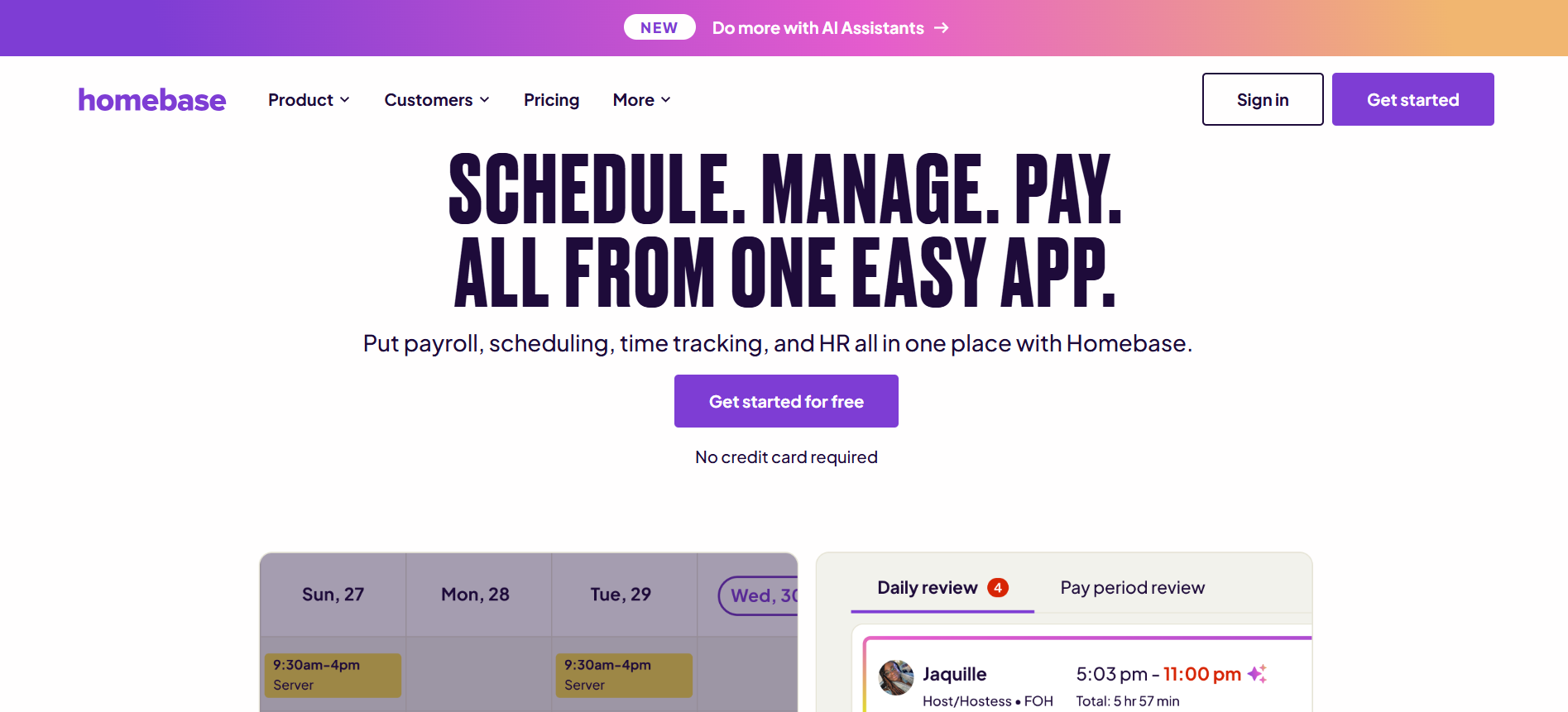
Homebase is an excellent scheduler software for bakery owners who need a straightforward and efficient way to manage their team. Its user-friendly design makes creating and adjusting schedules a breeze, which is a lifesaver during busy seasons. The generous free plan is a major draw for small bakeries, providing core features for basic scheduling and time tracking without an initial investment. While its POS integrations are a huge plus for connecting labor costs to daily sales, growing bakeries might find the employee limit on the forever free plan restrictive. The platform truly shines as a dedicated scheduling tool but relies on paid add-ons for more comprehensive HR and payroll functions, which can increase the overall cost.
Key Features
Drag-and-drop scheduling with templates and automation.
Shift swapping and employee self-service via mobile app.
Labor forecasting and overtime alerts.
Team messaging and automated reminders.
POS and payroll integrations for timesheets.
Who’s it for?
Small to mid-sized bakeries with one or few locations, focusing on simple shift management for hourly staff like bakers and counter help.
Pricing Details
Plan | Price (Billed Annually) | Key Features & Limits |
|---|---|---|
Basic | Free | 1 Location, up to 10 employees, basic scheduling & time tracking. |
Essentials | $24 /location/month | Unlimited employees, advanced scheduling, team communication. |
Plus | $56 /location/month | Adds PTO management, hiring tools, and employee performance. |
All-in-One | $96 /location/month | Adds HR Pro support, compliance tools, and onboarding. |
Add-Ons | – Payroll: Starts at $39/month + $6/employee | Integrate payroll and tip management directly. |
Trial | 14-day free trial available for paid plans. |
2. Connecteam
Best for All-In-One Team Management And Communication
Pros | Cons |
|---|---|
✔️ All-in-one platform combines scheduling with communication and tasks, ideal for coordinating bakery production teams. | ❌ Requires internet for full functionality, problematic during outages. |
✔️ Generous free plan for very small operations. | ❌ Hub-based pricing can get complex for add-ons. |
✔️ Mobile-first design suits on-the-go staff in fast-paced bakery environments. | ❌ Overkill for bakeries needing only basic scheduling. |
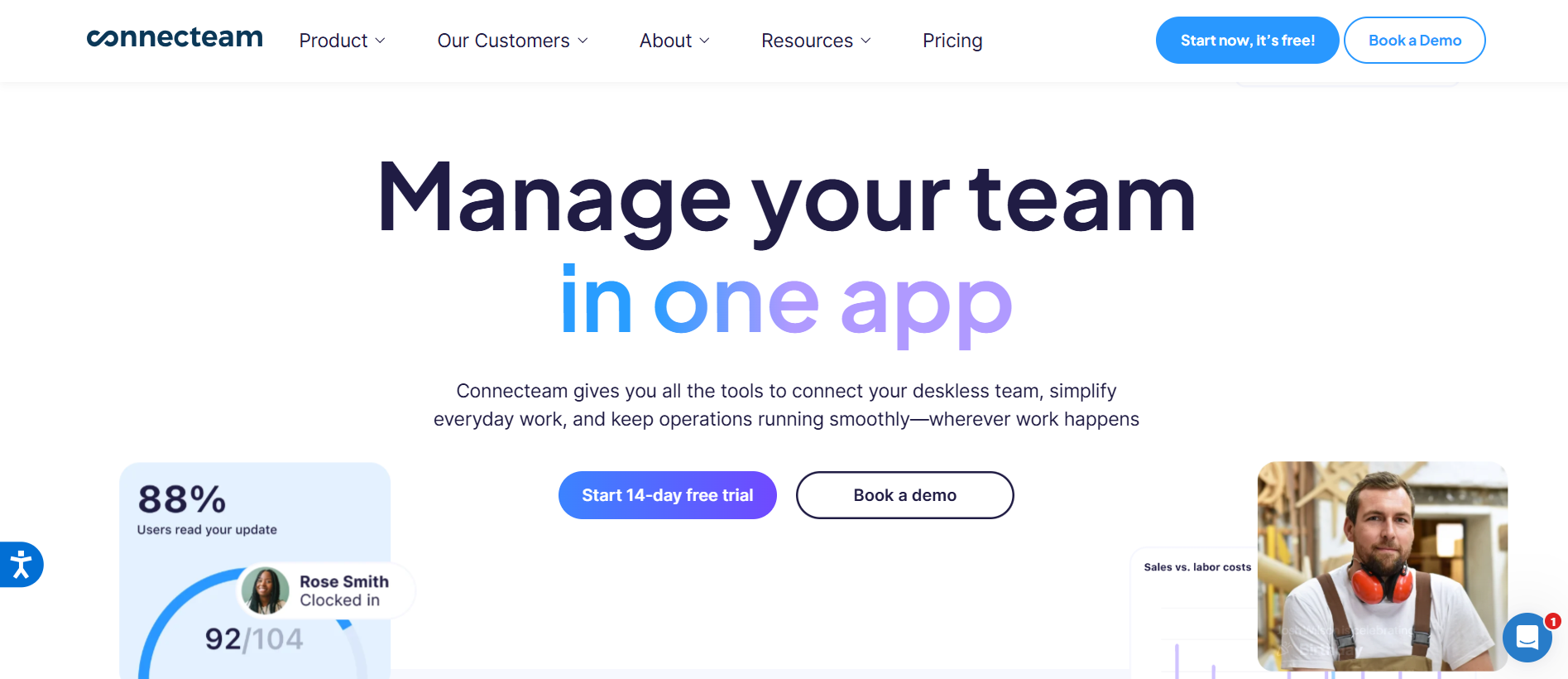
Connecteam positions itself as more than just an online scheduling app; it’s a comprehensive hub for managing a deskless workforce, which is perfect for the dynamic environment of a bakery. This calendar platform excels at combining scheduling appointments for shifts with task management and internal communication, ensuring that your baking and front-of-house teams are always in sync. The mobile-first approach is ideal for staff who are constantly on their feet. While its forever free plan is a great entry point for small teams, the modular, hub-based pricing of its paid plans can become complex and costly if you need features from different modules. For bakeries simply looking to schedule meetings or shifts, its extensive features might be more than necessary.
Key Features
Drag-and-drop scheduler with AI scheduling auto-assignment.
GPS time clock and geofencing for accurate tracking.
Shift templates, swapping, and time-off requests.
In-app chat and task management checklists for shifts.
Payroll integrations and compliance alerts.
Who’s it for?
Frontline bakery teams in small to medium operations, especially those with deskless workers handling baking, delivery, and retail.
Pricing Details
Plan (Operations Hub) | Price for First 30 Users (Billed Annually) | Key Features |
|---|---|---|
Free | Free for up to 10 users | Full access to core scheduling and time clock features. |
Basic | $29 /month | Basic scheduling, time clock, job management. |
Advanced | $49 /month | Adds shift templates, geofencing, and advanced settings. |
Expert | $99 /month | Adds auto-scheduling, API access, and process automation. |
Trial | 14-day free trial available for paid plans. |
3. When I Work
Best for Bakeries With Hourly And Flexible Shift Needs
Pros | Cons |
|---|---|
✔️ Easy setup and user-friendly interface for quick adoption in small bakeries. | ❌ Lacks advanced forecasting, which could help predict busy baking days. |
✔️ Strong focus on shift swaps and open shifts reduces no-shows. | ❌ Mobile app occasionally has bugs affecting clock-ins. |
✔️ Affordable per-user pricing scales well for growing teams. | ❌ No native payroll, requiring integrations. |
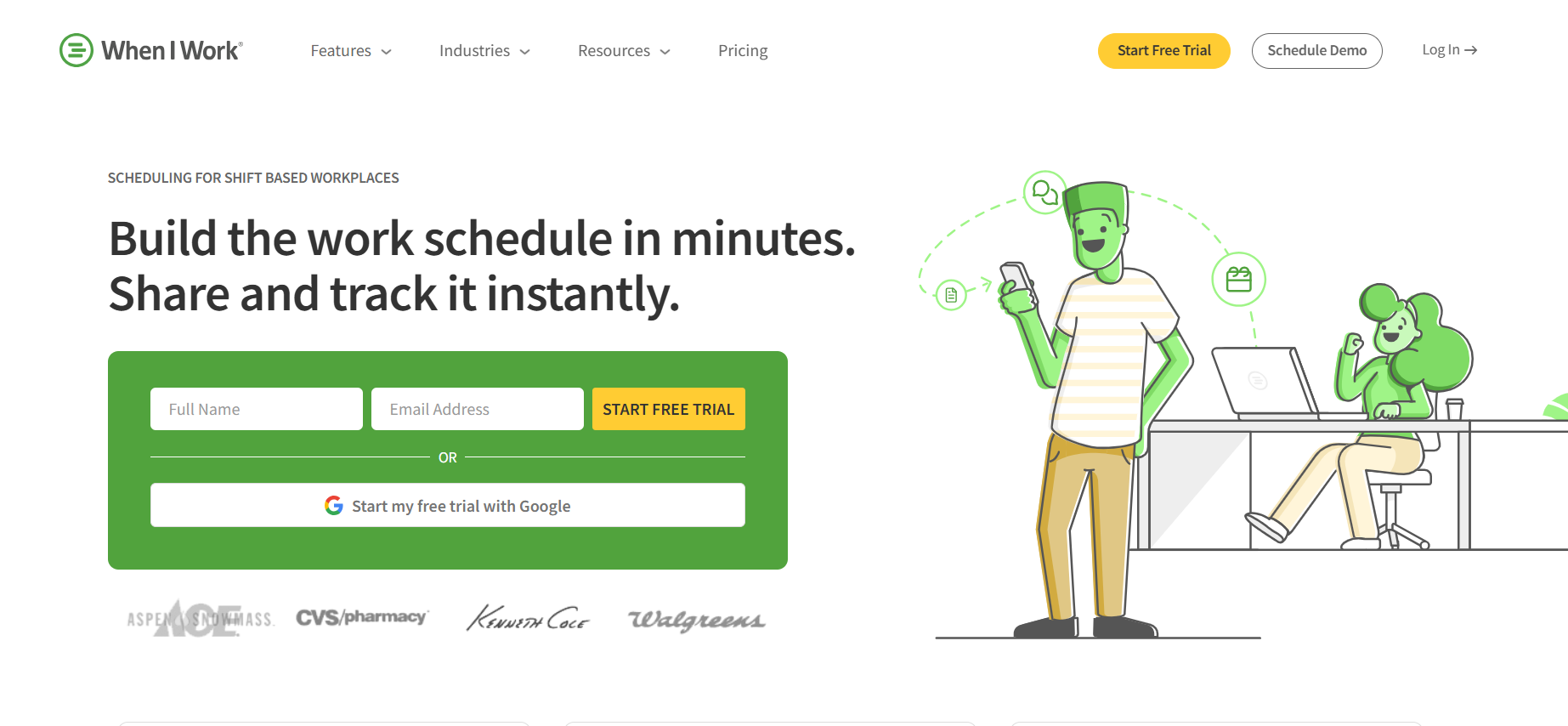
When I Work is a popular appointment scheduling software that excels at managing hourly workers with fluctuating schedules—a common scenario in many bakeries. The platform’s strength lies in its simplicity and employee-centric features, such as easy shift swapping and open shift claims, which empower staff and reduce the manager’s workload. This focus helps minimize no-shows and ensures shifts are always covered. The per-user month pricing model is transparent and scales affordably as your bakery hires more staff. While it integrates with other tools for payroll, it lacks a native solution. Bakeries that rely heavily on data to predict staffing for seasonal rushes may find its forecasting capabilities less robust than some competitors.
Key Features
Drag-and-drop builder with auto-scheduling.
OpenShifts marketplace for employee swaps.
Multi-location and multi-week planning.
In-app messaging and notifications.
Custom reporting and POS integrations.
Who’s it for?
Hourly bakery staff in small to mid-sized shops, particularly those with variable shifts and high turnover.
Pricing Details
Plan | Price Per User/Month | Key Features |
|---|---|---|
Essentials | $2.50 | Unlimited users, basic auto-scheduling, team messaging. |
Pro | $5.00 | Adds scheduling rules, labor forecasting, and advanced permissions. |
Premium | $8.00 | Adds API access and Single Sign-On (SSO) for larger businesses. |
Trial | 14-day free trial available. |
4. Deputy
Best for Data-Driven Bakeries Needing Advanced Forecasting
Pros | Cons |
|---|---|
✔️ AI-powered forecasting optimizes staffing for peak bakery hours. | ❌ No free plan beyond trial, higher entry cost. |
✔️ Compliance tools ensure labor law adherence for overtime-heavy shifts. | ❌ Some integrations can be glitchy. |
✔️ International availability suits multi-site or global supply chain bakeries. | ❌ Complex for very small teams without dedicated IT. |
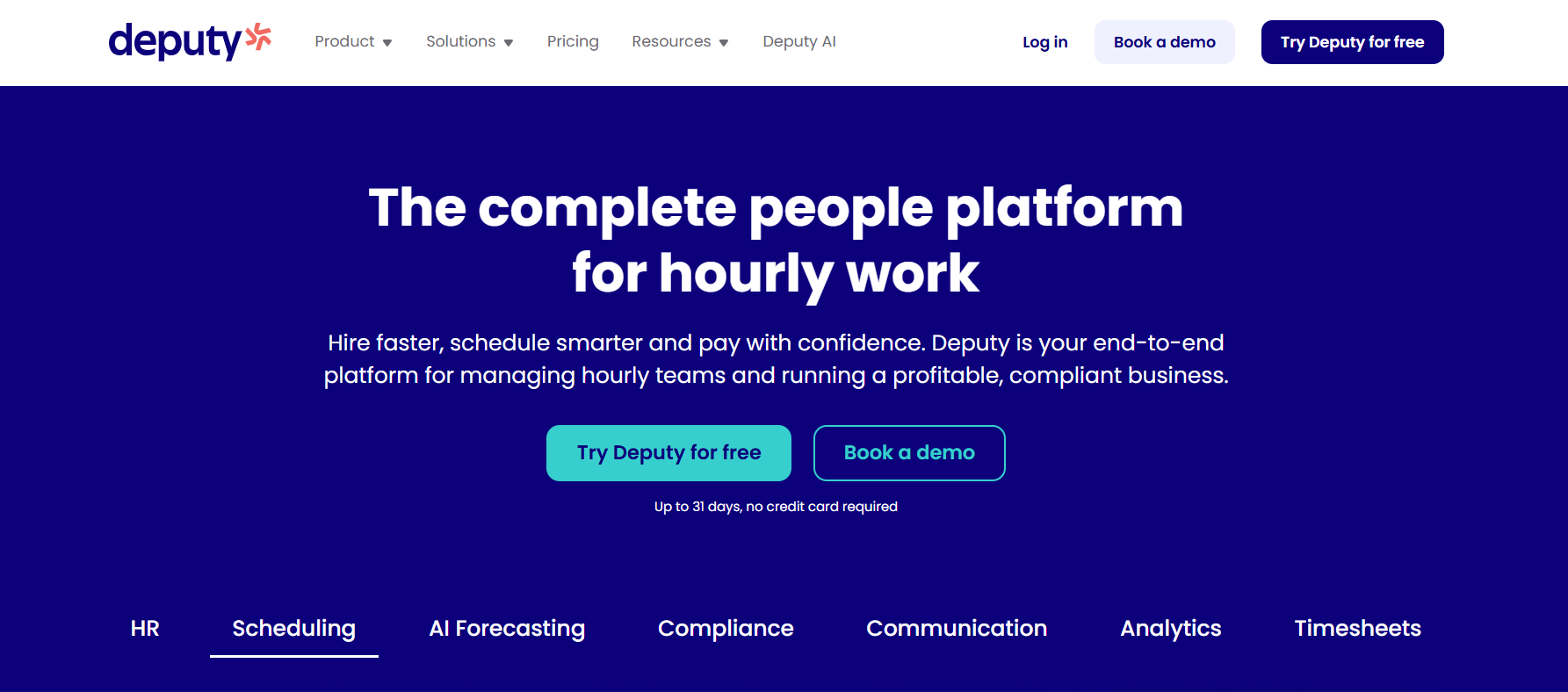
Deputy is a powerful scheduling software designed for businesses that need to make data-driven staffing decisions. For bakeries, its AI scheduling and demand forecasting are standout features, helping you predict how many staff members you’ll need for a holiday rush or a weekend farmers’ market. This scheduling automation helps control labor costs and improve efficiency. Its robust compliance features are a significant asset for navigating complex labor laws regarding breaks and overtime. However, this level of sophistication comes at a price, as there is no forever-free plan. The platform can feel overly complex for a small bakery with straightforward needs, but for growing or large teams focused on optimization, it’s a top-tier meeting scheduler for shifts.
Key Features
Auto-scheduling with demand forecasting.
Biometric clock-in and geofencing.
Shift rules for breaks and qualifications.
Team newsfeed and swap approvals.
Payroll and POS integrations.
Who’s it for?
Mid-sized bakeries with seasonal or variable demand, like holiday baking rushes, needing robust compliance.
Pricing Details
Plan Type | Price Per User/Month | Description |
|---|---|---|
Lite | Starts at $5 | Choose either the Scheduling plan OR the Time & Attendance plan. |
Core | $6.50 | All-in-one plan with unlimited shifts, scheduling, and auto-scheduling. |
Pro | $9 | For businesses needing advanced reporting and custom configurations. |
Trial | 31-day free trial available. |
5. Sling
Best for Start-Up Bakeries On A Tight Budget
Pros | Cons |
|---|---|
✔️ Unlimited free scheduling for up to 30 users, perfect for startup bakeries. | ❌ Key features like time clock locked behind paid plans. |
✔️ Labor cost tracking helps manage expenses on ingredients vs. staff. | ❌ Limited integrations compared to competitors. |
✔️ Employee autonomy in swaps reduces manager workload. | ❌ User experience can feel mediocre for complex needs. |
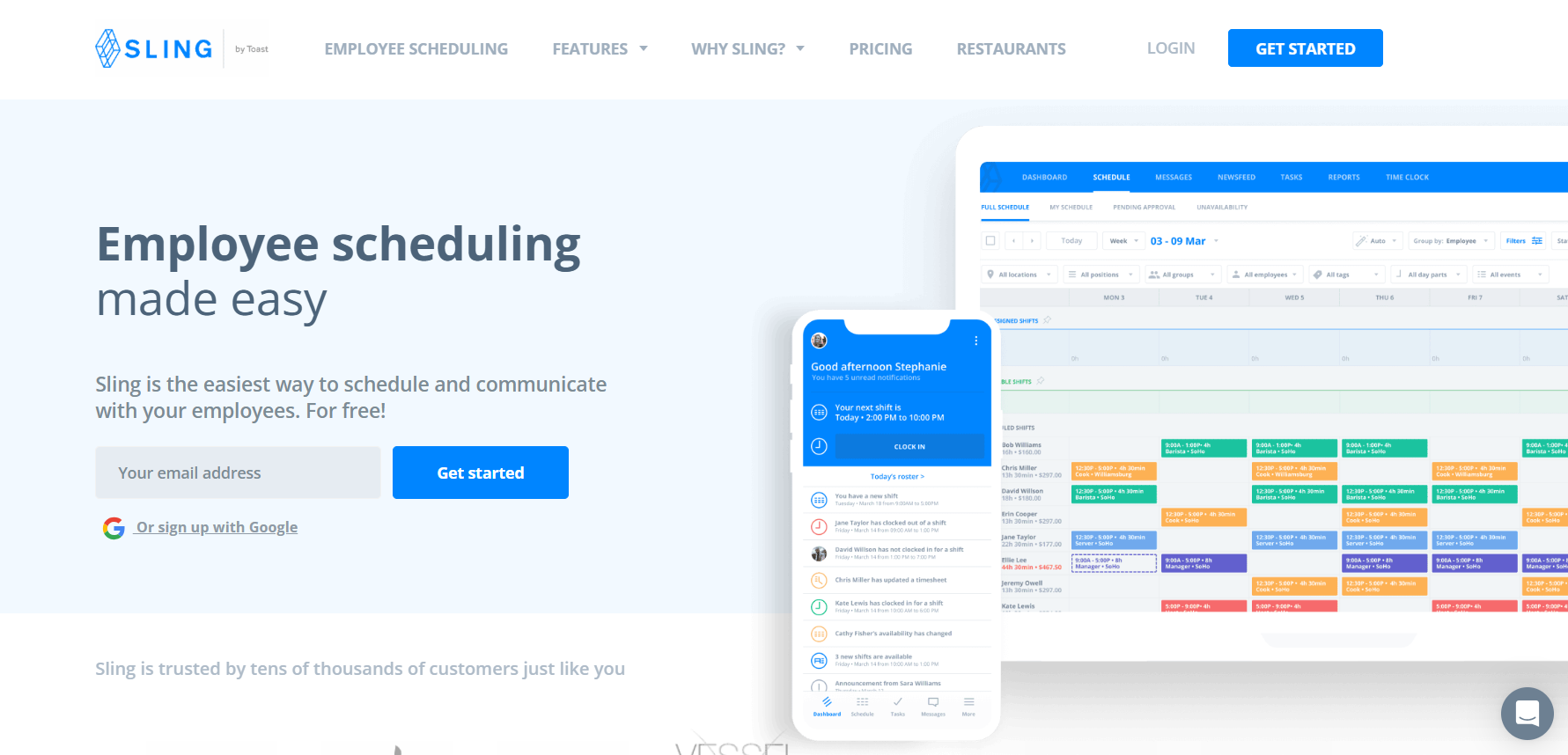
Sling is one of the best free calendar app solutions on the market for small businesses, making it an incredible asset for startup bakeries. Its free plan is remarkably generous, offering unlimited appointments for shifts and robust communication features for up to 30 employees without any cost. This allows new bakery owners to implement a professional scheduling tool from day one. You can build a custom booking page for shifts and manage recurring appointments easily. While the core online scheduling is free, essential features like the time clock and advanced reporting are reserved for paid plans starting at a very reasonable price. It may not have the extensive integrations of other apps, but its value proposition for budget-conscious bakeries is hard to beat.
Key Features
Drag-and-drop with auto-assigning.
Labor budgeting and overtime alerts.
Shift templates and unavailability tracking.
Group messaging and newsfeed.
PTO and no-show management (paid).
Who’s it for?
Small bakeries or food trucks with flexible, part-time staff and tight budgets.
Pricing Details
Plan | Price Per User/Month (Billed Annually) | Key Features |
|---|---|---|
Free | Free | Up to 30 users, unlimited scheduling, shift templates, messaging. |
Premium | $1.70 | Adds time clock, labor cost tracking, and mobile time tracking. |
Business | $3.40 | Adds advanced reporting, PTO management, and kiosk functionality. |
Trial | 15-day free trial available for paid plans. |
6. 7shifts
Best for Multi-Location Bakery Chains
Pros | Cons |
|---|---|
✔️ Tailored for food service with POS integrations for sales-labor tracking. | ❌ Employee limits on lower plans. |
✔️ Tip pooling useful for counter staff in customer-facing bakeries. | ❌ Auto-scheduling only in premium tier. |
✔️ Strong mobile app for real-time updates. | ❌ Best for restaurants, less bakery-specific. |
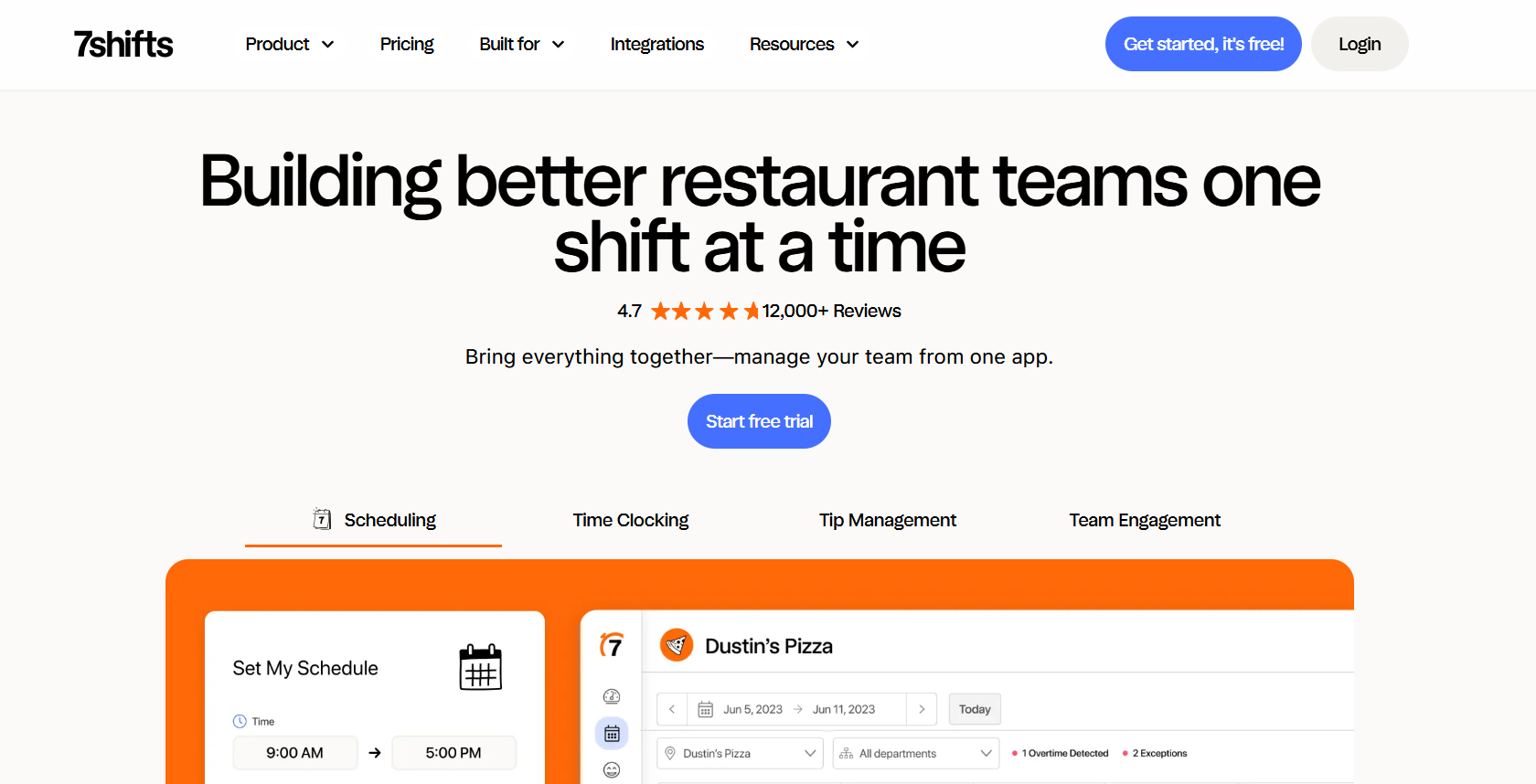
7shifts is a scheduler software built specifically for the restaurant and food service industry, making it a natural fit for many bakery operations. Its deep integrations with POS systems like Square Appointments provide valuable insights by comparing labor costs to sales in real-time. This helps managers make smarter decisions about staffing levels. Features like tip pooling and compliance management are highly relevant for the customer-facing side of a bakery. While it offers a free plan for very small locations, its true power as an online scheduling app is unlocked in the paid plans, which are priced per location and can become costly for businesses with many small outlets. The platform is ideal for bakeries that operate like quick-service restaurants and need to manage multiple users across different sites.
Key Features
Auto-scheduler with labor vs. sales forecasting.
Shift templates and manager logbooks.
Compliance for overtime and breaks.
Tip management and onboarding.
Multi-location support.
Who’s it for?
Bakery chains or multi-location operations similar to quick-service food businesses.
Pricing Details
Plan | Price Per Location/Month (Billed Annually) | Key Features & Limits |
|---|---|---|
Comp | Free | 1 Location, up to 15 employees, basic scheduling. |
Essentials | $39.99 | Unlimited shift templates and team communication tools. |
Pro | $79.99 e | Adds advanced budgeting, labor forecasting, and compliance tools. |
Premium | $134.99 + | Unlocks the auto-scheduler and advanced reporting. |
Add-Ons | – Task Management: $12.99 per month & per location |
7. QuickBooks Time
Best for Bakeries Using The QuickBooks Ecosystem
Pros | Cons |
|---|---|
✔️ Seamless accounting integrations for bakery expense tracking. | ❌ Onboarding can be difficult for non-tech-savvy users. |
✔️ Detailed reports aid in budgeting for seasonal baking. | ❌ Gets expensive for large teams. |
✔️ GPS tracking ensures accurate hours for delivery staff. | ❌ Less focus on communication features. |
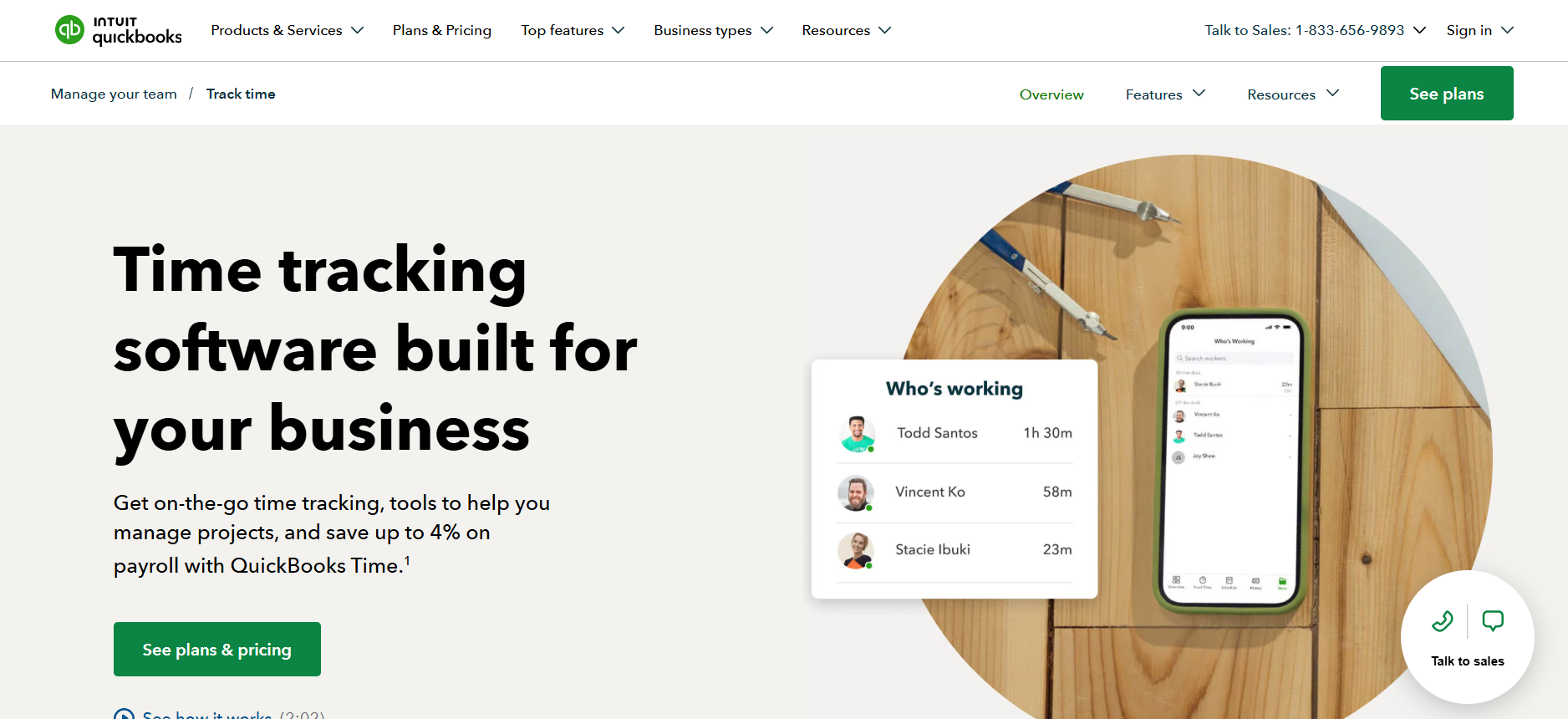
For bakeries already managing their finances with QuickBooks, QuickBooks Time (formerly TSheets) is the most logical choice for scheduling appointments and tracking hours. Its primary advantage is the flawless integration with the QuickBooks accounting platform, which streamlines payroll and job costing. This makes it easy to see how labor costs impact your bottom line. The desktop app and mobile app both offer powerful GPS time tracking, perfect for monitoring bakery delivery drivers or staff working at off-site events. While it is an excellent time tracking and scheduling software, it lacks the robust team communication and scheduling automation features found in more specialized appointment scheduling apps. The pricing structure, with a base fee plus a per-user cost, can also become expensive for larger bakery teams.
Key Features
Drag-and-drop scheduling with color-coding.
GPS time clock and geofencing.
Time-off and availability management.
Budget forecasting and alerts.
Payroll and asset tracking integrations.
Who’s it for?
Bakeries integrated with QuickBooks for accounting, needing scheduling tied to financials.
Pricing Details
Plan | Price Structure | Included Features |
|---|---|---|
Standard | $19/month base fee | Scheduling, GPS time tracking, job costing, and seamless QuickBooks integration. |
Free Plan | Not Available | |
Trial | 30-day free trial available. |
8. ZoomShift
Best for Small Bakeries Needing Error-Proof Scheduling
Pros | Cons |
|---|---|
✔️ Free essentials plan for tiny teams. | ❌ No free plan beyond 20 users. |
✔️ Prevents scheduling errors like overlaps. | ❌ Limited advanced analytics. |
✔️ Affordable scaling for growing bakeries. | ❌ 14-day trial only for paid features. |
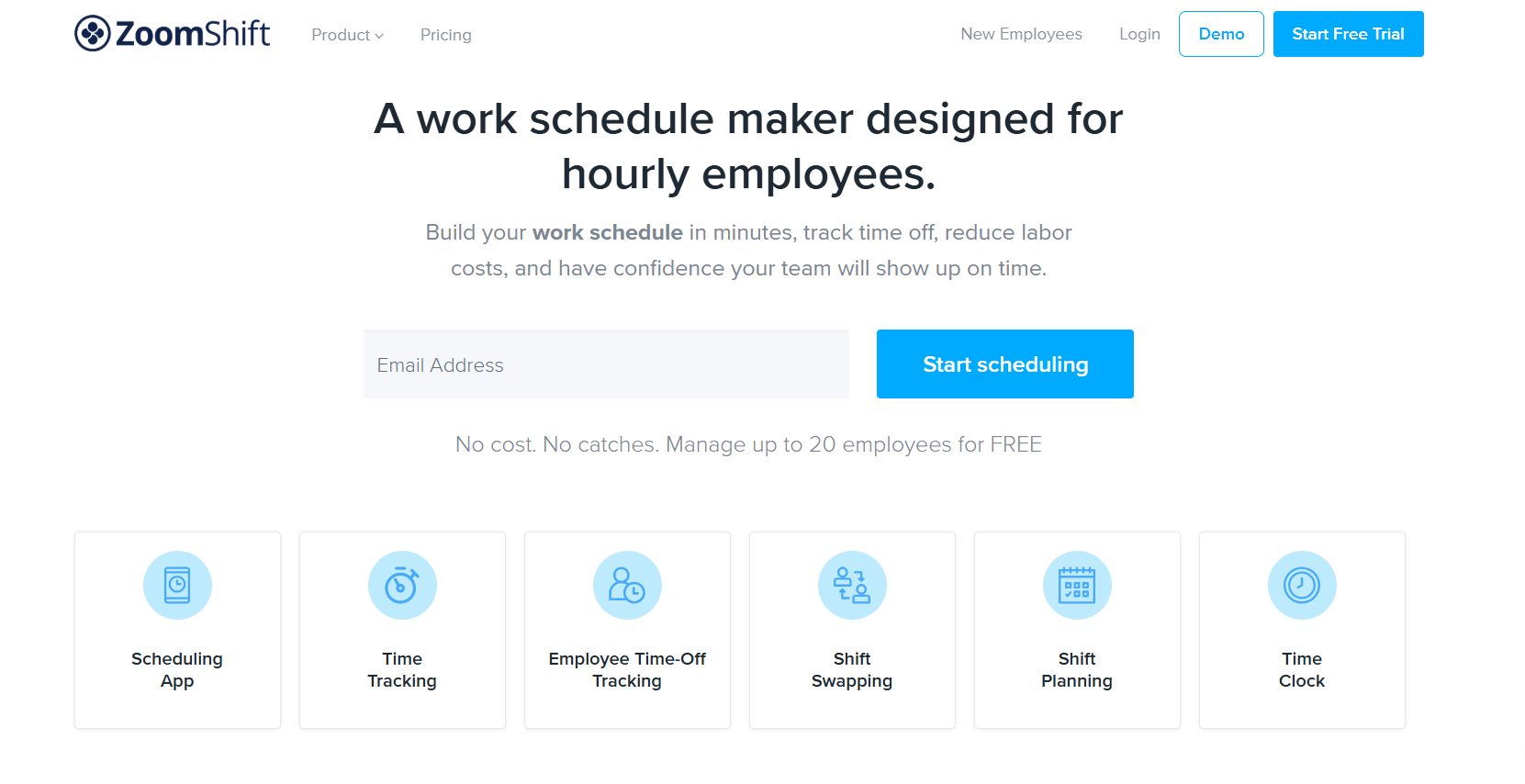
ZoomShift is a clean, no-fuss scheduling tool that prioritizes simplicity and accuracy, making it a great option for small bakery owners who want to avoid scheduling headaches. The platform is designed to prevent common mistakes like double-booking an employee or scheduling someone who has requested time off. Its free plan provides essential scheduling for up to 20 users, and its paid plans are very affordably priced per user, making it easy to scale as your bakery grows. Features like geofenced time clocks and automated reminders are available on the premium tiers. While it may not have the project management tools or extensive analytics of more complex systems, it delivers on its promise of making shift online scheduling simple and error-free.
Key Features
Drag-and-drop with templates.
Auto-scheduling and overtime warnings.
Geofence time clock.
Shift swaps and PTO tracking.
Custom reports and permissions.
Who’s it for?
Small bakeries with part-time hourly workers seeking simple, error-proof scheduling.
Pricing Details
Plan | Price Per User/Month (Billed Annually) | Key Features & Limits |
|---|---|---|
Essentials | Free | Up to 20 users, 1 location, basic scheduling tools. |
Starter | $2.00 | Unlimited users & locations, timesheets, and payroll reports. |
Premium | $4.00 | Adds auto-scheduling, geofencing, and advanced rules. |
Trial | 14-day free trial available for paid plans. |
9. Findmyshift
Best for Simple Team Rostering With Flat-Rate Pricing
Pros | Cons |
|---|---|
✔️ Flat per-team pricing avoids per-user costs. | ❌ Team size limits on lower plans. |
✔️ Quick setup with mobile access. | ❌ No native payroll. |
✔️ Good for international bakeries with SMS notifications. | ❌ Basic compared to all-in-one apps. |
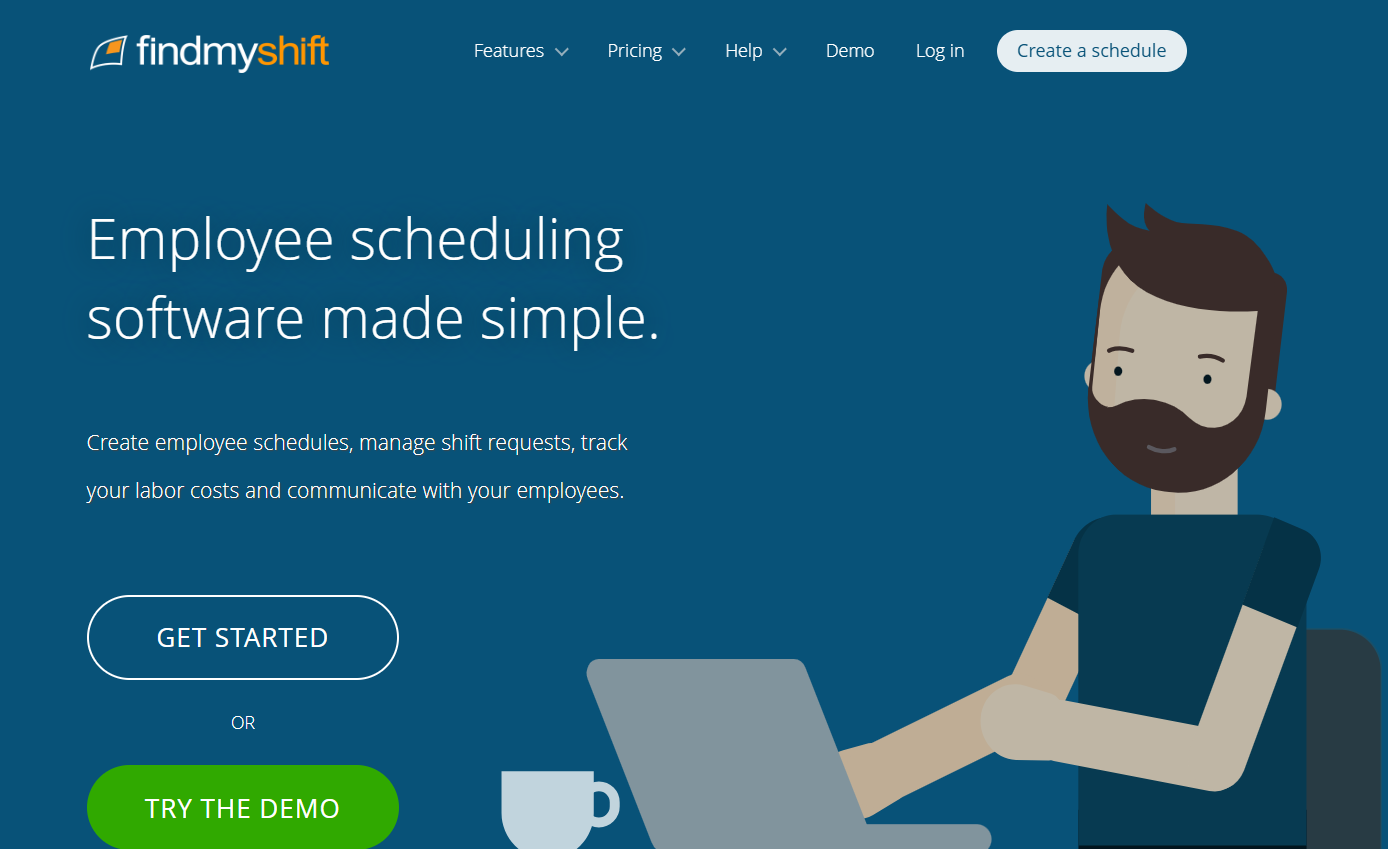
Findmyshift offers a unique, team-based pricing model that sets it apart from the common per-user month structure. This can be highly cost-effective for bakeries with a set number of employees, as you pay one flat rate for the entire team. It’s a straightforward scheduler software that’s incredibly easy to set up and use, allowing managers to build and publish rosters in minutes. The platform supports shift reminders via both email and SMS, a useful feature for ensuring everyone is on time for those early morning baking shifts. While it lacks the advanced forecasting and deep POS integrations of competitors, it is an excellent and affordable calendar app for bakeries that need a reliable, no-frills tool for creating and communicating schedules.
Key Features
Online roster builder with templates.
Time clocking and timesheets.
Shift reminders via email/SMS.
Time-off tracking and swaps.
Reporting for labor costs.
Who’s it for?
Small global or remote-managed bakeries needing straightforward team rostering.
Pricing Details
Plan | Price Per Team/Month (Billed Annually) | Team Size & Planning Limits |
|---|---|---|
Free | $0 | 5 members, 1 week of forward planning. |
Starter | $23 | 20 members, 3 months of forward planning. |
Business | $37 | 100 members, 1 year of forward planning. |
Enterprise | $73 | 300 members, multiple years of planning. |
Trial | 14-day free trial available. | |
Note: | Email, push notifications, and Slack messages are free. SMS messaging has an additional cost. |
10. Zoho Shifts
Best for Small Bakeries Already Using Zoho Apps
Pros | Cons |
|---|---|
✔️ Free for basic use, budget-friendly for startups. | ❌ Limited to Zoho users for full benefits. |
✔️ Integrates with Zoho ecosystem for CRM/invoicing. | ❌ Fewer mobile features than competitors. |
✔️ Conflict-free scheduling reduces errors. | ❌ Basic forecasting tools. |
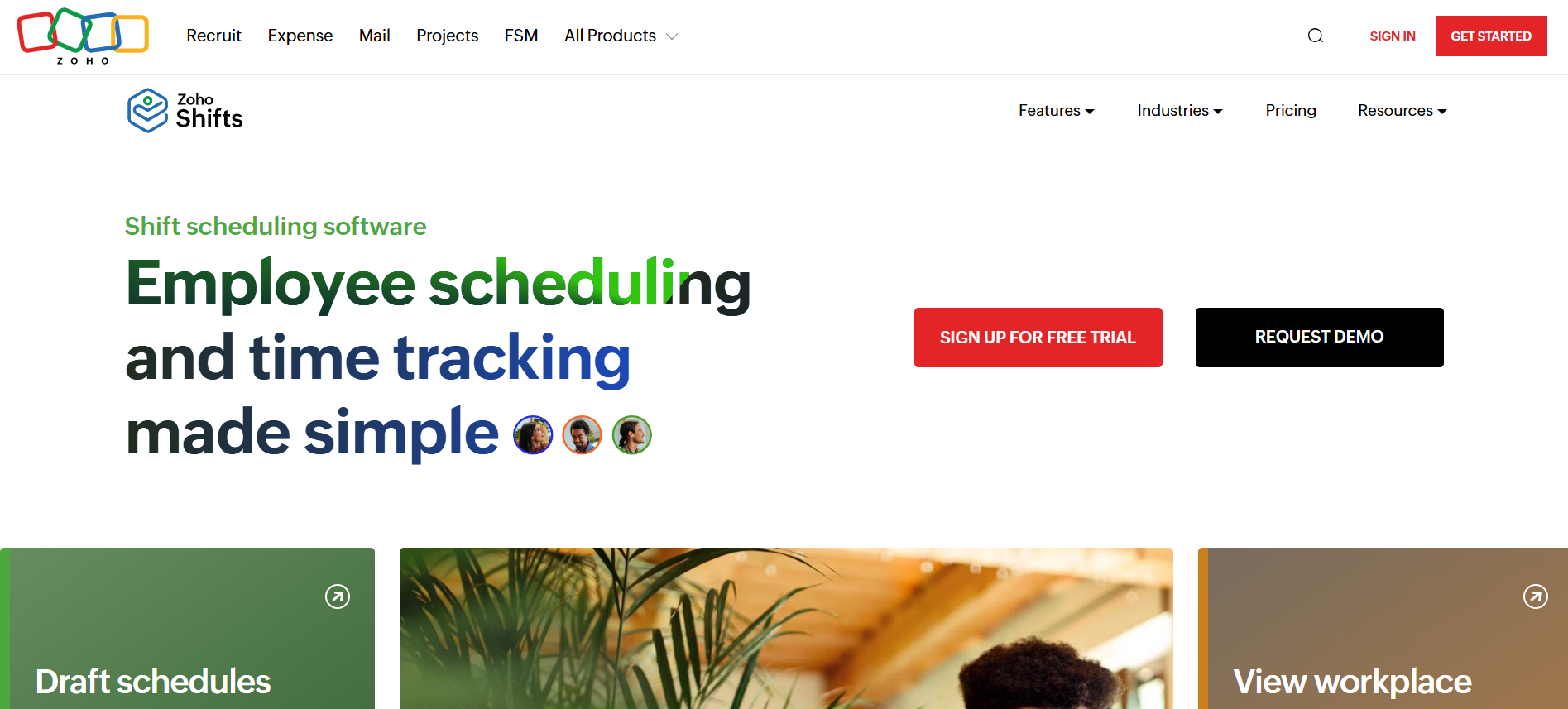
For bakeries that are already invested in the Zoho ecosystem (using Zoho Books, CRM, etc.), Zoho Shifts is a seamless and often free addition. This scheduling software integrates perfectly with other tools in the Zoho suite, creating a unified system for managing operations from sales calls to staff schedules. The free calendar app offers conflict-free online scheduling, helping managers avoid errors and ensure all shifts are covered. Like other google tools in Google Workspace, the value is magnified when used with its sibling applications. While its standalone features are more basic compared to specialized appointment scheduling apps, and its mobile app is less developed, its unbeatable price point and integration capabilities make it a strong contender for any small business running on Zoho.
Key Features
Drag-and-drop shift planning.
Availability and time-off management.
Team chat and notifications.
Time tracking with attendance.
Basic reports and integrations.
Who’s it for?
Small bakeries already using Zoho tools, seeking free or low-cost entry-level scheduling.
Pricing Details
Plan | Price Per User/Month | Key Features |
|---|---|---|
Free | Free | Unlimited shifts and basic time tracking for small teams. |
Basic | Starts at $1.00 | Adds advanced features like labor forecasting and reporting. |
Standard | Starts at $2.00 | Can be bundled with the Zoho Workplace suite for a complete solution. |
Trial | 15-day free trial available for paid plans. |
Our Recipe for Selecting the Best Bakery Schedulers
To find the top scheduling apps for bakeries, we went beyond a simple search. Our selection process was based on criteria that matter most to a bustling food business. We prioritized tools designed for shift-based, hourly work—not just corporate online meetings. We looked for platforms offering strong mobile accessibility, knowing that bakers and counter staff are rarely tied to a desk. Key considerations included integrations with common bakery POS systems, features for managing labor costs against daily sales, and user-friendly interfaces that don’t require extensive training. We also evaluated how these apps handle booking appointments for both internal meetings and staff shifts, ensuring they offered more robust functionality than a standard personal calendar like Google Calendar or Outlook Calendar.
What Exactly Is a Scheduling App?
At its core, a scheduling app is a digital tool that automates the complex process of organizing employee shifts, tasks, and availability. Unlike a simple Apple Calendar or Microsoft Outlook used for tracking individual scheduled events, this specialized software is built for business operations. It acts as a central hub where managers can create and distribute schedules, and employees can view their shifts, request time off, and communicate with the team. These booking tools are designed to prevent conflicts, manage labor budgets, and streamline communication through automated workflows, turning a chaotic process into a simple, organized one. They transform the simple act of booking appointments for shifts into a dynamic, interactive system for your entire team.
How Scheduling Apps Simplify Your Day?
Scheduling apps work by centralizing information and automating repetitive tasks. A manager starts by inputting employee details, availability, and roles. They can then create shift templates for common schedules, like the “Morning Bake” or “Weekend Closing” shift. When it’s time to build a new schedule, the app uses this data to populate the calendar, automatically flagging potential conflicts like double-bookings or overtime.
For employees, the process is just as simple. They receive notifications on their phones, can view the schedule anytime, and can even initiate shift swaps with colleagues for manager approval. Many apps offer two way calendar sync, allowing staff to see their work shifts directly on their personal calendar, whether it’s Google Calendar or other calendar platforms. For bakeries that take custom orders or consultations, some apps can even generate a public booking landing page with scheduling links, allowing customers to book appointments for external meetings directly. This integration, combined with communication tools like Microsoft Teams, creates a seamless operational flow.
How to Choose the Right Scheduling Software?
Selecting the ideal scheduling software requires you to consider your bakery’s unique needs. Start by evaluating the various pricing plans to find one that fits your budget and team size. Next, identify your must-have features. Do you need a simple shift scheduler, or a more advanced best meeting scheduler that can also handle customer appointments through a dedicated scheduling page?
Look for robust integration capabilities, especially two way calendar sync with popular platforms like Google Calendar and Outlook Calendar, to prevent scheduling conflicts between work and personal life. Consider if the software helps with task priority for production schedules or allows you to block out focus time for complex baking projects. Finally, take advantage of free trials to test the user experience. The right choice will be a tool that both you and your team find intuitive and helpful for managing everything from internal meetings to daily shifts.
Frequently Asked Questions (FAQs)
What are the main advantages of using a specialized appointment scheduling software over a basic calendar app for a bakery?
Specialized appointment scheduling software offers crucial features for bakeries like employee shift scheduling, time tracking, labor cost management, and POS integration, which are not available in a standard calendar app.
Is there a best scheduling app that offers a free plan suitable for a small startup bakery?
Yes, apps like Homebase and Sling are excellent choices, offering robust free plans that include core features for scheduling, time tracking, and team communication for a limited number of employees.
How do scheduling apps help with scheduling automation to save managers time?
Scheduling automation saves time by using features like shift templates to build schedules quickly, AI scheduling that populates shifts based on employee availability and sales data, and automated notifications for open shifts or changes.
Can these scheduling apps integrate with personal calendars like Microsoft Outlook or Google Calendar?
Many of these scheduling apps offer two-way calendar sync, which allows employees to see their work shifts directly on their personal calendars, such as a Microsoft Outlook or Google Calendar, helping to prevent conflicts.
What are the core features a bakery owner should look for in an online scheduling app?
Core features to look for include an intuitive drag-and-drop scheduler, a mobile app for employees, shift swapping capabilities, time tracking tools, labor cost reporting, and integrations with POS and payroll systems.
What key features do paid plans typically unlock that a growing bakery might need?
Paid plans move beyond basic scheduling to offer advanced tools essential for growth. These typically include features like a time clock for accurate payroll, advanced labor forecasting to optimize staffing based on sales data, compliance tools for managing breaks and overtime, and robust reporting and analytics for better business insights.
How does integration with a personal calendar like Outlook Calendar actually help bakery staff?
Integration with a personal calendar like Outlook Calendar uses two-way sync, which allows employees to see their work shifts directly alongside their personal appointments. This convenience helps prevent double-bookings, reduces scheduling conflicts between work and personal life, and minimizes missed shifts.
What is AI scheduling, and how does it help a bakery control labor costs?
AI scheduling is a feature that uses data—like past sales, employee availability, and even weather forecasts—to automatically create optimized staff schedules. It helps control labor costs by ensuring you have enough staff for busy periods without overstaffing during slow times, improving overall efficiency.
Conclusion
Choosing the right scheduling software is a critical decision that can significantly impact your bakery’s efficiency, employee morale, and profitability. As we’ve seen, the best scheduling app is not a one-size-fits-all solution. For a small, budget-conscious startup, a tool with a generous free plan like Sling or Homebase might be the perfect starting point. A data-focused bakery aiming to optimize labor costs during peak hours might find the AI scheduling of Deputy invaluable, while a business already using QuickBooks or Zoho will benefit from the seamless integrations of QuickBooks Time or Zoho Shifts, respectively.
Ultimately, the goal is to find a calendar platform that eliminates scheduling errors, streamlines communication, and gives you back more time to focus on what you do best: creating delicious baked goods. Nearly all of these scheduling apps offer free trials or forever-free plans. We encourage you to test a few options with your team. See which mobile app they prefer, how easily you can build a schedule, and how well it fits into your existing workflow. By investing in the right scheduling tool, you can master your bakery’s operations and set your business up for sweet success.