

Choosing the right ecommerce platform is key to building a successful online store. With various ecommerce platforms offering features like payment processing, inventory management, and customization options, it’s important to find one that meets your needs. Whether starting a small online business or scaling an ecommerce site, the right platform can help you manage everything from abandoned cart recovery to social media integration and SEO features.
This guide highlights the best ecommerce platforms for any business, from hosted solutions like Square Online to self-hosted platforms like WooCommerce. Each platform offers tools like multiple payment gateways, sales tax automation, and email marketing, helping you grow your store and deliver a seamless shopping experience across devices.
Metrobi drivers are rated 4.97/5
Trusted by local businesses for:
- Background-checked professionals
- Specialized in business deliveries
- Same drivers for consistency
- 4.97/5 average delivery rating
20 Best Ecommerce Platforms of 2024
Shopify
Amazon
eBay
WooCommerce
Etsy
Wix
Squarespace
BigCommerce
Wayfair
AliExpress
Square Online
Adobe Commerce
Weebly
Volusion
Big Cartel
Ecwid
Shift4Shop
OpenCart
Sellfy
CoreCommerce
1. Shopify
Starting monthly fee: $39
Basic plan product limit: Unlimited
Rating: 4.8/5
Our Take
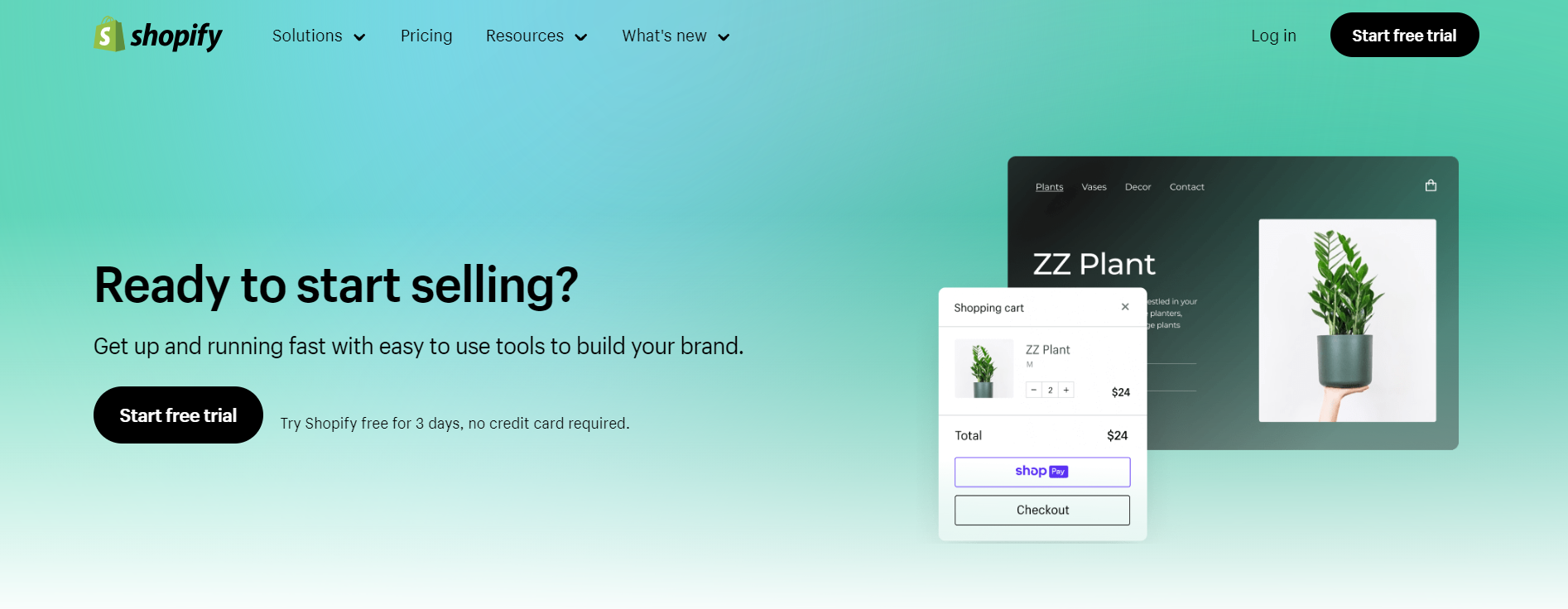
Shopify stands out as one of the most trusted and widely used e-commerce platforms globally. Its versatile toolkit empowers users to build, manage, and grow their online stores regardless of technical expertise. Shopify’s ease of use and powerful built-in features, from SEO optimization to inventory management, make it a top choice for businesses looking to scale. While it may have a higher price point than some competitors, the vast array of integrations, customization options, and seamless user experience justify the cost. Whether you’re just starting or expanding into new markets, Shopify offers the flexibility to support your growth.
Main features
Comprehensive sales channels: Sell on various platforms like Instagram, Facebook, and Amazon with ease.
Customizable themes: A vast selection of templates lets you create a unique store without needing to code.
App marketplace: Shopify’s app store offers over 6,000 apps to add functionality, from marketing tools to shipping options.
Mobile optimization: All themes are mobile-friendly, ensuring your store looks great on any device.
Setup Process
Shopify is well-known for its beginner-friendly setup process. The platform walks you through the essential steps like adding products, setting prices, and choosing a theme. Shopify’s drag-and-drop editor simplifies design changes, allowing even non-technical users to create a polished, professional store in minutes. The customization is extensive enough for advanced users to add custom HTML and CSS if needed.
Payment processing
Shopify Payments is the platform’s native solution, offering a seamless and integrated payment experience. It also supports over 100 third-party payment gateways like PayPal and Stripe, giving merchants flexibility in how they process transactions. If you use Shopify Payments, you avoid transaction fees on orders, otherwise, expect additional fees.
Assistance and customer service
Shopify provides 24/7 customer support through multiple channels, including chat, email, and phone. The platform also has a rich knowledge base and community forum for troubleshooting. Many users commend Shopify’s customer service for its quick response times and knowledgeable support representatives.
Pricing plans
Basic: $39/month
Shopify: $105/month
Advanced: $399/month
Pros and cons
Pros:
Easy setup and user-friendly interface
Customizable with a wide range of themes and apps
Built-in payment gateway
Excellent customer support and resources
Cons:
High transaction fees if not using Shopify Payments
Pricey advanced plans compared to competitors
Verdict
Shopify is an all-around top e-commerce platform. While it may seem more expensive, its features and flexibility make it worth the investment for businesses looking to scale efficiently. With its ease of use, extensive support, and wide range of tools, Shopify is a top contender for those serious about growing their online presence.
2. Amazon
Starting monthly fee: $39.99 (Professional plan)
Basic plan product limit: Unlimited
Rating: 4.7/5
Our Take
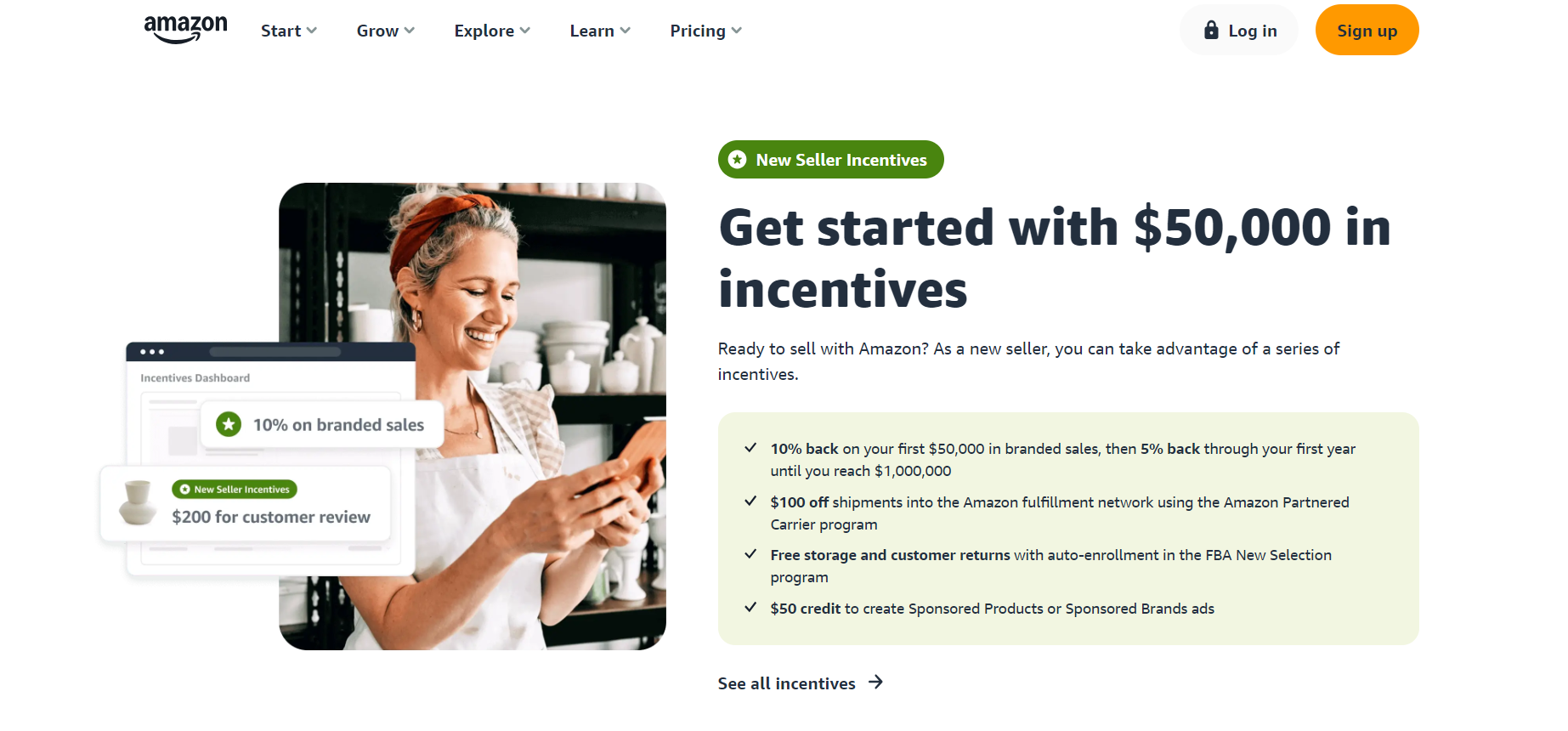
Amazon is the undisputed leader in e-commerce, boasting a massive audience and unmatched brand recognition. By selling on Amazon, businesses gain immediate access to millions of potential customers globally. The platform handles much of the technical and logistical heavy lifting, particularly through Fulfillment by Amazon (FBA), which streamlines shipping and customer service. However, Amazon’s marketplace structure means high competition and selling fees can accumulate quickly, especially for larger or high-volume businesses. Despite this, Amazon’s reach and infrastructure make it an attractive option for merchants aiming to scale quickly.
Main features
Vast customer base: Amazon’s marketplace exposes products to millions of daily users.
Fulfillment by Amazon (FBA): Allows sellers to outsource storage, packaging, and shipping.
Built-in advertising tools: Sponsored product listings and other promotional options.
Prime eligibility: Products fulfilled by Amazon can qualify for Amazon Prime, attracting more customers.
Setup Process
Creating an Amazon seller account is straightforward, and setting up a product listing is relatively quick. However, customizing the store experience is limited since Amazon controls most aspects of design and functionality. Listings follow standardized templates, making the process easy but less flexible compared to platforms where you can design your own store.
Payment processing
Amazon handles all payment transactions and accepts a variety of payment methods, including major credit cards and Amazon gift cards. Sellers are paid every two weeks for any sales made within that period, but the fees per sale can add up, especially when using FBA.
Assistance and customer service
Amazon offers support through Seller Central, where sellers can access customer service via email, phone, or chat. While Amazon provides robust support, some sellers have noted delays in response time and challenges with receiving personalized help for more complex issues.
Pricing plans
Individual: $0.99 per item sold
Professional: $39.99/month + selling fees
Pros and cons
Pros:
Unmatched customer base
Fulfillment by Amazon simplifies logistics
Extensive advertising and promotional tools
Cons:
High competition within the marketplace
Selling fees and FBA charges can reduce margins
Verdict
Amazon provides an incredible opportunity for businesses to reach a global audience with minimal effort. However, it’s not without its downsides, as fees and high competition can limit profitability for smaller sellers. Nonetheless, for those looking to leverage Amazon’s brand and infrastructure, it’s a top choice.
3. eBay
Starting monthly fee: $4.95 (Basic Store Plan)
Basic plan product limit: Unlimited
Rating: 4.6/5
Our Take
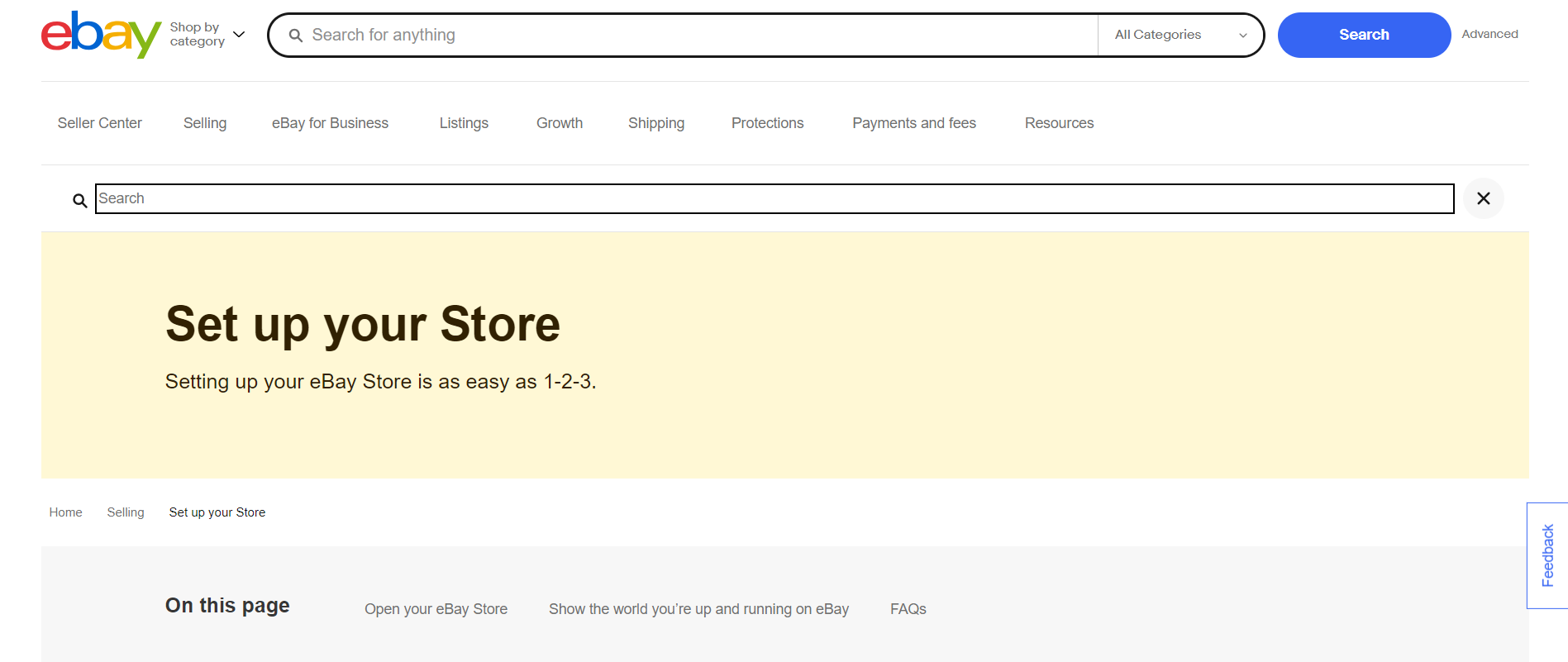
eBay is a global marketplace known for its auction-style listings, though it also supports fixed-price sales. Its massive user base and established reputation make it a popular option for small sellers and large businesses alike. While eBay has a lower barrier to entry with its affordable fees and flexibility in listing types, the platform’s focus on auctions can sometimes be a double-edged sword, leading to price fluctuations. Still, eBay offers a range of selling options that appeal to a diverse range of merchants.
Main features
Auction and fixed-price listings: Flexibility in how you sell products.
Global reach: Access to millions of potential buyers worldwide.
Seller protection: eBay offers robust seller protection policies, reducing the risk of fraud.
Promoted listings: Paid advertising to boost the visibility of your listings.
Setup Process
Setting up an eBay seller account is simple and takes only a few minutes. Sellers can list items quickly using eBay’s straightforward interface. However, eBay lacks the deep customization options of other e-commerce platforms, as you’re tied to its marketplace structure.
Payment processing
eBay processes payments through its managed payments system, which supports several payment methods, including credit cards and PayPal. Sellers receive payouts directly to their bank accounts, typically within two business days of a sale being completed.
Assistance and customer service
eBay offers customer support via phone and live chat. Sellers also have access to a detailed help center and community forum for additional resources. However, some users have noted that eBay’s customer service can be slow to resolve disputes.
Pricing plans
Basic Store: $4.95/month (if annual)
Premium Store: $59.95/month (if annual)
Anchor Store: $299.95/month (if annual)
Pros and cons
Pros:
Global marketplace with millions of active buyers
Auction and fixed-price options
Low monthly fees
Strong seller protection
Cons:
High competition within popular product categories
Limited customization for branding
Verdict
eBay’s combination of auction and fixed-price listings makes it a flexible platform for sellers of all sizes. While the lack of customization can be a drawback, its global reach and ease of use make it a valuable platform for sellers in niche or collectible markets.
4. WooCommerce
Starting monthly fee: Free (Hosting and extensions extra)
Basic plan product limit: Unlimited
Rating: 4.5/5
Our Take
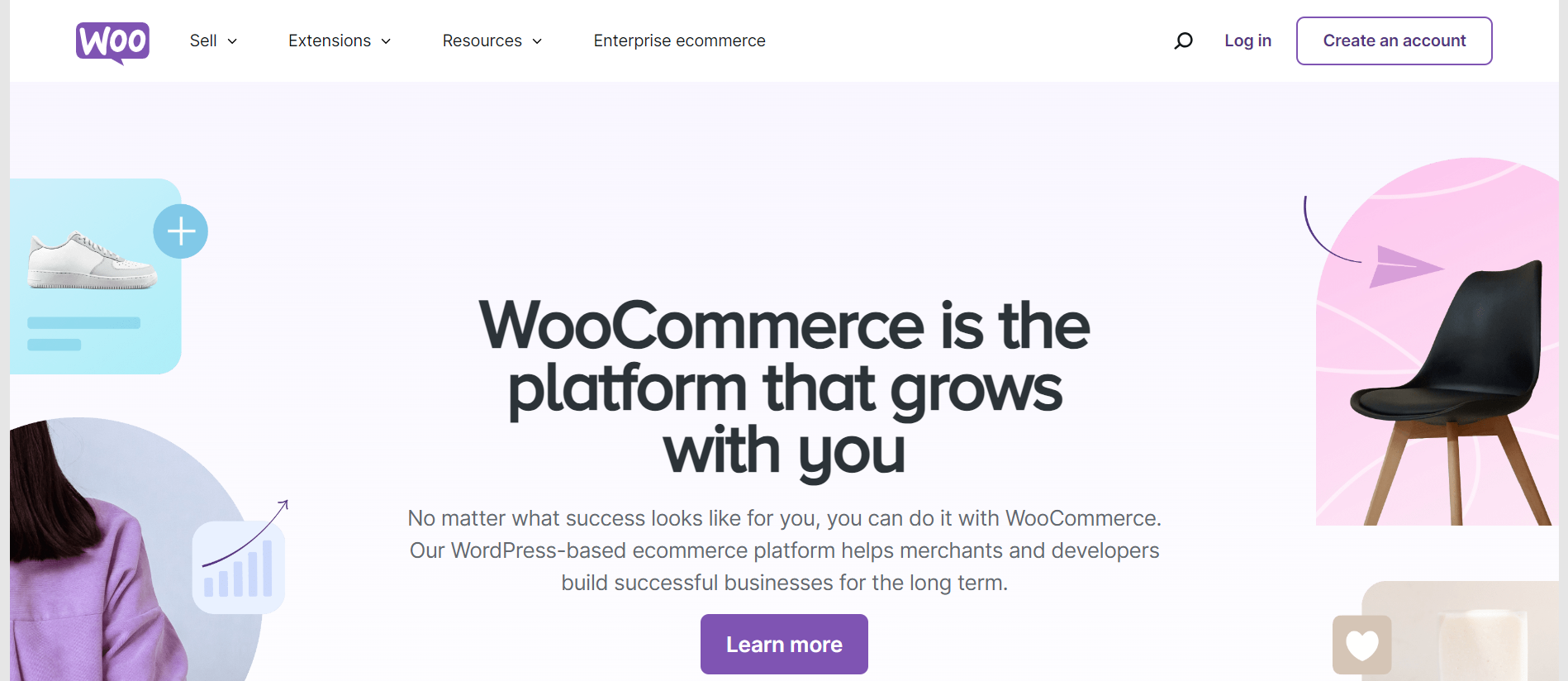
WooCommerce is a highly flexible, open-source e-commerce platform built on WordPress. It offers a wide range of customization options, making it ideal for businesses with specific needs or those looking for complete control over their online store. Although WooCommerce is free to start, businesses will need to factor in costs for hosting, premium extensions, and possibly developer help, especially if advanced customization is required. WooCommerce’s flexibility comes at the cost of complexity, but for those willing to put in the effort, it offers near-limitless possibilities.
Main features
Full customization: Modify every aspect of your store’s appearance and functionality.
Built-in WordPress integration: Seamlessly integrates with WordPress for easy content management.
Extensions marketplace: Hundreds of plugins and extensions for additional functionality.
SEO-friendly: WordPress is known for its excellent SEO capabilities, which extend to WooCommerce stores.
Setup Process
The setup process for WooCommerce is more involved than most drag-and-drop platforms since you need a WordPress site first. After that, WooCommerce is easy to install as a plugin, and it provides a setup wizard to guide you through product listings, payment options, and shipping methods.
Payment processing
WooCommerce supports a wide range of payment gateways, including PayPal, Stripe, and Square. Many gateways require additional plugins, but WooCommerce Payments is the native option, offering a streamlined solution.
Assistance and customer service
As an open-source platform, WooCommerce lacks direct customer support, but users have access to a vast online community, forums, and documentation. Additionally, many hosting providers offer WooCommerce-specific support packages.
Pricing plans
Free (Hosting, domain, and extensions extra)
Costs vary based on hosting and add-ons
Pros and cons
Pros:
Fully customizable and scalable
No monthly fees beyond hosting
Extensive plugin and extension library
Strong SEO capabilities
Cons:
Can be complex for beginners
Additional costs for hosting and premium plugins
Verdict
WooCommerce is a robust option for businesses looking for full control over their e-commerce store’s design and functionality. While there is a steeper learning curve, it’s one of the most powerful and flexible platforms available, especially for those already familiar with WordPress.
5. Etsy
Starting monthly fee: Free (Listing fees apply)
Basic plan product limit: Unlimited
Rating: 4.5/5
Our Take
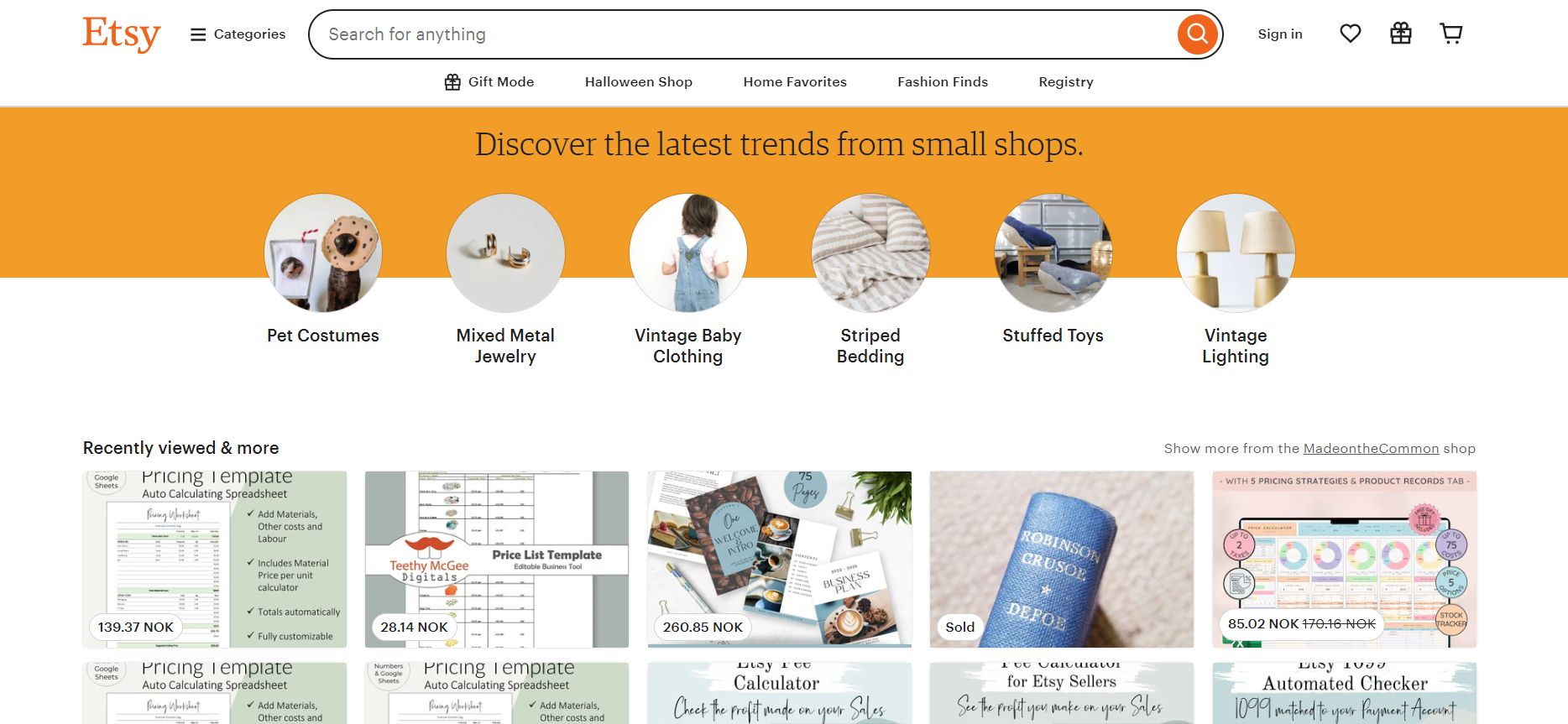
Etsy is the go-to platform for creative entrepreneurs and artisans selling handmade, vintage, and unique goods. With a strong niche focus, Etsy offers sellers a built-in audience of shoppers specifically looking for one-of-a-kind items. Etsy simplifies the process of opening an online store and handling logistics, making it a great option for hobbyists or small-scale businesses. However, sellers must contend with Etsy’s listing fees, transaction fees, and intense competition within certain product categories.
Main features
Niche marketplace: Tailored for sellers of handmade, vintage, and craft supplies.
Easy listing process: Streamlined product listing with built-in templates.
Built-in marketing tools: Etsy offers a variety of promotional tools, including Etsy Ads and social media integration.
Global reach: Access to millions of customers worldwide.
Setup Process
Etsy’s setup process is quick and straightforward. After creating an account, sellers can list items in a matter of minutes by uploading images, writing descriptions, and setting prices. Etsy’s user-friendly interface ensures that even beginners can manage their stores with minimal effort.
Payment processing
Etsy Payments is the primary payment processor, allowing sellers to accept payments via credit cards, PayPal, Apple Pay, and other methods. Payouts are made directly to the seller’s bank account.
Assistance and customer service
Etsy provides customer support through email and chat. There’s also a comprehensive help center with guides and FAQs, although some users feel that Etsy’s support could be more responsive, especially for more complex issues.
Pricing plans
Standard Plan: Free (with listing fees of $0.20 per item)
Plus Plan: $10/month (offers additional tools and credits)
Pros and cons
Pros:
Built-in niche audience
Low upfront costs
Easy setup and management
Built-in marketing tools
Cons:
Listing and transaction fees can add up
High competition within certain product categories
Verdict
Etsy is the premier platform for creative sellers and artisans, offering a ready-made audience for unique and handmade goods. While fees can be a drawback, Etsy’s ease of use and niche focus make it an ideal choice for small-scale sellers.
6. Wix
Starting monthly fee: $23
Basic plan product limit: Unlimited
Rating: 4.3/5
Our Take
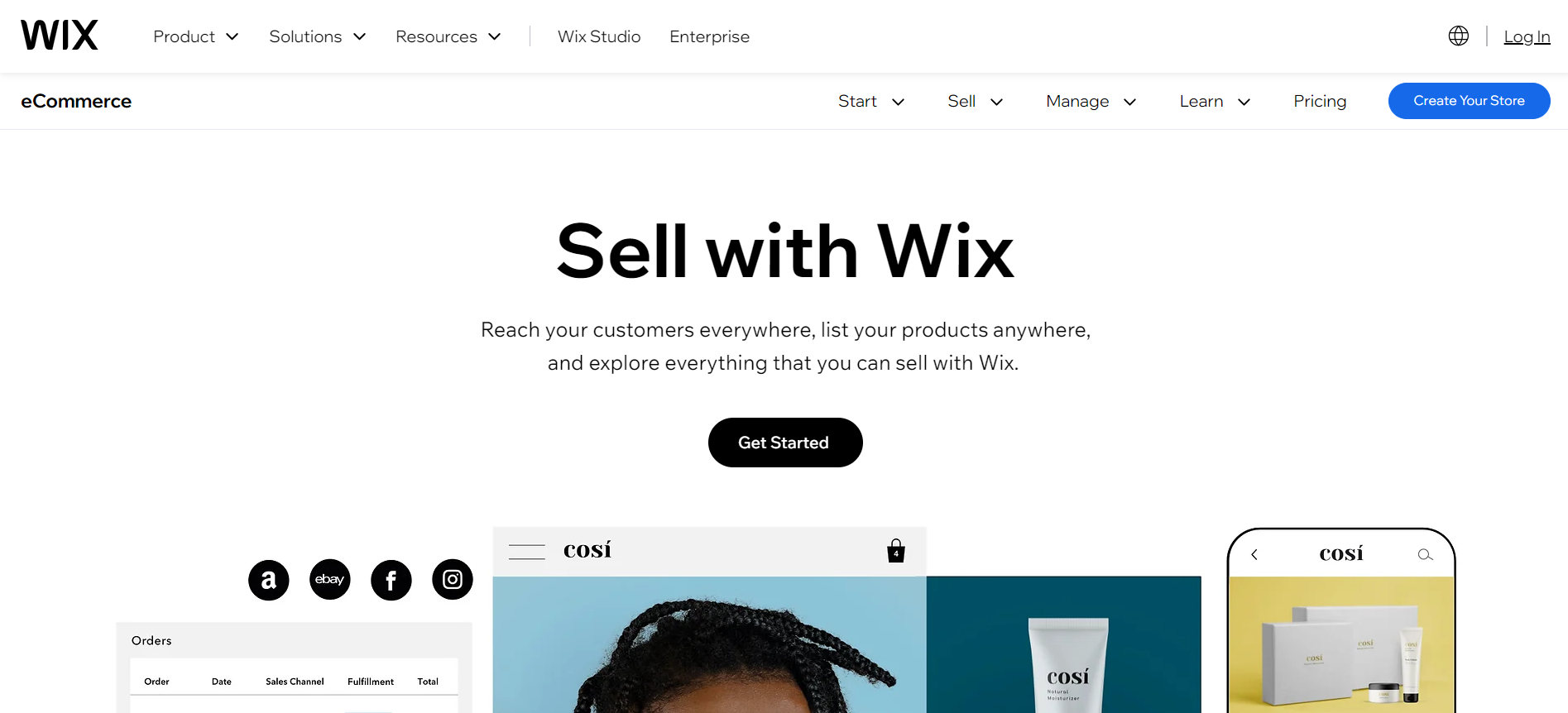
Wix is a popular reliable website builder that includes e-commerce functionality, making it a strong contender for small businesses or individuals looking to establish an online store without needing advanced technical skills. Its drag-and-drop builder allows users to create highly customizable websites, while its app marketplace offers various integrations to enhance functionality. While Wix is not as robust as other dedicated e-commerce platforms, it offers an intuitive interface and great design flexibility for beginners.
Main features
Drag-and-drop editor: Easy-to-use interface for full customization.
Hundreds of templates: Pre-built designs for various business types, including online stores.
App marketplace: Add features like email marketing, social media integrations, and more.
SEO tools: Built-in tools to improve your site’s search engine ranking.
Setup Process
Wix is incredibly easy to set up, even for those with no technical experience. Its drag-and-drop editor makes customizing your website straightforward, and its e-commerce functionalities can be enabled with just a few clicks. However, advanced users may find Wix’s setup less flexible compared to platforms like WooCommerce or BigCommerce.
Payment processing
Wix supports a wide range of payment options, including PayPal, Stripe, and credit card payments. Wix Payments, the platform’s native gateway, is also available and offers competitive processing rates.
Assistance and customer service
Wix offers 24/7 customer support via email, live chat, and phone. Its help center also includes an extensive library of articles and tutorials to guide users through common issues.
Pricing plans
Basic: $23/month
Unlimited: $27/month
VIP: $49/month
Pros and cons
Pros:
Easy drag-and-drop interface
No coding required
Great selection of templates and apps
Competitive pricing
Cons:
Not as feature-rich as other dedicated e-commerce platforms
Limited scalability for large stores
Verdict
Wix is an excellent choice for users looking for simplicity and design flexibility in a website builder with e-commerce functionality. Its low learning curve and competitive pricing make it a go-to option for small businesses or individuals launching a store without much technical expertise.
7. Squarespace
Starting monthly fee: $27
Basic plan product limit: Unlimited
Rating: 4.4/5
Our Take
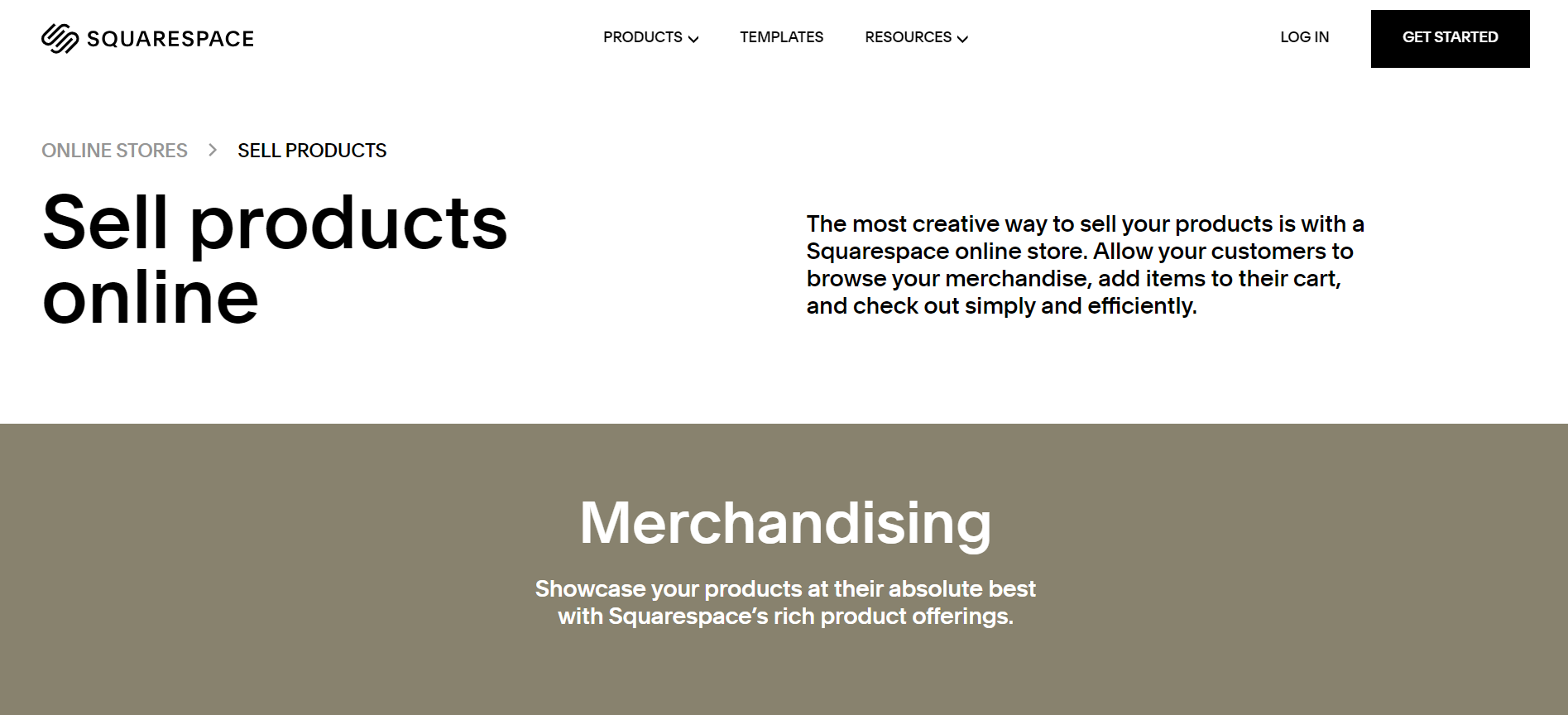
Squarespace is a visually-driven platform that excels in creating beautiful websites and portfolios, but it also offers solid e-commerce features. Known for its sleek, professional templates, Squarespace is best for sellers who want a sophisticated website design. The platform’s e-commerce tools include essential features like inventory management, order processing, and payment integration, though it may not have the advanced features necessary for very large online stores.
Main features
-
Award-winning templates: Designer-quality website templates.
-
Integrated e-commerce: Inventory management, order processing, and digital product sales.
-
Mobile optimization: All templates are mobile-friendly by default.
-
Marketing tools: Email marketing, social media integrations, and analytics.
Setup Process
Squarespace’s setup is smooth and easy, thanks to its guided setup process and user-friendly interface. It offers a comprehensive range of beautiful templates that are fully customizable with drag-and-drop functionality, but for e-commerce, some customization options might feel limited compared to more specialized platforms.
Payment processing
Squarespace integrates with Stripe and PayPal and supports credit card payments, Apple Pay, and Google Pay. It also allows for in-person payments through its Square integration, providing flexibility for businesses with both online and physical operations.
Assistance and customer service
Squarespace offers 24/7 email support and live chat during business hours. Its help center is filled with guides, videos, and webinars that can assist users with common queries.
Pricing plans
-
Personal: $16/month (not for e-commerce)
-
Business: $23/month
-
Basic Commerce: $27/month
-
Advanced Commerce: $49/month
Pros and cons
Pros:
-
Stunning templates and design flexibility
-
Built-in SEO tools and marketing features
-
Simple and elegant interface
-
Great for mobile-responsive websites
Cons:
-
Limited e-commerce scalability
-
Fewer payment gateways compared to competitors
Verdict
Squarespace is a fantastic platform for businesses that place a high priority on design, particularly creative industries. Its e-commerce functionality is solid for small-to-medium businesses, though larger stores may need more advanced features.
8. BigCommerce
Starting monthly fee: $39
Basic plan product limit: Unlimited
Rating: 4.5/5
Our Take
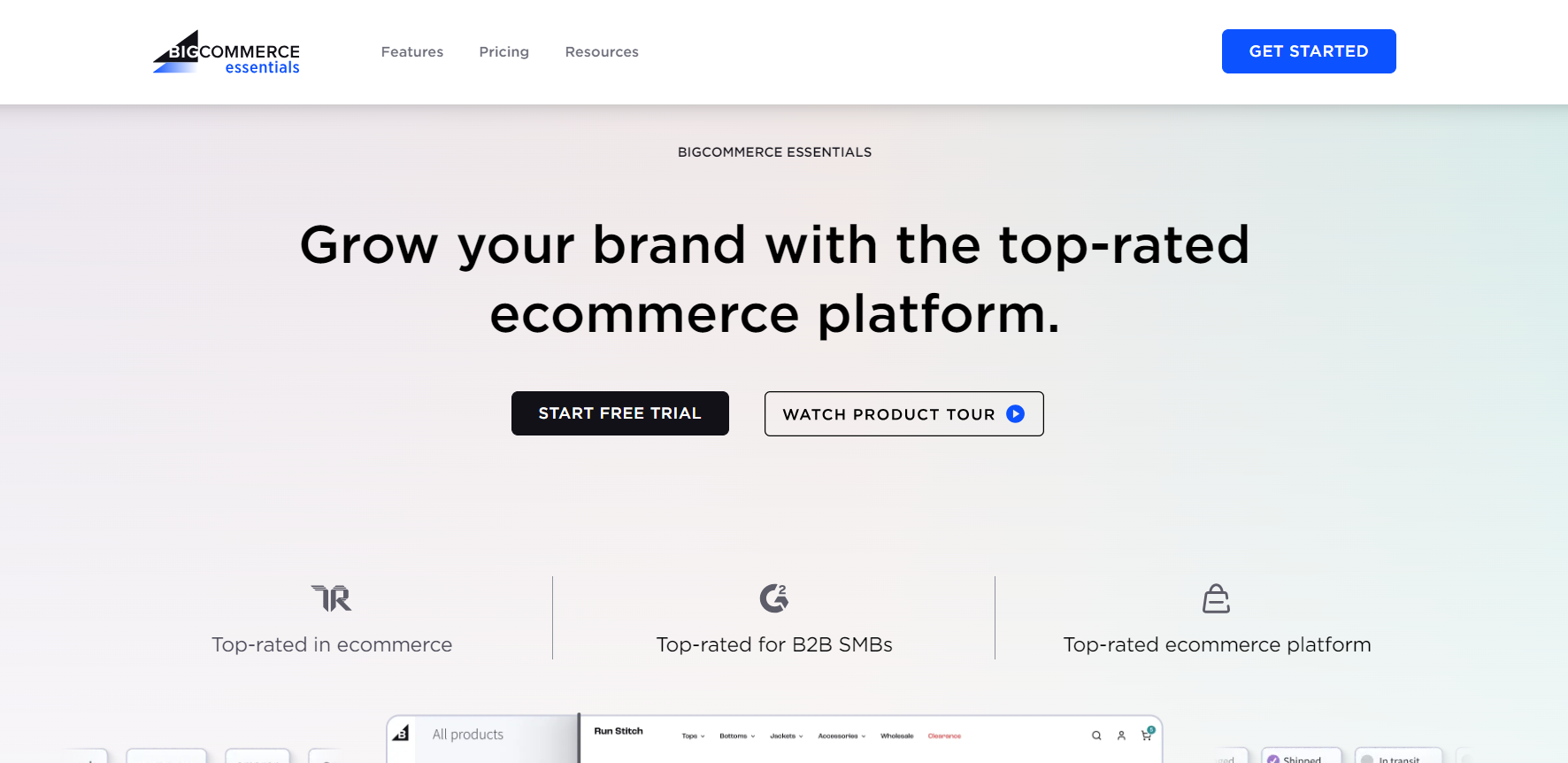
BigCommerce is a comprehensive e-commerce platform that’s well-suited for businesses looking to scale. With a wide range of built-in features and support for large inventories, BigCommerce is a powerful tool for larger businesses or those with plans to expand quickly. It’s known for its flexibility and extensive customization options, and it integrates seamlessly with multiple channels like Amazon, eBay, and social media platforms. While the platform is feature-rich, its complexity might be overwhelming for smaller businesses or beginners.
Main features
Multi-channel selling: Integrates with marketplaces like Amazon, eBay, and Facebook.
Robust customization: Full design flexibility through HTML, CSS, and JavaScript.
No transaction fees: BigCommerce doesn’t charge additional fees on top of payment processors.
SEO-friendly: Advanced SEO tools to improve search engine rankings.
Setup Process
BigCommerce’s setup process is user-friendly, with guided steps to help you set up products, payment gateways, and shipping options. However, the platform offers more advanced customization options than simpler e-commerce builders, which may require a learning curve for new users.
Payment processing
BigCommerce integrates with over 65 payment gateways, including PayPal, Stripe, Square, and Amazon Pay. The platform doesn’t charge transaction fees, which is a big plus for larger stores with high sales volumes.
Assistance and customer service
BigCommerce provides 24/7 customer support via phone, live chat, and email. Their extensive resource center includes guides, webinars, and a community forum for troubleshooting.
Pricing plans
Standard: $39/month
Plus: $105/month
Pro: $399/month
Enterprise: Custom pricing
Pros and cons
Pros:
Highly scalable for large businesses
No transaction fees
Multi-channel selling integrations
Advanced SEO and marketing tools
Cons:
Higher pricing plans
Can be complex for beginners
Verdict
BigCommerce is a robust platform for growing businesses and enterprises that need scalability, customization, and multi-channel integration. While it’s not the simplest option for small businesses, it’s an excellent choice for companies looking to expand their reach. For businesses that need even more control over their stack, enterprise ecommerce pl
9. Wayfair
Starting monthly fee: Free (for sellers)
Basic plan product limit: Unlimited
Rating: 4.2/5

Our Take
Wayfair is one of the largest online retailers for home goods, offering third-party sellers a platform to reach a vast audience. Unlike traditional e-commerce platforms, Wayfair is a marketplace that handles logistics, customer service, and payments for its sellers. While this makes it easier for businesses to list their products without worrying about fulfillment, it also means less control over branding and customer interaction. It’s a great option for furniture or home goods sellers looking for a hassle-free marketplace to sell their products.
Main features
Marketplace model: Wayfair handles logistics, customer service, and payments.
Large audience: Access to millions of customers interested in home furnishings and decor.
Wayfair Partners: A dedicated program for third-party sellers to list products.
Analytics tools: Insights into sales performance and customer behavior.
Setup Process
Joining Wayfair as a seller is a straightforward process that involves applying to their Wayfair Partners program. Once approved, sellers can upload their product catalogs, and Wayfair manages the logistics, including shipping and customer service.
Payment processing
Wayfair handles all payment processing and disburses payments to sellers after products are delivered. This means sellers don’t have to worry about payment gateways or transaction fees, but also have less control over the checkout process.
Assistance and customer service
Wayfair offers dedicated seller support through its Partners program, as well as resources to help sellers optimize their product listings and boost sales.
Pricing plans
Wayfair doesn’t charge a monthly fee for sellers but takes a commission on each sale.
Pros and cons
Pros:
Large, dedicated audience for home goods
Wayfair handles logistics and customer service
No monthly fees for sellers
Cons:
Limited control over branding and customer experience
Commission-based model
Verdict
Wayfair is ideal for sellers who want to focus on product listings and let the platform handle logistics. While it offers less control over branding, it provides access to a large customer base in the home goods niche.
10. AliExpress
Starting monthly fee: Free (for sellers)
Basic plan product limit: Unlimited
Rating: 4.1/5
Our Take
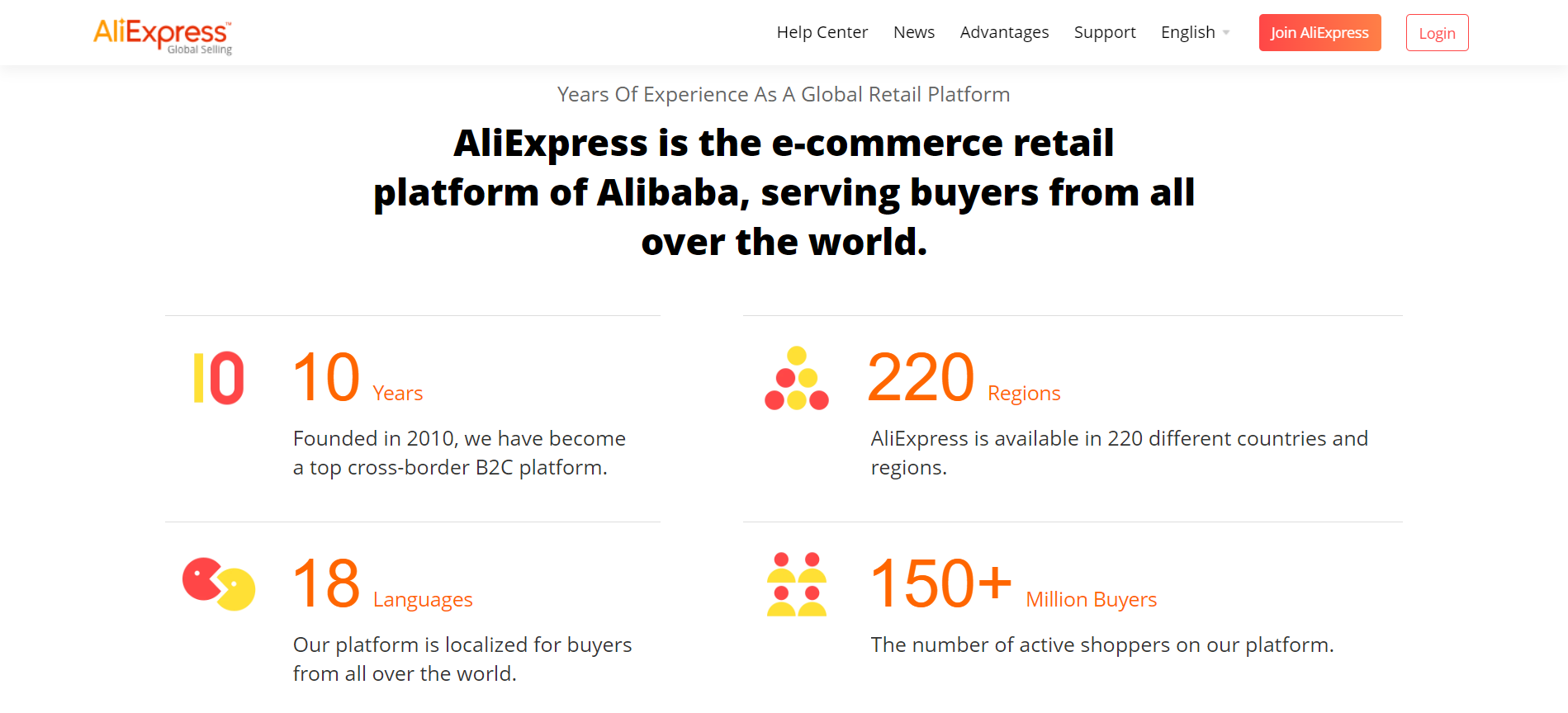
AliExpress is a global e-commerce marketplace primarily used by international sellers to reach customers worldwide. It allows businesses and individuals to sell products directly to consumers without the need for a third-party retailer. Known for its affordable product range, AliExpress is popular among dropshippers and small businesses looking to import products from China at low prices and resell them. However, as a marketplace platform, sellers have limited control over branding, and the competition is fierce.
Main features
Global reach: Sellers can access a global market with millions of buyers.
Dropshipping-friendly: Popular with dropshippers due to low-cost products and simple logistics.
Flexible pricing: Sellers can list products at competitive prices.
Mobile app: Sellers can manage their stores via the AliExpress mobile app.
Setup Process
Setting up an AliExpress seller account is straightforward and can be done in a few minutes. Sellers can list products for free, and the platform handles payment processing. However, managing inventory, shipping, and customer service is up to the seller.
Payment processing
AliExpress accepts a wide range of payment methods, including Visa, MasterCard, Western Union, and more. Sellers receive payments after the product is delivered, reducing the risk of fraud.
Assistance and customer service
AliExpress offers customer service through its help center, but seller support is limited compared to other platforms. Most sellers rely on third-party tools for inventory management and customer support.
Pricing plans
There are no monthly fees for sellers, but AliExpress charges a commission on sales depending on the category of the product.
Pros and cons
Pros:
Global customer base
No monthly fees for sellers
Dropshipping-friendly platform
Affordable product sourcing
Cons:
High competition
Limited seller support
Control over branding is minimal
Verdict
AliExpress is a solid choice for sellers who want to reach a global audience and are focused on dropshipping or low-cost product reselling. It’s not ideal for businesses seeking full control over their branding or customer experience but excels in affordability and market reach.
11. Square Online
Starting monthly fee: Free
Basic plan product limit: Unlimited
Rating: 4.5/5
Our Take
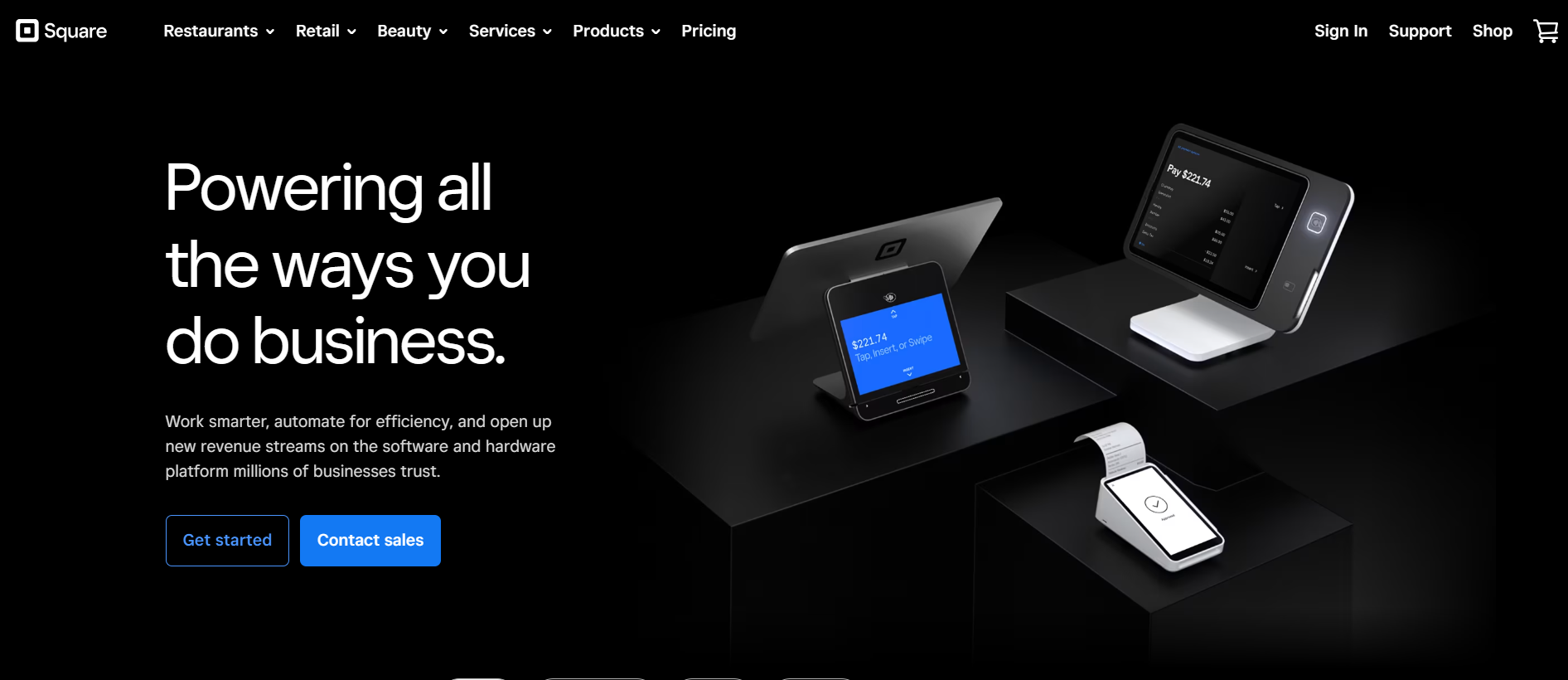
Square Online is a free e-commerce platform that integrates seamlessly with Square’s point-of-sale (POS) system, making it an excellent choice for businesses that have both online and offline sales channels. It’s particularly suitable for small businesses and brick-and-mortar stores looking to expand their digital presence. Square Online allows users to build an online store quickly, with tools for inventory management, payment processing, and sales analytics.
Main features
Free online store: Create a basic online store at no cost.
POS integration: Seamlessly syncs with Square POS for unified inventory and sales tracking.
Flexible payment options: Accepts credit cards, Google Pay, and Apple Pay.
SEO tools: Helps businesses optimize their online store for search engines.
Setup Process
Square Online offers an intuitive setup process, with templates that cater to various business types. Integration with the Square POS system allows businesses to manage both in-person and online sales from a single dashboard, making setup particularly easy for existing Square users.
Payment processing
Square Online is powered by Square Payments, allowing users to accept payments via credit cards, debit cards, Apple Pay, and Google Pay. It charges a flat rate of 2.9% + 30¢ per transaction.
Assistance and customer service
Square provides 24/7 customer support, a comprehensive help center, and a community forum for additional assistance. However, phone support is only available during business hours.
Pricing plans
Free plan: $0/month with basic features
Professional: $12/month
Performance: $26/month
Premium: $72/month
Pros and cons
Pros:
Free basic plan available
Seamless POS integration
Easy setup with no technical skills required
Competitive transaction fees
Cons:
Limited customization options
Advanced features require higher-tier plans
Verdict
Square Online is a great option for small businesses or retailers looking to expand into e-commerce without the need for advanced technical skills. The free plan and POS integration make it particularly appealing for businesses already using Square.
12. Adobe Commerce
Starting monthly fee: Custom pricing
Basic plan product limit: Unlimited
Rating: 4.2/5

Our Take
Adobe Commerce (formerly Magento) is one of the most powerful and customizable e-commerce platforms on the market, but it comes with a steep learning curve and significant costs. It’s designed for medium to large businesses with complex needs, offering extensive customization options, scalability, and multi-store management. With Adobe’s backing, Magento has advanced integration and marketing tools but requires significant technical expertise to manage effectively.
Main features
Highly customizable: Full control over design, functionality, and user experience.
Multi-store management: Run multiple stores from a single platform.
Advanced analytics: Detailed insights into customer behavior and store performance.
Open-source version: Magento Open Source allows for even more flexibility.
Setup Process
Adobe Commerce has a complicated setup process that requires technical expertise or the help of developers. The open-source version offers complete flexibility in terms of customization, but it requires significant resources to get up and running.
Payment processing
Adobe Commerce integrates with various payment gateways, including PayPal, Stripe, Authorize.Net, and many others. It also supports multiple currencies, making it ideal for international businesses.
Assistance and customer service
Adobe provides dedicated support for its Commerce platform, but much of the heavy lifting will need to be done by your own development team. Adobe’s knowledge base is extensive, and there’s a large community of developers who can provide assistance.
Pricing plans
Magento Open Source: Free
Adobe Commerce: Custom pricing based on the size of your business
Pros and cons
Pros:
Highly customizable
Multi-store management
Advanced analytics and reporting tools
Scalable for large businesses
Cons:
High costs
Steep learning curve
Requires technical expertise
Verdict
Adobe Commerce is a leading choice for large businesses that need an extremely flexible, powerful platform. However, it’s not suited for small businesses due to its complexity and cost.
13. Weebly
Starting monthly fee: $6
Basic plan product limit: Unlimited
Rating: 4.3/5

Our Take
Weebly is a beginner-friendly e-commerce platform known for its simple drag-and-drop interface, making it easy to set up an online store without technical skills. It’s best suited for small businesses or individuals looking to start a website quickly and at a low cost. Weebly integrates with Square for payment processing, which makes it ideal for brick-and-mortar businesses already using Square POS. However, Weebly’s features are more basic compared to larger platforms like Shopify or BigCommerce.
Main features
Drag-and-drop website builder: No coding required to create a fully functional website.
Built-in SEO tools: Helps optimize your site for search engines.
Mobile-responsive templates: Your store will look great on any device.
Integrated with Square POS: Perfect for businesses using Square in physical locations.
Setup Process
Weebly offers one of the simplest setup processes, with a drag-and-drop website builder that requires no coding or technical knowledge. Pre-built templates are available, and customization options are easy to use for beginners.
Payment processing
Weebly integrates with Square for payment processing, which means users can accept credit cards, debit cards, and mobile payments like Apple Pay and Google Pay. The platform charges a 2.9% + 30¢ transaction fee for online payments.
Assistance and customer service
Weebly offers email, chat, and phone support, along with an extensive knowledge base. Higher-tier plans include priority support.
Pricing plans
Personal: $6/month
Professional: $12/month
Performance: $26/month
Pros and cons
Pros:
Easy drag-and-drop interface
Affordable pricing
Mobile-responsive templates
Integration with Square POS
Cons:
Limited advanced features
Transaction fees apply
Less scalable for larger businesses
Verdict
Weebly is an excellent choice for beginners or small businesses that want to launch an online store quickly and without technical hurdles. It’s especially suited for businesses already using Square for their physical operations.
14. Volusion
Starting monthly fee: $35
Basic plan product limit: Unlimited
Rating: 4.0/5
Our Take
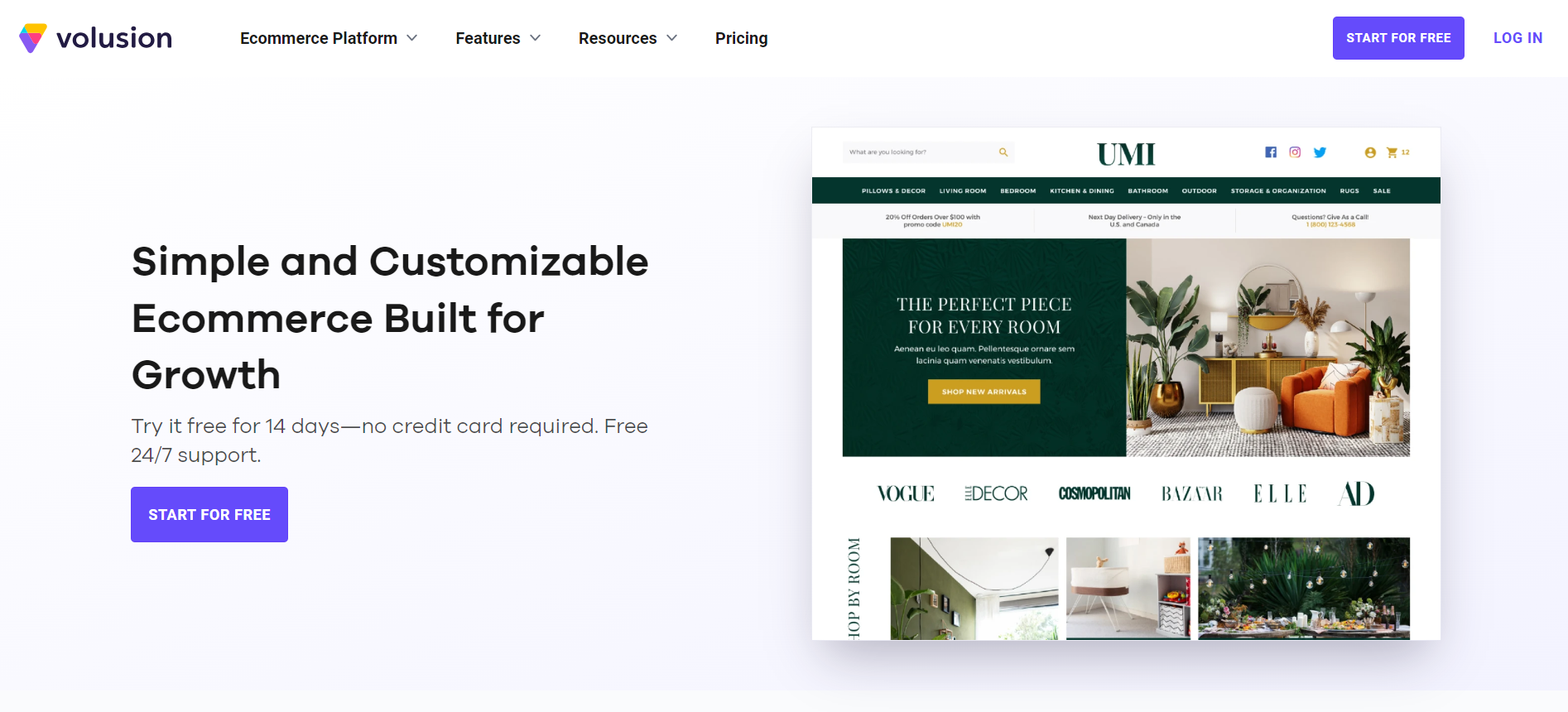
Volusion is a veteran in the e-commerce space, offering an all-in-one platform for small to medium-sized businesses. It’s a feature-rich platform with a focus on product management and analytics, making it an excellent option for merchants who need powerful reporting tools. However, Volusion lacks some of the design flexibility and customization options that platforms like Shopify offer. It’s a good choice for businesses looking to scale, but not as beginner-friendly as other platforms.
Main features
Comprehensive product management: Tools for inventory tracking, SKU generation, and product variants.
Powerful analytics: Advanced reporting features to track performance.
Abandoned cart reports: Tools to recover lost sales.
Multi-channel selling: Sell across social media platforms like Facebook and Instagram.
Setup Process
Volusion’s setup process is straightforward but requires some familiarity with e-commerce platforms. The platform provides a variety of templates, but customization options are somewhat limited. It also offers a built-in onboarding guide to help with setup.
Payment processing
Volusion supports a wide range of payment gateways, including Stripe, PayPal, and Authorize.Net. Transaction fees vary depending on the payment processor used, but Volusion itself doesn’t charge additional fees for payments.
Assistance and customer service
Volusion offers 24/7 customer support via phone, chat, and email, with priority support available for higher-tier plans. The platform also has a resource library and video tutorials.
Pricing plans
Personal: $35/month
Professional: $79/month
Business: $299/month
Pros and cons
Pros:
Advanced product management features
Detailed analytics and reporting
Multi-channel selling options
No transaction fees
Cons:
Limited customization options
Less beginner-friendly
Verdict
Volusion is a strong contender for businesses that prioritize product management and analytics. It’s less suited for beginners, but for businesses with experience in e-commerce, it offers great scalability and reporting capabilities.
15. Big Cartel
Starting monthly fee: Free
Basic plan product limit: 5 products (Free Plan)
Rating: 4.0/5
Our Take
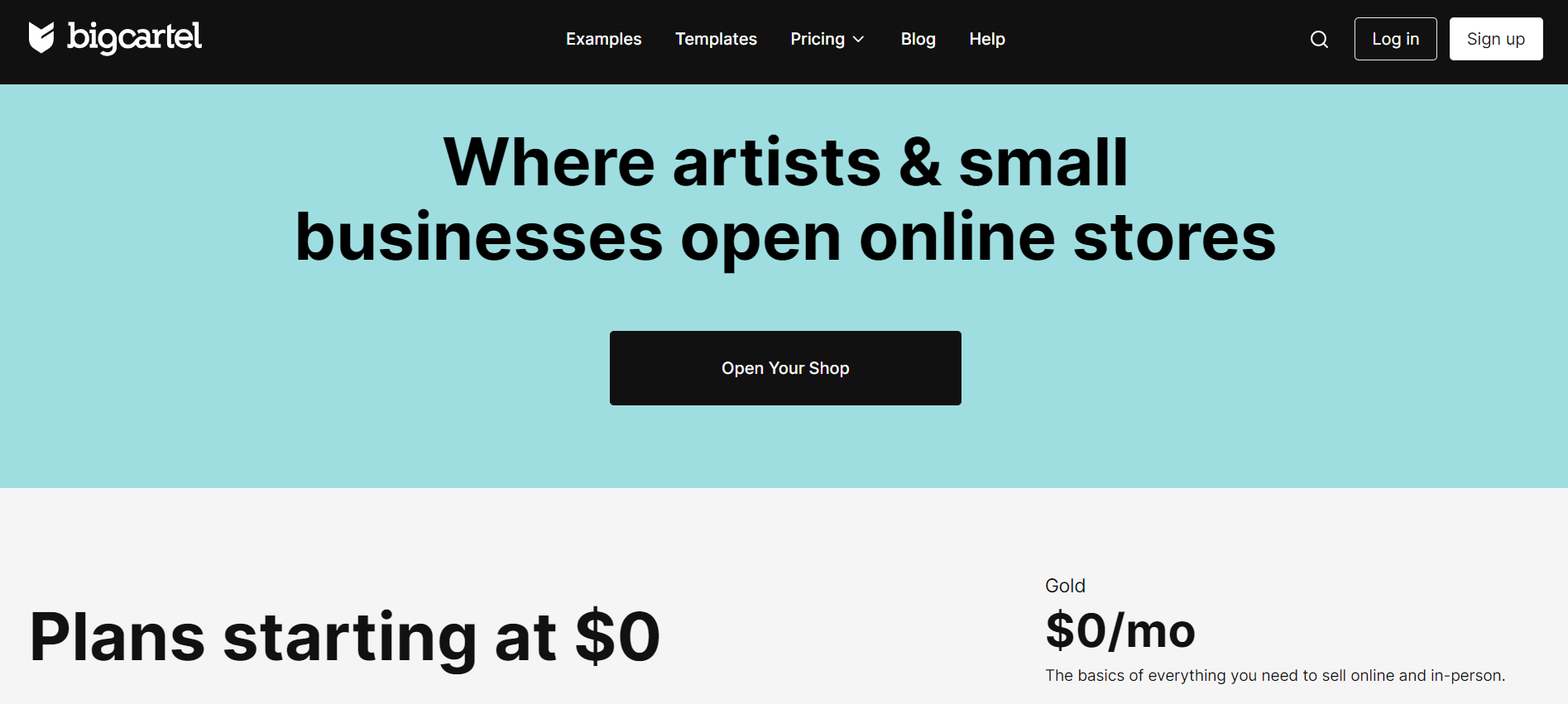
Big Cartel is a unique e-commerce platform tailored specifically for artists, makers, and creative entrepreneurs who want to sell online. It’s a simple, minimalist platform that makes it easy for creatives to showcase their work and sell products without being overwhelmed by complex e-commerce tools. Big Cartel is a good option for small-scale sellers or those just starting out. However, it lacks some advanced features necessary for scaling larger businesses.
Main features
Customizable themes: Easy-to-use themes with options to tweak your store’s design.
No coding required: Perfect for beginners or those who want a no-fuss setup.
Mobile-friendly: Stores look great on any device.
Discount codes: Ability to offer promotional discounts.
Setup Process
Big Cartel has a straightforward setup process that’s perfect for non-technical users. Setting up a store takes just a few minutes, and there’s no need for coding or advanced customization. Its interface is clean and simple, geared toward creatives.
Payment processing
Big Cartel integrates with PayPal and Stripe for payment processing, making it easy to accept credit card and PayPal payments. The platform itself does not charge transaction fees, but the payment processors do.
Assistance and customer service
Big Cartel offers email support, an extensive help center, and a community forum. However, live chat or phone support is not available.
Pricing plans
Free plan: $0/month (up to 5 products)
Platinum: $15/month (up to 50 products)
Diamond: $30/month (up to 500 products)
Pros and cons
Pros:
Affordable pricing, including a free plan
Simple and clean interface
Easy to set up with no coding needed
No transaction fees on sales
Cons:
Limited features for scaling businesses
No live chat or phone support
Basic design customization options
Verdict
Big Cartel is a great platform for artists, creatives, and small-scale sellers who want an easy-to-use platform to sell their work. Its minimalist design and pricing structure make it an appealing option for those who don’t need advanced e-commerce features.
16. Ecwid
Starting monthly fee: Free
Basic plan product limit: 10 products (Free Plan)
Rating: 4.5/5
Our Take
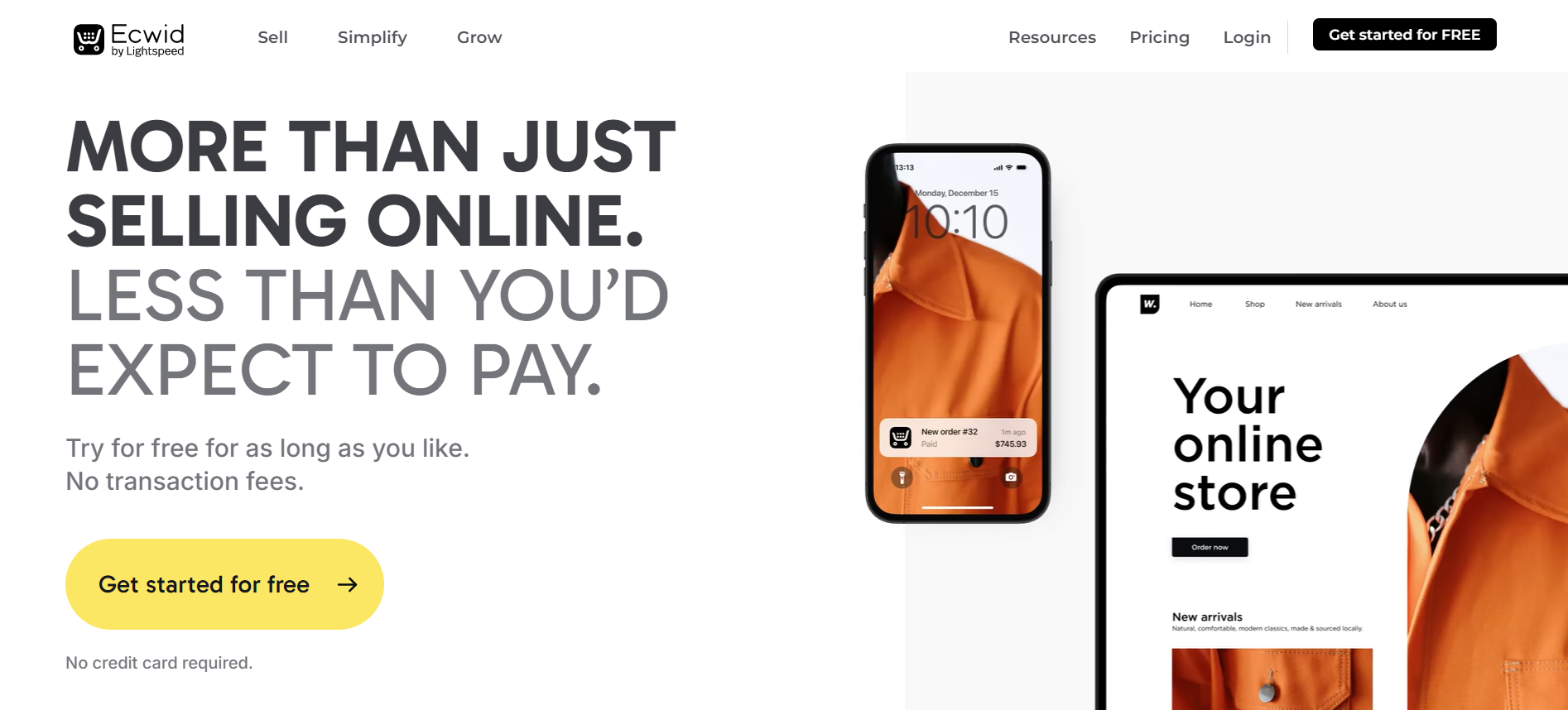
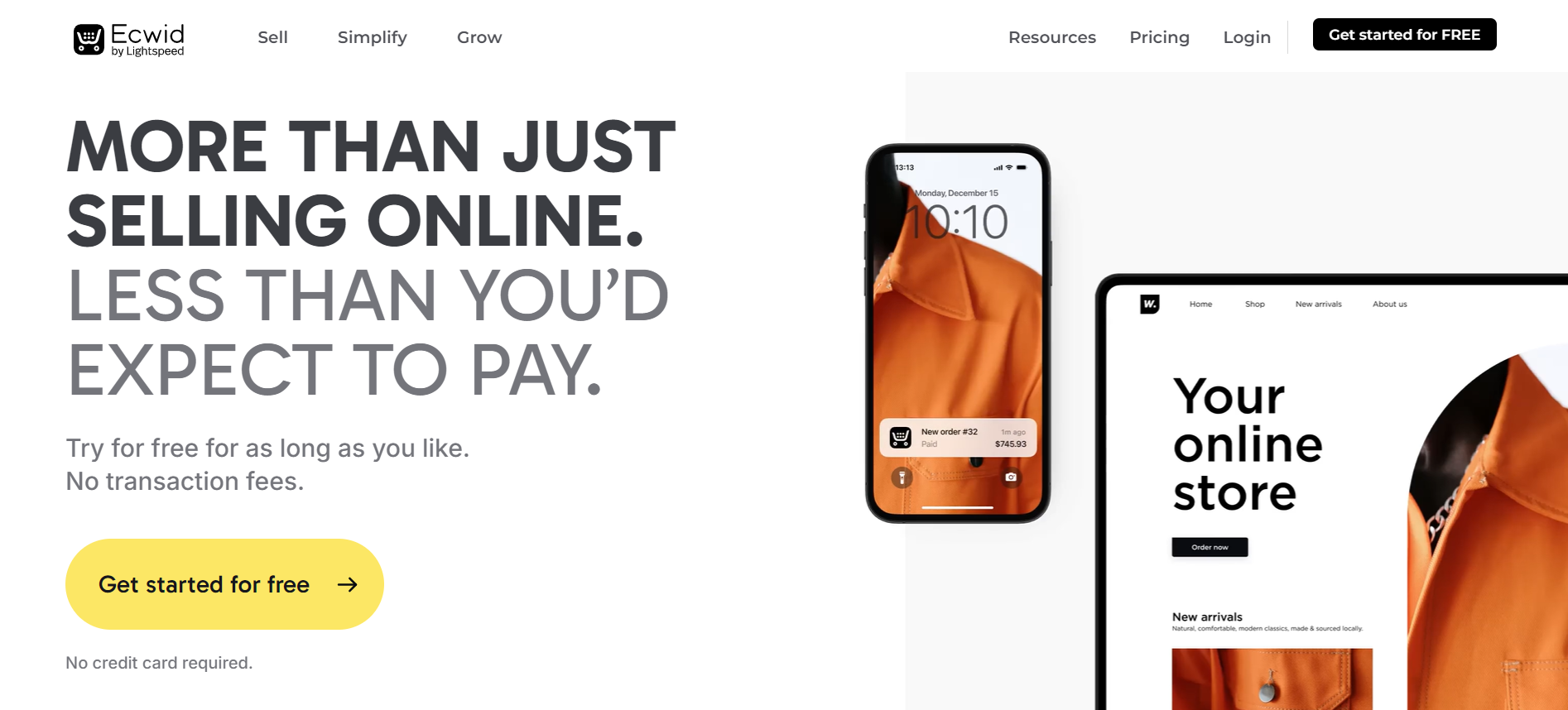
Ecwid is an excellent choice for small businesses or individuals who want to add e-commerce functionality to an existing website or social media page. Unlike traditional e-commerce platforms, Ecwid focuses on integrating with existing websites, offering users the flexibility to add a store without needing to build a new site. It’s also highly scalable, providing free and paid plans for businesses of any size. However, its features can be limited compared to more robust platforms like Shopify or BigCommerce for larger enterprises.
Main features
Seamless integration: Add an online store to any website or social media platform.
Multi-channel selling: Sell on Facebook, Instagram, Amazon, eBay, and more.
Mobile-responsive storefront: Optimized for all devices.
POS integration: Use Ecwid’s built-in POS system or integrate with other systems.
Setup Process
Ecwid’s setup is quick and painless, especially for those with existing websites. Users simply add Ecwid as a plugin to platforms like WordPress, Wix, or Weebly, or use it as a standalone store. The platform provides step-by-step instructions to guide users through the setup.
Payment processing
Ecwid supports over 50 payment gateways, including Stripe, PayPal, Square, and more. The platform does not charge transaction fees, but the payment processors may.
Assistance and customer service
Ecwid offers email support for free plans, while higher-tier plans include phone and live chat support. There’s also a comprehensive knowledge base for users to troubleshoot issues independently.
Pricing plans
Free: $0/month (up to 10 products)
Venture: $19/month (up to 100 products)
Business: $39/month (up to 2,500 products)
Unlimited: $99/month (unlimited products)
Pros and cons
Pros:
Free plan available
Easy integration with existing websites
Multi-channel selling across various platforms
No transaction fees
Cons:
Limited features for larger businesses
Free plan only supports up to 10 products
Not ideal for businesses needing a full-fledged standalone e-commerce platform
Verdict
Ecwid is a fantastic solution for small to medium-sized businesses looking to enhance their current website with e-commerce functionality. Its multi-channel selling features and ease of integration make it highly adaptable, but larger enterprises may find its features lacking for more complex operations.
17. Shift4Shop
Starting monthly fee: $29
Basic plan product limit: Unlimited
Rating: 4.2/5
Our Take
Shift4Shop (formerly known as 3dcart) is a feature-rich e-commerce platform designed for businesses that want to grow and scale. It offers a comprehensive set of tools, including robust SEO features, multi-channel selling, and built-in marketing tools. Shift4Shop also provides a free plan for U.S. merchants using Shift4’s payment processing, making it an affordable option for new or small businesses. However, some users report a steeper learning curve and more complex setup than other platforms like Shopify or BigCommerce.
Main features
Comprehensive SEO tools: Built-in features to improve search rankings.
Multi-channel selling: Sell on Amazon, Facebook, eBay, and more.
Built-in marketing tools: Includes email marketing, social media integration, and discounts.
Mobile-responsive themes: Optimized for any device.
Setup Process
Shift4Shop’s setup process is slightly more complex than other platforms due to its wide array of customization options and features. However, the platform provides step-by-step guides and tutorials to help users through the process.
Payment processing
Shift4Shop offers its own payment processor, Shift4 Payments, which is required for the free plan. It also integrates with over 100 other payment gateways, including PayPal, Stripe, and Authorize.Net. There are no additional transaction fees when using Shift4 Payments.
Assistance and customer service
Shift4Shop offers 24/7 customer support through phone, chat, and email. There is also a comprehensive knowledge base with articles and tutorials.
Pricing plans
Free Plan: $0/month (for U.S. merchants using Shift4 Payments)
Basic: $29/month
Plus: $79/month
Pro: $229/month
Pros and cons
Pros:
Free plan available for U.S. merchants
Strong SEO features
Extensive multi-channel selling options
Built-in marketing tools
Cons:
Steeper learning curve
More complex setup
Free plan limited to Shift4 Payments
Verdict
Shift4Shop is a robust e-commerce platform with advanced features for growing businesses. Its free plan for U.S. merchants and powerful SEO tools make it a competitive option, but the platform may require more time to learn and set up than simpler platforms.
18. OpenCart
Starting monthly fee: Free (open-source)
Basic plan product limit: Unlimited
Rating: 4.1/5
Our Take
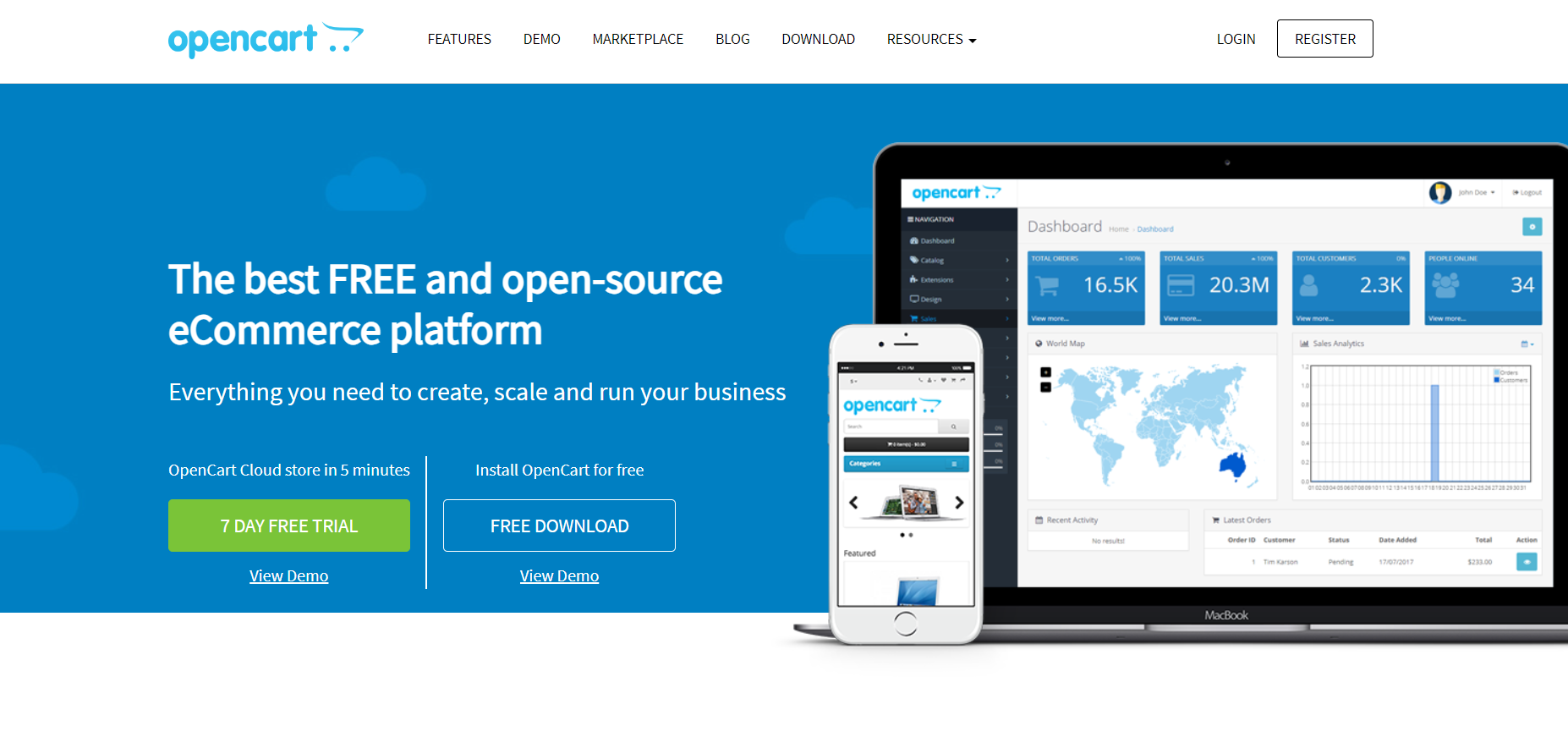
OpenCart is an open-source e-commerce platform that offers extensive customization options, making it ideal for developers or businesses that need complete control over their online store. It’s free to use, but users will need to find their own hosting and potentially hire developers for more complex customizations. OpenCart offers a wide range of extensions and themes, allowing businesses to tailor their stores to their specific needs. However, the platform’s open-source nature means it’s not as beginner-friendly as hosted solutions like Shopify or Wix.
Main features
Open-source platform: Complete control over your store’s functionality and design.
Extensions marketplace: Thousands of extensions and themes available for customization.
Multi-store management: Manage multiple stores from one admin interface.
Multi-language and multi-currency support: Ideal for international businesses.
Setup Process
Setting up an OpenCart store requires a bit more technical knowledge than other platforms, as users must install the software on their own server or hosting provider. Once installed, the setup process involves choosing extensions and themes from the marketplace to customize the store’s functionality.
Payment processing
OpenCart supports a wide range of payment gateways, including PayPal, Stripe, Authorize.Net, and more. Users can also integrate custom payment methods through extensions.
Assistance and customer service
As an open-source platform, OpenCart doesn’t offer direct customer support. However, there is a large community of developers and a wealth of online resources available, including forums, tutorials, and documentation.
Pricing plans
Free: Open-source (self-hosted)
Pros and cons
Pros:
Free and open-source
Extensive customization options
Multi-store management capabilities
Large selection of extensions and themes
Cons:
Requires technical knowledge
No built-in customer support
Users must handle their own hosting
Verdict
OpenCart is a highly customizable, open-source platform ideal for businesses with the technical expertise to manage their own store. It’s not as user-friendly as hosted platforms, but it offers unparalleled flexibility for businesses that need complete control over their online store.
19. Sellfy
Starting monthly fee: $19
Basic plan product limit: Unlimited
Rating: 4.3/5
Our Take
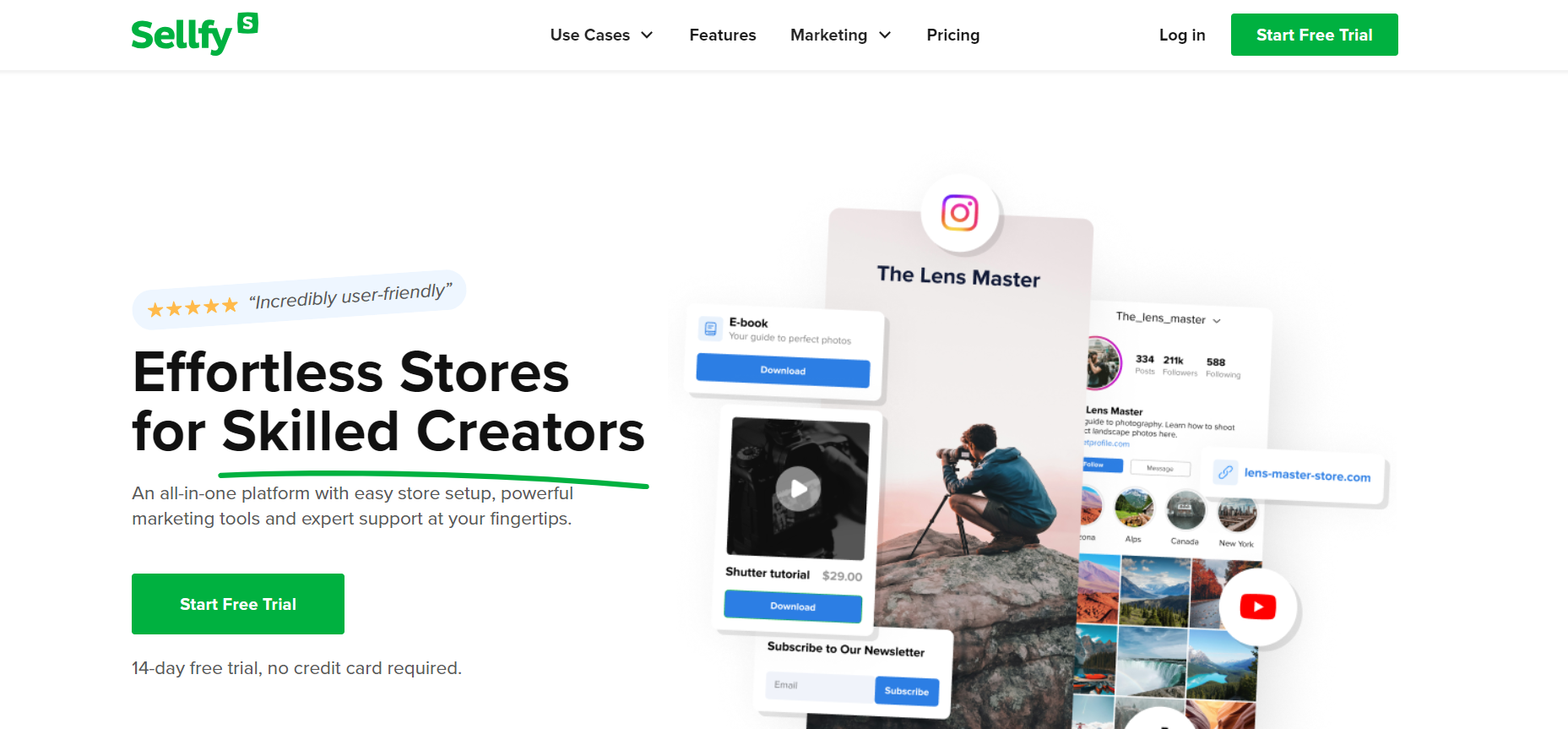
Sellfy is an e-commerce platform tailored for creators, artists, and digital product sellers who want a simple way to sell their work. It’s especially popular for selling digital products like eBooks, music, videos, and courses. With its straightforward interface and focus on digital sales, Sellfy is easy to set up and use, making it ideal for creators who need a hassle-free platform. However, it lacks some advanced features for larger stores or businesses selling physical products.
Main features
Digital product selling: Built specifically for selling digital goods.
Simple interface: Easy to set up and use with no coding required.
Product embedding: Embed products on other websites or social media platforms.
Marketing tools: Built-in email marketing and discount code features.
Setup Process
Sellfy’s setup process is quick and easy. Users can start selling in minutes with minimal customization required, making it a great option for creators looking to get started quickly.
Payment processing
Sellfy integrates with Stripe and PayPal, offering simple payment options for both digital and physical products. The platform does not charge transaction fees beyond those imposed by the payment processors.
Assistance and customer service
Sellfy offers email support and a helpful knowledge base for troubleshooting issues. Phone and live chat support are not available.
Pricing plans
Starter: $19/month
Business: $49/month
Premium: $99/month
Pros and cons
Pros:
Easy to set up and use
Perfect for digital product sellers
No transaction fees
Product embedding on other sites and social media
Cons:
Limited features for physical product sellers
No live chat or phone support
Lacks advanced store management tools
Verdict
Sellfy is an excellent platform for creators and digital product sellers who want a simple way to sell their work online. Its ease of use and focus on digital products make it a great option for artists, but businesses selling physical goods may find its features lacking.
20. CoreCommerce
Starting monthly fee: $29.99/month
Basic plan product limit: Unlimited
Rating: 4.2/5
Our Take
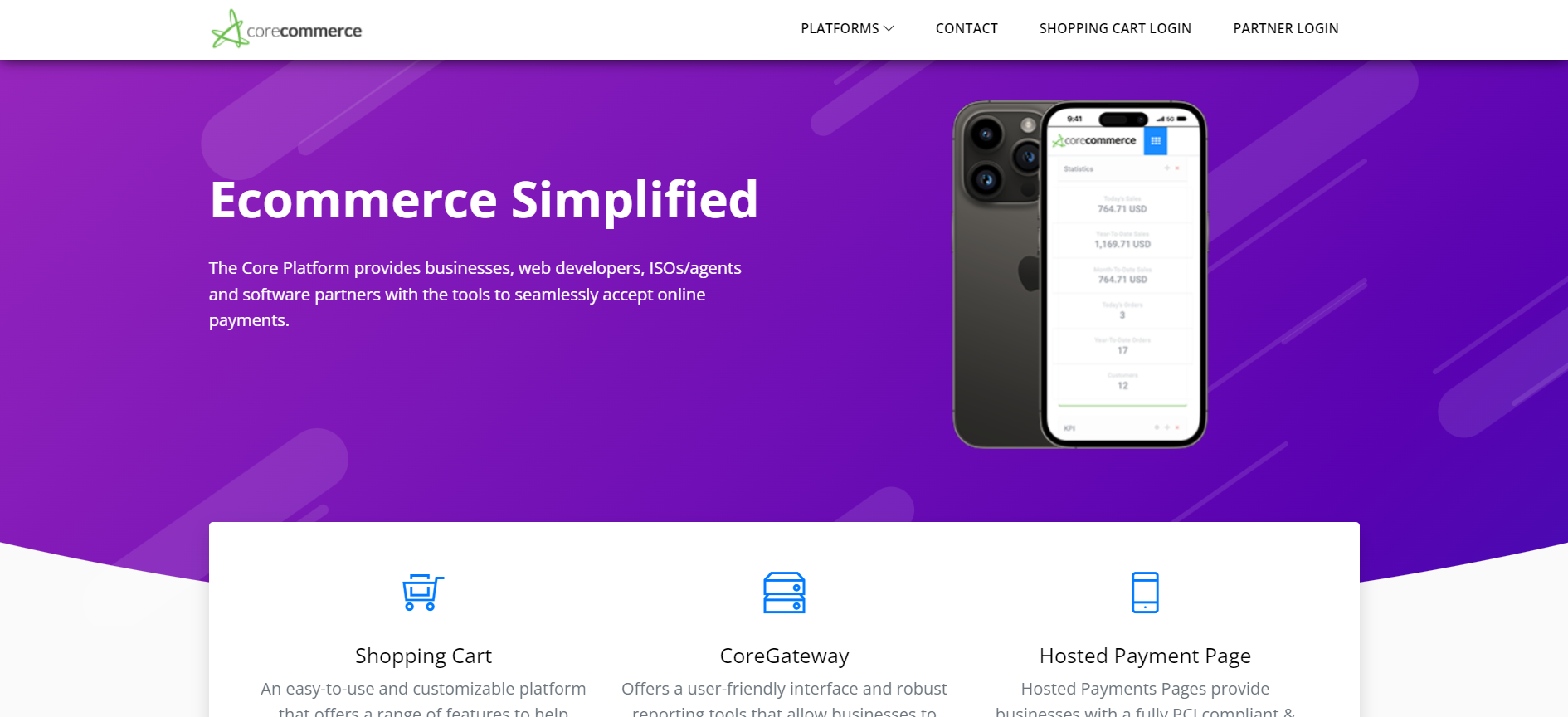
CoreCommerce is a robust, cloud-based e-commerce platform designed for small to mid-sized businesses. It provides an easy-to-use interface with powerful features, such as built-in SEO tools, a mobile-responsive design, and multiple payment processing options. CoreCommerce is fully hosted, which means you don’t need technical expertise to get started, and it’s ideal for businesses looking for an affordable, feature-rich solution that doesn’t require heavy customization.
Main features
Mobile-responsive themes: Optimized for mobile shopping.
SEO tools: Helps improve search engine visibility with built-in features.
Integrated payment processing: Supports multiple payment gateways, including PayPal and Stripe.
Customizable store design: Drag-and-drop tools allow for easy customization.
Built-in inventory management: Helps track stock levels across different product lines.
Setup Process
CoreCommerce is cloud-based and fully hosted, so the setup process is quick and beginner-friendly. Users can sign up for an account, choose a theme, and start adding products right away without needing any technical knowledge.
Payment processing
CoreCommerce integrates with over 50 payment gateways, including PayPal, Stripe, Authorize.Net, and more. It supports global currencies and allows for flexible payment options for international sales.
Assistance and customer service
CoreCommerce offers email, phone, and live chat support. The platform also has an extensive knowledge base with tutorials and FAQs to assist users with setup and ongoing management.
Pricing plans
Basic: $29.99/month
Advanced: $79.99/month
Pro: $229.99/month
Pros and cons
Pros:
Fully hosted platform
Easy to set up and use
Extensive payment gateway options
Built-in SEO tools
Mobile-responsive design
Cons:
Limited advanced customization options
Higher-tier plans can be costly
Fewer advanced marketing features than competitors
Verdict
CoreCommerce is a solid choice for small to mid-sized businesses looking for an affordable, feature-rich, and easy-to-use e-commerce platform. While it lacks some advanced customization options, its built-in tools and strong support make it an excellent option for businesses that want to focus on selling rather than managing complex technical setups.
What is an Ecommerce Platform?
An ecommerce platform is a comprehensive software solution that allows businesses to build and manage their online store. It provides everything needed to sell online, from designing a website to handling payment processing, inventory management, and customer data. An ecommerce solution cater to a wide range of users, from small online businesses to large enterprises. Whether you’re using self-hosted ecommerce platforms or hosted solutions like Square Online or Adobe Commerce, these platforms give you the tools to create a user-friendly ecommerce site with features like customizable templates, search engine optimization (SEO), and third-party integrations for payment gateways and marketing. Discover how an ecommerce platform enables direct-to-consumer sales, allowing businesses to seamlessly connect with their audiences without intermediary channels.
With platforms like Shopify, WooCommerce, and Salesforce Commerce Cloud, you can build your own online store with minimal technical knowledge. They often include website builders, social media integration, and features for abandoned cart recovery, helping businesses boost online shopping and retail sales. Whether you’re looking for a free ecommerce platform or a platform provider offering paid plans, the options are vast, catering to different business models and needs. Interested in leveraging the online marketplace? See how digital commerce platforms can elevate your sales and transform your business landscape.
Benefits of Using an Ecommerce Platform
Using an ecommerce platform offers numerous advantages for businesses looking to sell online. First and foremost, it simplifies the process of creating and managing ecommerce websites. With built-in features like inventory management, payment gateways, and marketing tools, you can focus on growing your business without worrying about the technicalities of running an ecommerce store. Platforms like Shopify and BigCommerce come with free themes, making it easy to design your online store with a user-friendly interface. Interested in online selling? Learn about the transformative power of online commerce platforms and their necessity for thriving in the digital marketplace.
Additionally, ecommerce platforms often provide search engine optimization (SEO) features, helping your online business rank higher in search engines, and attracting more customers. Many platforms also support social media integration, allowing businesses to market their products across multiple channels. Other key benefits include mobile responsiveness, automated sales tax, and advanced tools for sales data and reporting. Whether you choose a hosted ecommerce platform or a self-hosted solution, you gain access to a wide array of advanced features like customization options, abandoned cart recovery, and email marketing tools to maximize your sales potential. Explore the different ecommerce model types to decide which best supports your business needs and leverages these benefits effectively.
Ecommerce Platform Essentials: Checklist
When choosing the best ecommerce platform for your business, make sure it includes the following features for your ecommerce sites:
Customizable templates: Ensure the platform offers customization options to design a visually appealing ecommerce site.
Payment gateways: Multiple payment options, including Apple Pay and other third-party integrations.
Inventory management: Built-in tools to manage your stock levels and track sales data.
Mobile-responsive design: The platform should be optimized for mobile devices, ensuring a seamless shopping experience across all platforms.
SEO features: Essential for improving your online store’s visibility on search engines.
Abandoned cart recovery: Helps recover lost sales by reminding customers to complete their purchases.
Security features: Protect sensitive customer information and comply with data protection regulations.
Hosting environment: Make sure the platform offers reliable hosting, or you can host it on your own server if using a self-hosted ecommerce platform.
Customer support: Look for platforms offering phone support, live chat, or 24/7 assistance.
Marketing tools: Includes options like email marketing tools, social media integration, and discounts/promotions.
How to Choose the Best Ecommerce Platform for Your Business
Selecting the right ecommerce platform is essential to the success of your ecommerce business. Start by assessing your specific business needs—whether you’re a small business looking for a user-friendly interface or a large retailer requiring advanced features like multiple payment gateways and inventory management. Consider whether you need a hosted platform like Shopify or a self-hosted ecommerce platform like WooCommerce, which gives you more control over your website by allowing you to choose your own web hosting platform.
Evaluate each platform’s key features, such as customizable templates, SEO features, and mobile responsiveness. Check for integrations with other business software, such as email marketing tools or shopping cart software, which can streamline operations. Additionally, consider your budget—many platforms offer free plans or free ecommerce platforms with optional paid plans that unlock more advanced features. Finally, prioritize platforms with strong security features to safeguard sensitive customer information, and make sure they provide the support your business needs, whether it’s phone support or a detailed knowledge base.
Final Thoughts on Choosing the Best E-commerce Platform
Selecting the best e-commerce platform is key to building a successful online store. Whether you’re looking for a self-hosted or hosted ecommerce platform, the right solution should offer essential tools like payment processing, inventory management, and SEO features. Platforms such as Shopify, Adobe Commerce, and WooCommerce provide flexibility and scalability for any online business.
With advanced features like customizable templates, abandoned cart recovery, and integration with social media, the right ecommerce platform will streamline your operations and help you sell online effectively. Prioritize platforms that offer a user-friendly interface, solid support, and scalability as your business grows.